GDPR and Cookie Policies for Your Online Store
Overview of the GDPR and cookie regulations for online stores: consent before tracking, documentation, and cookie policies, and how Shoporama meets these requirements.
All online stores that use cookies for statistics or marketing must obtain consent from their visitors. These rules stem from two sources: the GDPR (General Data Protection Regulation) and the ePrivacy Directive, which in Denmark has been implemented through the Cookie Order. This article provides an overview of the requirements and how Shoporama helps you meet them.
This article is a guide, not legal advice. If you have specific legal questions about your online store, you should contact your own legal advisor or consult the guidelines from the Danish Data Protection Agency and the Danish Business Authority.
What rules apply?
- Cookie regulations (ePrivacy/Cookie Regulation): Apply to all cookies and similar technologies, regardless of whether they contain personal data. Informed consent is required before non-essential cookies are set.
- GDPR: Applies when cookies are used to process personal data, which is the case for virtually all analytics and marketing cookies. The GDPR sets requirements for the quality of consent and for documentation.
The requirements in brief
- Consent before tracking: Non-essential cookies may only be set once the visitor has actively given consent. Pre-checked boxes and “continued browsing” do not count as consent.
- Voluntary and granular: The visitor must be able to select or deselect categories, and it must be just as easy to opt out as it is to opt in.
- Informed: Your online store must have a cookie policy that describes which cookies are used, for what purposes, and for how long.
- Withdrawal: Consent must be just as easy to withdraw as it was to give.
- Documentation: You must be able to demonstrate that your solution obtains consent correctly before tracking is activated.
Essential cookies do not require consent
Cookies that are technically necessary for the store to function are exempt from the consent requirement. This applies, for example, to the shopping cart, customer login, and the consent cookie itself. However, anything used for statistics or marketing requires consent. See the complete list of your store’s cookies in “Which cookies does Shoporama set?”.
How Shoporama Meets the Requirements
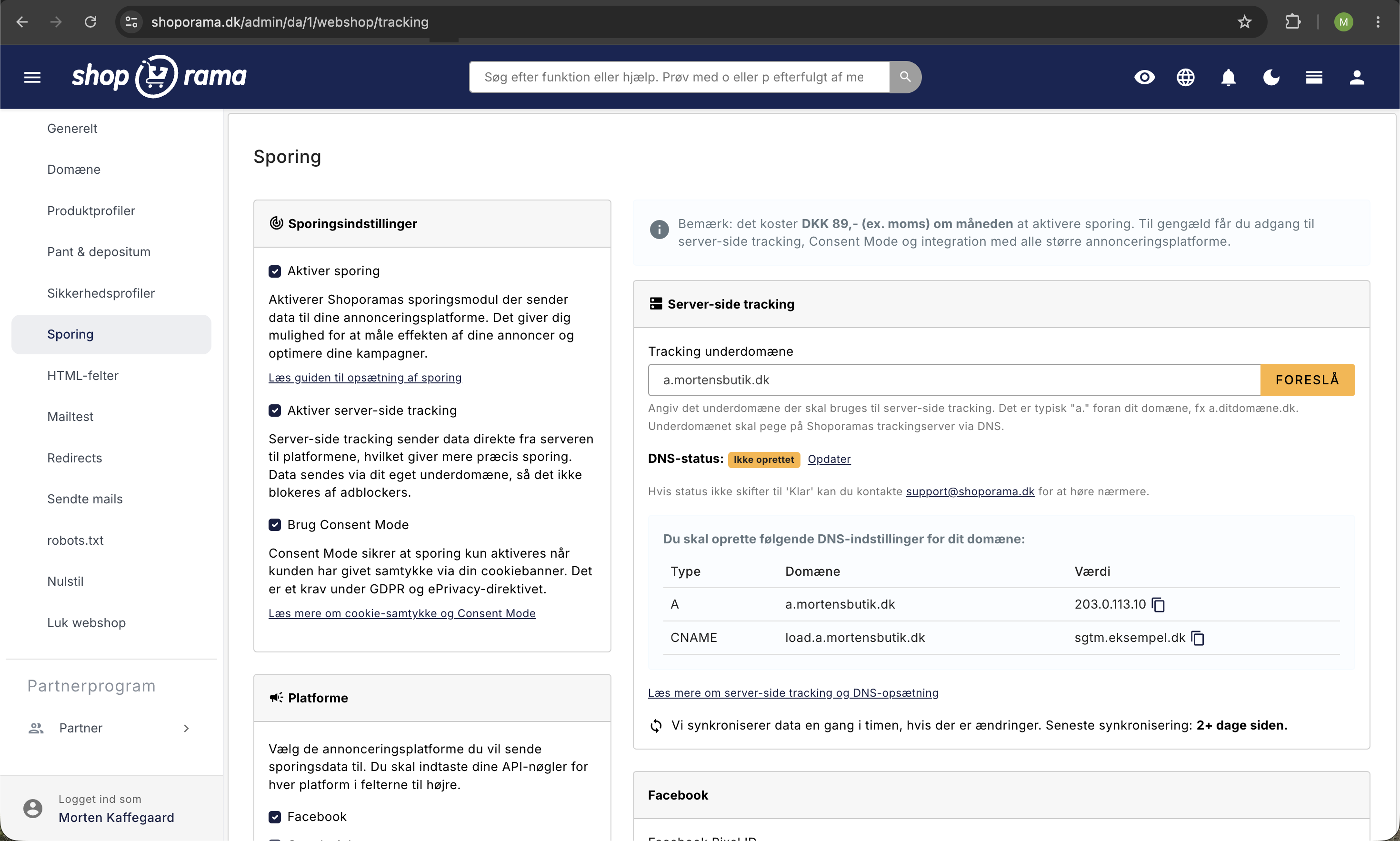
Shoporama has a built-in, free cookie consent app that handles the technical requirements:
- Blocking until consent is given: Analytics and marketing cookies are automatically blocked until the customer gives consent
- Granular selection: The customer can choose between the categories “necessary,” “statistics,” and “marketing”
- No dark patterns: “Accept All” and “Reject All” are displayed side by side with equal visual prominence
- Easy revocation: A cookie icon is always visible, and upon revocation, the relevant cookies are automatically deleted from the browser
- Time-limited consent: Consent is stored with a timestamp and expires after 12 months, after which the customer is asked again
- Google Consent Mode v2: Consent signals are automatically sent to Google, which has required this for personalized advertising in the EU since March 2024
See how to enable and customize the app in Cookie Consent and Consent Mode v2.
Your Responsibilities as a Store Owner
The technology is only half the story. As the data controller, you must ensure the following:
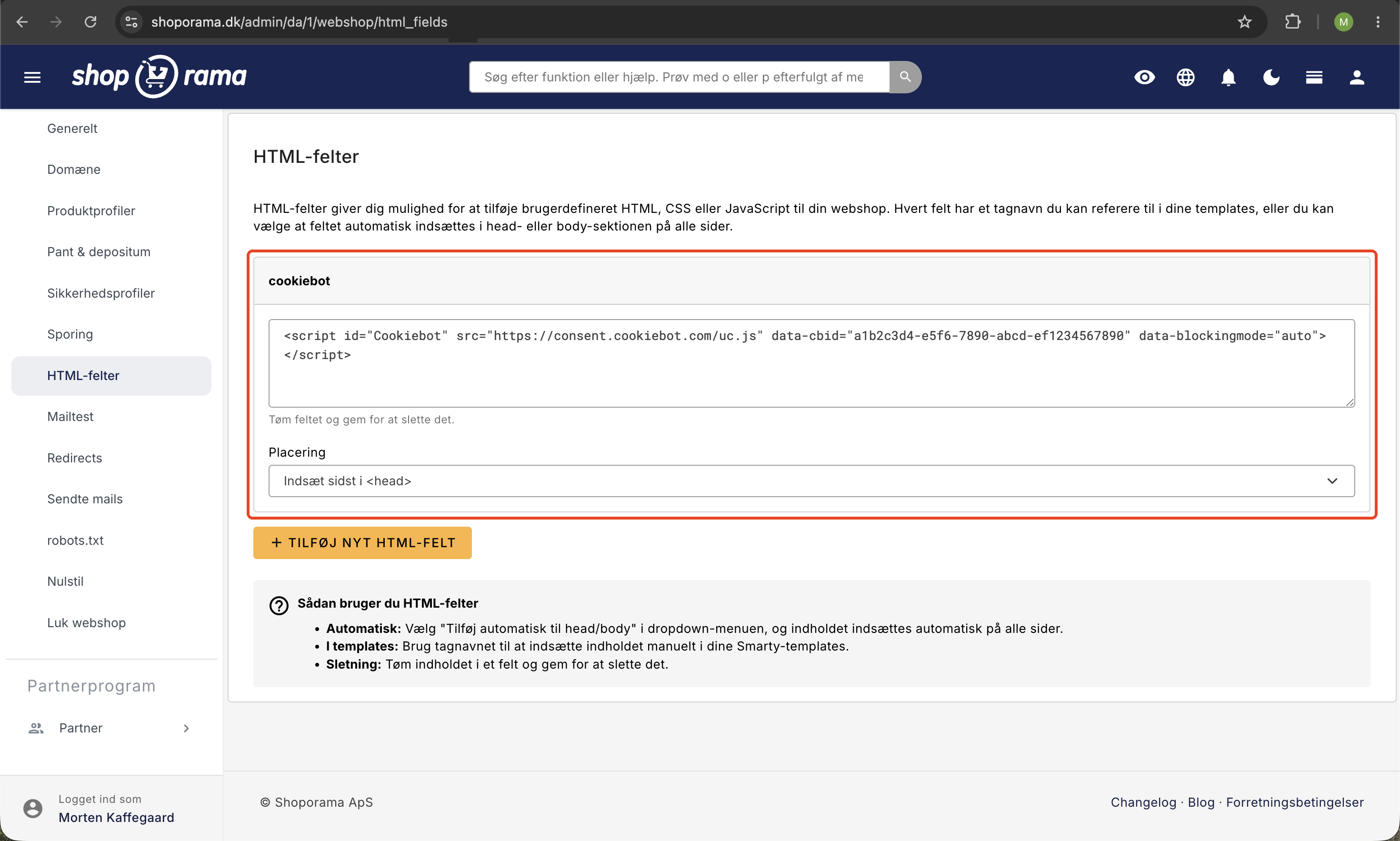
- That cookie consent is enabled on your store, either using Shoporama’s app or an external solution like Cookiebot via HTML fields
- An up-to-date cookie and privacy policy with a list of the store’s cookies. Use the cookie overview as a starting point
- That the policy is kept up to date when you add new integrations or tracking tools
- A signed data processing agreement with Shoporama
Frequently Asked Questions
Is Shoporama’s cookie solution sufficient for me to comply with the GDPR?
The app handles the technical requirements: blocking before consent, granular consent, withdrawal, and Consent Mode. You are responsible for ensuring your cookie policy is accurate and for keeping it up to date. The responsibility for overall compliance always lies with you as the data controller.
What should my cookie policy include?
It should list which cookies the store sets, their purposes and lifespans, as well as how customers can withdraw their consent. Use the cookie overview as a starting point, and remember to add cookies from your own integrations.
Do I need a cookie banner if I don’t use tracking?
If your store only sets necessary cookies, consent is not required, but you must still provide information about cookies in your policy. If you enable analytics or marketing, the banner must be displayed before tracking cookies are set.
Can I use Cookiebot or another solution instead?
Yes. You can integrate an external consent solution via HTML fields. However, Shoporama’s built-in app is free and requires no third-party setup.
How do I document that I’m obtaining consent correctly?
Your setup is the core of your documentation: The app blocks tracking until consent is given, and each consent is stored with a timestamp in the customer’s browser. Describe the solution in your cookie policy so you can demonstrate how consent is obtained.
Related articles
Cookie consent and Consent Mode v2
How to set up Shoporama's free cookie consent app: categories, automatic blocking, consent revocation, and Google Consent Mode v2.
What cookies does Shoporama set?
A complete overview of the cookies set by a Shoporama online store: name, purpose, and duration. Use this list as the basis for your cookie policy.
GDPR - Data Processing Agreement
Information about data processing agreement with Shoporama according to GDPR.
Data Processor Agreement
Guide to approving the data processing agreement with Shoporama under the GDPR.
Related features
Cookie Consent - free and GDPR friendly
Free cookie consent included in Shoporama. Google Consent Mode, categorized cookies, automatic blocking and consent logging. GDPR ready.
Shoporama vs WooCommerce
Compare Shoporama and WooCommerce: price, security, speed, GDPR and maintenance. Find the best online shopping platform for your business.
Webshop with Claude
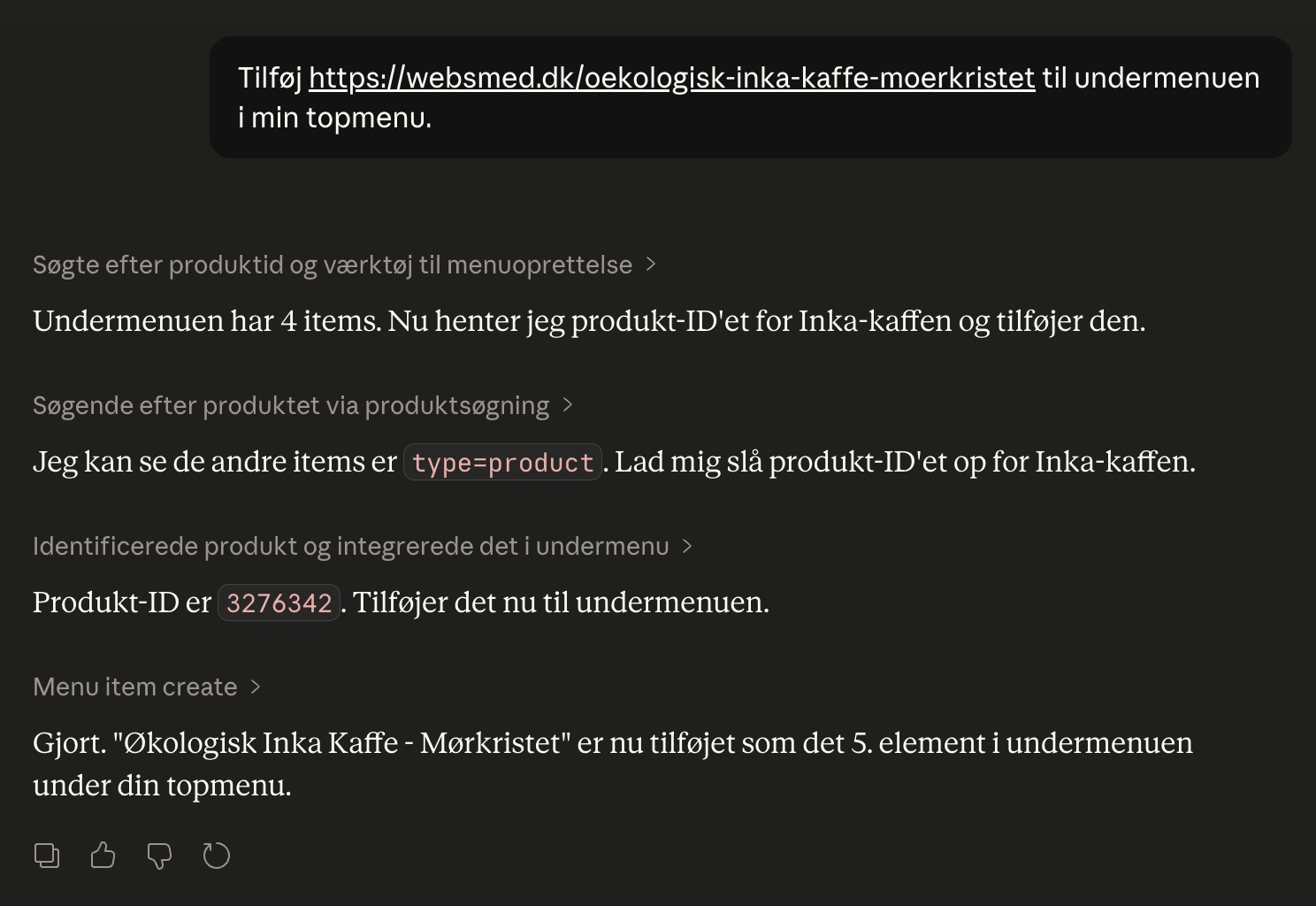
Connect your Shoporama webshop with Claude and manage products, orders, campaigns and designs by typing in Danish. No code, full control, audit log.