Wish lists and favorites
Learn how your customers can create and share wishlists in your Shoporama online store.
Shoporama has two different systems for saving products: wish lists and favorites. The two systems are independent of each other and have different functions and uses.
Wish Lists (the classic feature)
Wish lists are Shoporama’s original system for saving and sharing products. This requires the customer to be logged in, and the data is stored in the database—so the list is accessible on all devices.
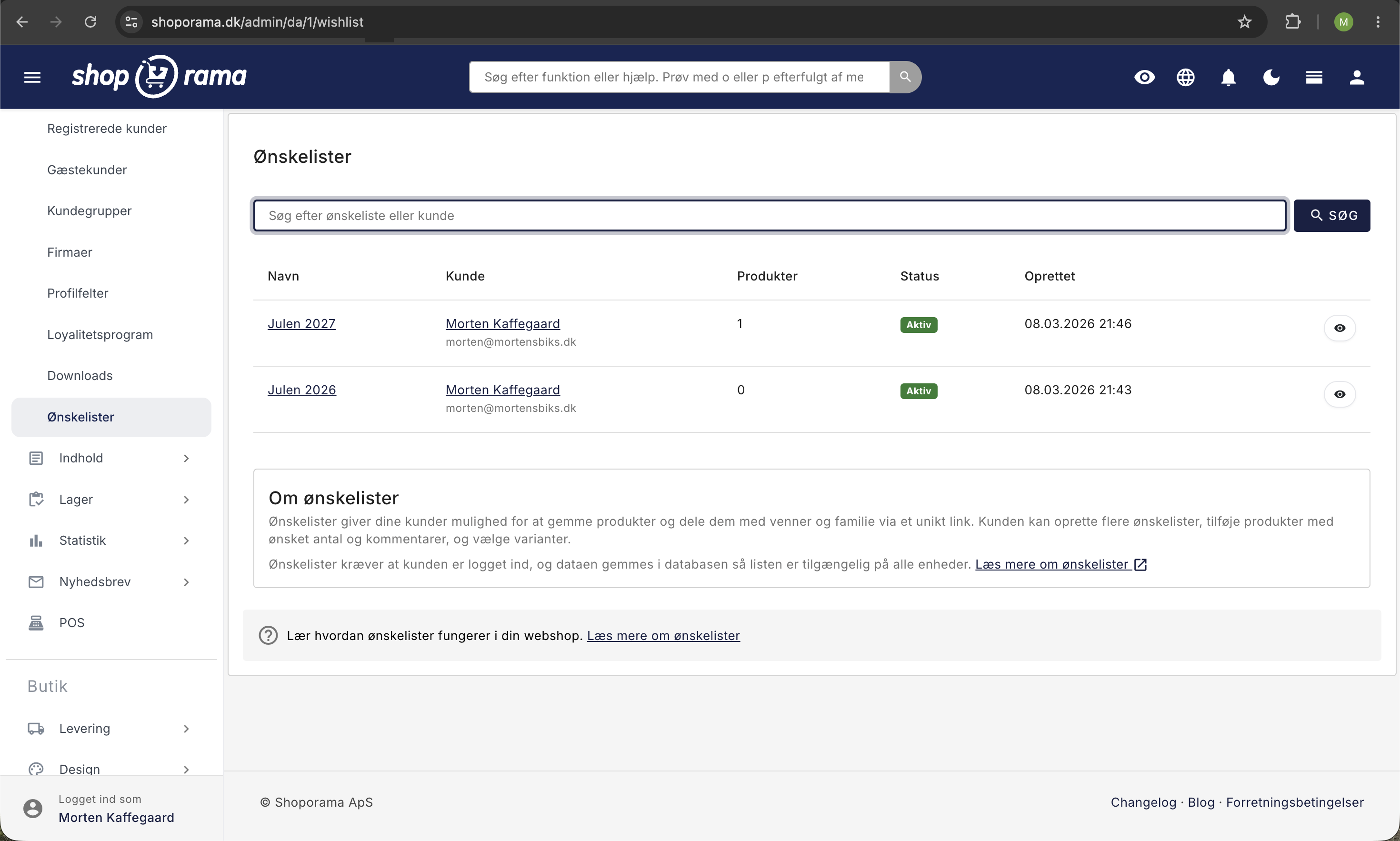
How to enable wish lists
- Log in to your Shoporama admin panel
- Go to Theme Settings in the menu
- InDelaware/DelawareDK: find theProduct section and check the box next to EnableWishlists
- In Alaska2: find the Settings section and check the box next to Enable Wishlist
- Click Save
When a customer is logged in, they can:
- Create multiple wishlists — For example, “Birthday Wishes” and “Christmas Wishes”
- Add products — With the desired quantity and, if desired, a comment
- Select variants — If the product has variants (size, color, etc.)
- Manage the list — Change quantities, remove products, or close the list
- Share the wish list — Each wish list has a unique link that can be shared with friends and family
Sharing
Each wish list has a unique URL. When someone opens the link, they’ll see the wish list’s name, all products with images and quantities, and buttons to add the products directly to their cart. The public view requires no login.
Status
The customer can set a wish list to active or closed. Only active wish lists are visible via the public link.
Wish lists are available in the Alaska2, Delaware, and DelawareDK themes.
Favorites (Delaware Theme)
Delaware and DelawareDK also feature a separate favorites system with a different approach: a simple heart button on each product that saves favorites locally in the browser.
How to enable Favorites
- Go to Theme Settings in the menu
- Find the Product section
- Check the box next to “Enable Wishlist”
- Click Save
This feature allows customers to:
- Add favorites with a single click — Heart button on product cards and product pages
- View all favorites in a sidebar — With product image, name, price, and link
- View total value — The combined price of all favorites
- Remove favorites — Using the remove button directly in the panel
Favorites do not require a login — they work for all visitors. However, they are stored only locally in the browser, so they are tied to the individual device and cannot be shared with others.
Comparison
| Wish Lists | Favorites (Delaware) | |
|---|---|---|
| Requires login | Yes | No |
| More lists | Yes | No (one combined list) |
| Share via link | Yes | No |
| Number and comments | Yes | No |
| Saved across devices | Yes (database) | No (only in the browser) |
| Themes | Alaska2, Delaware, DelawareDK | Delaware / DelawareDK |
In Delaware and DelawareDK, both systems can be used simultaneously—wish lists for logged-in customers and favorites for all visitors. The two systems are independent of each other.
If you have any questions, please feel free to contact us at support@shoporama.dk.
Related articles
Subscriptions
Learn how to set up subscriptions in Shoporama so your customers can create recurring orders with automatic payment and delivery at set intervals.
Unsubscribe links in automatic emails
Give your customers the option to unsubscribe from automatic follow-up emails after purchases and product reviews - with a simple link in the email.
AI assistant in the text editor
Learn how to use Shoporama's built-in AI assistant to generate product texts, image descriptions and text suggestions.