Set up Burd integration
Guide to setting up Burd same-day delivery on your Shoporama online store.
Burd offers same-day delivery in select ZIP codes (primarily Greater Copenhagen and the surrounding area). With Shoporama’s Burd integration, you can offer your customers fast delivery directly from your store.
Requirements
- An agreement with Burd
- Your Customer ID and Code from Burd
- Your shipping address must be within Burd’s coverage area
Setup in Shoporama
- Go to " Delivery " in the left-hand menu
- Select " Setup"
- Check the box next to Burd
- Enter the Customer ID and Code from Burd
- Click Save
Create a shipping option
You must also create a shipping option that uses Burd as the shipping module:
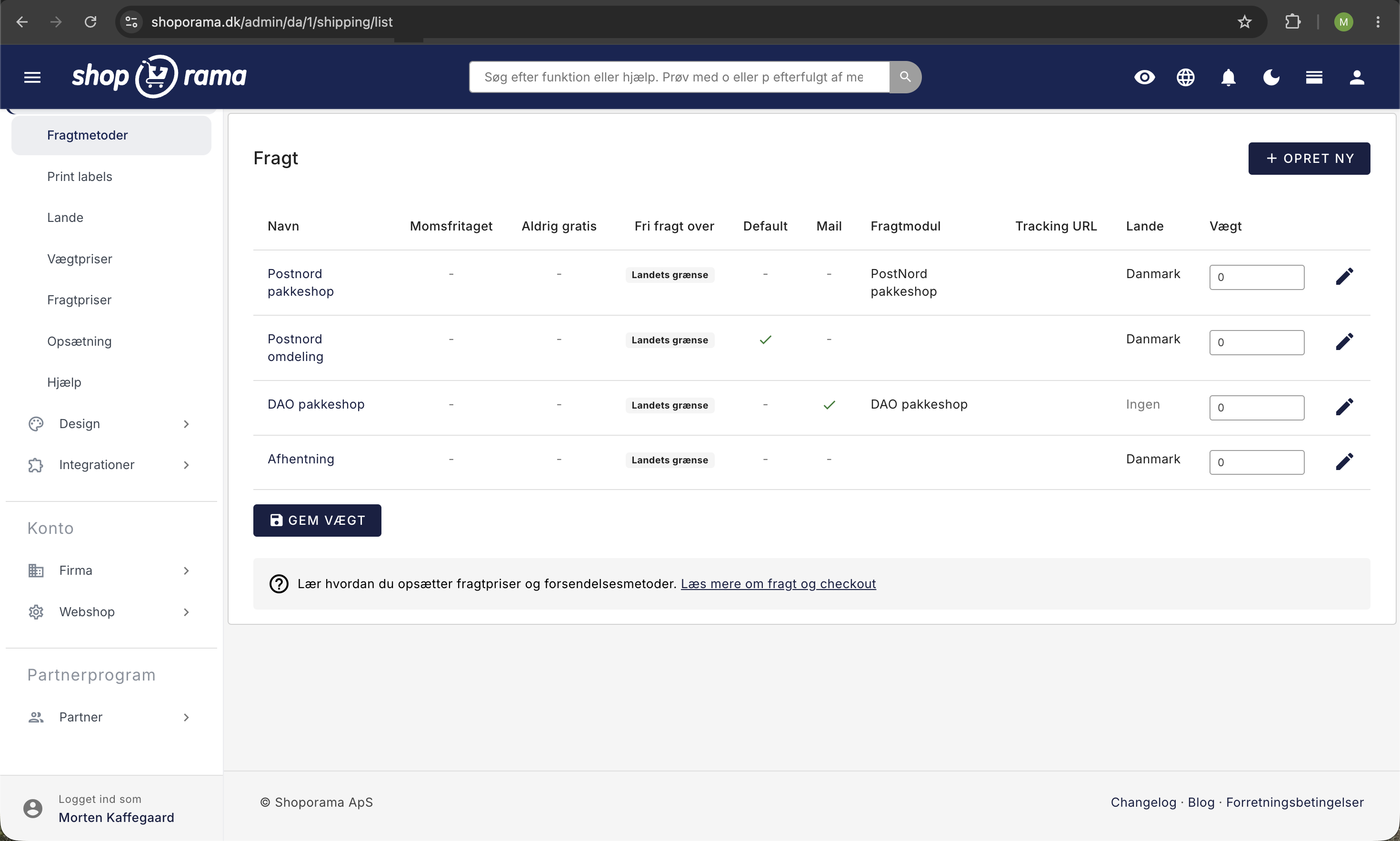
- Go to Delivery, Shipping Methods
- Click "Create New"
- Give it a name (e.g., “Same-day delivery with Burd”)
- Select Burd as the shipping module
- Click " Save"
- Link the shipping option to the relevant countries
How it works
Burd automatically checks whether the customer’s address is within their coverage area. The shipping option is only displayed to customers who can receive Burd delivery.
Tip
Burd is a great addition to your other shipping options. Customers within the coverage area can choose same-day delivery, while customers outside the area can still use PostNord, GLS, etc.
Need help? Contact us at support@shoporama.dk.
Related articles
Set up Heysender integration
Guide to setting up Heysender integration so your transactional emails support DMARC, SPF and have better deliverability.
Set up integration with Anyday
Guide to integrating Anyday installment on your Shoporama online store. Includes script insertion and pricetag implementation.
Set up Klaviyo integration
Guide to setting up Klaviyo integration with your Shoporama online store for automated email flows.