Which user receives system emails?
Guide to view and change which user receives system emails from Shoporama.
Systemmails fra Shoporama (fx driftsinformation, fakturapåmindelser og vigtige meddelelser) sendes til den primære kontaktperson på din shop.
Hvem modtager systemmails?
Systemmails sendes til den e-mailadresse der er registreret på shopejeren — det vil sige den bruger der oprindeligt oprettede shoppen.
Ændr modtager
For at ændre hvem der modtager systemmails:
- Klik på dit firmanavn øverst i admin
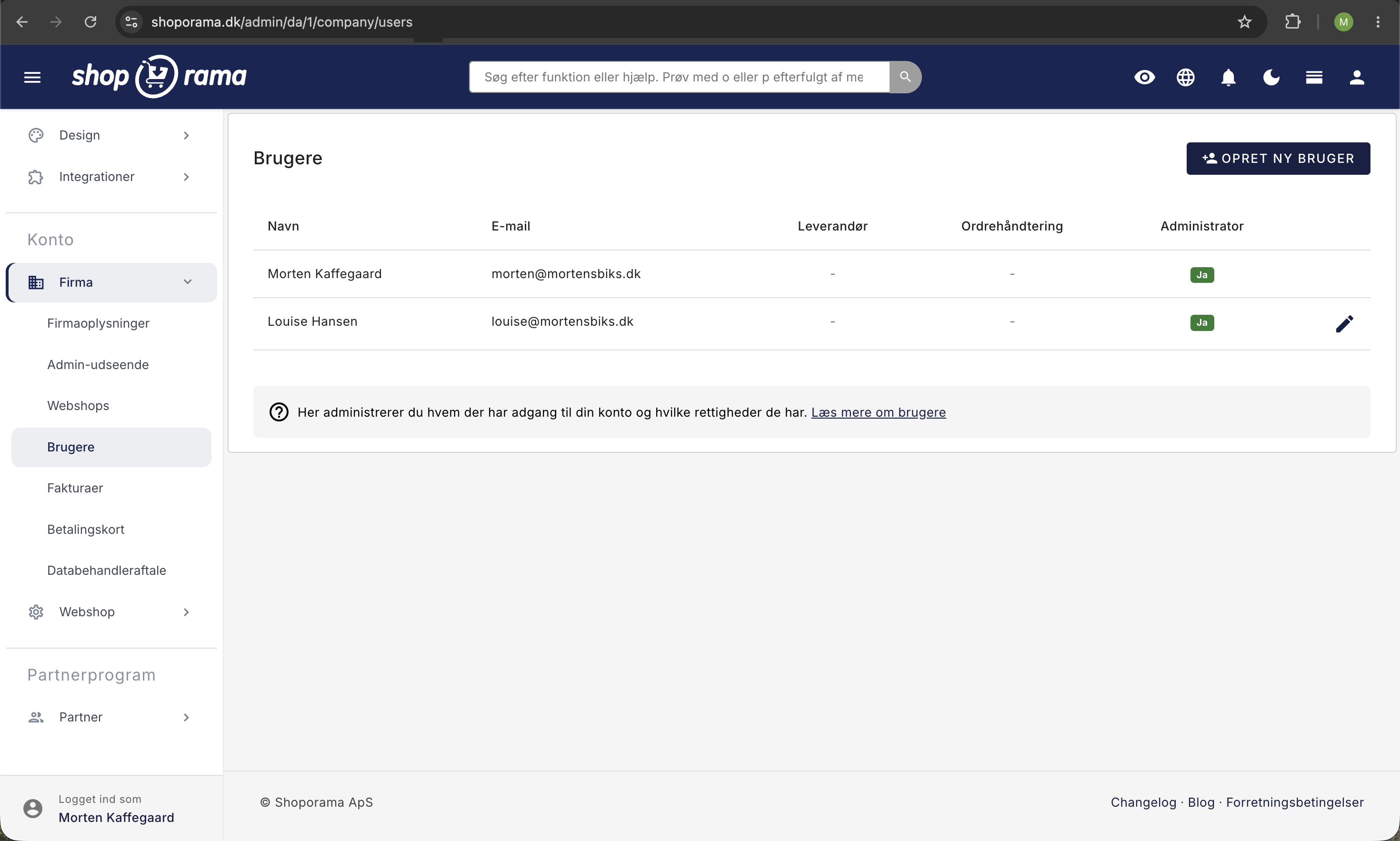
- Gå til Brugere
- Rediger den primære bruger
- Opdater e-mailadressen til den nye modtager
- Klik Gem
Forskel på systemmails og ordremails
- Systemmails — fra Shoporama til dig (drift, faktura, meddelelser)
- Ordrenotifikationer — besked om nye ordrer (konfigureres under Indstillinger → Notifikationer)
- Kundemails — fra din shop til kunder (ordrebekræftelse, forsendelse osv.)
Tip
Sørg for at den primære e-mailadresse altid er opdateret. Vigtige meddelelser om din shop sendes hertil.
Har du brug for hjælp? Kontakt os på support@shoporama.dk.
Related articles
Unsubscribe links in automatic emails
Give your customers the option to unsubscribe from automatic follow-up emails after purchases and product reviews - with a simple link in the email.
Blacklist - Block unwanted orders
Learn how to use Shoporama's blacklist feature to block spam orders and unwanted customers by blacklisting email, phone number or IP address.
Export customers who have purchased a specific product
Guide to export a list of customers who have purchased a specific product and send them an email.