Add multiple products to the basket at a time
Guide to implementing an 'add more to cart' feature, for example on landing pages or wholesale pages.
You can let customers add multiple products to their cart at once. To do this, use an array in the form instead of the standard single-product format.
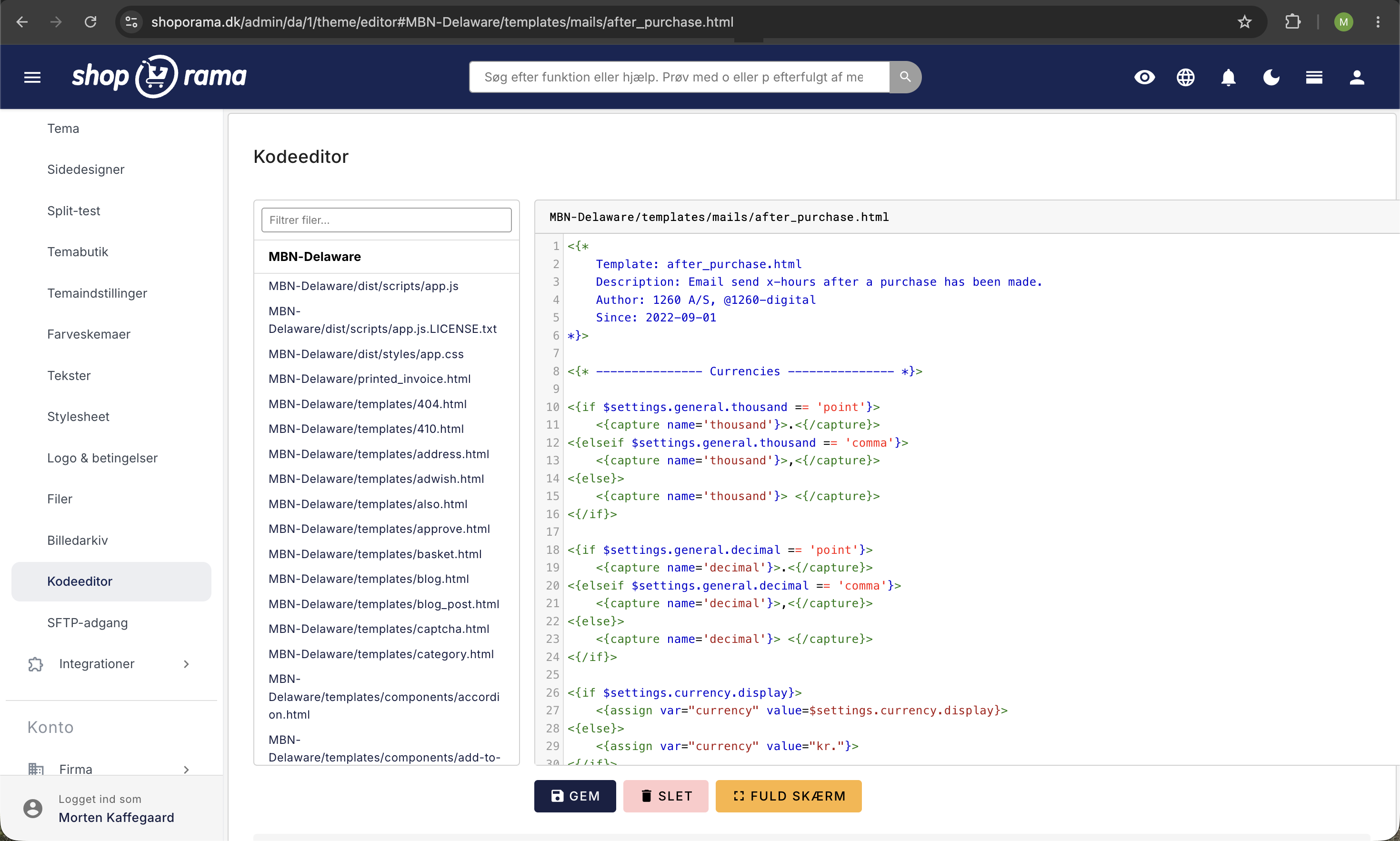
Code example from a landing page
<form action="" method="post">
  <{section name="i" loop=$products}>
    <h3><{$products[i]->getName()|escape}></h3>

    <input type="hidden"
      name="add_to_basket[<{$smarty.section.i.index}>][product_id]"
      value="<{$products[i]->getProductId()}>"/>

    <input type="number"
      name="add_to_basket[<{$smarty.section.i.index}>][amount]"
      value="0" min="0"/>
  <{/section}>

  <input type="submit" value="Add to Cart"/>
</form>
The key is to use ` add_to_basket ` as an array with an index for each product. Each element must contain `product_id ` and `amount`.
You can also add attributes for variants and comment fields for each product.
Need help? Contact us at support@shoporama.dk.
Related articles
Sort products on a landing page
Guide to sorting products on Shoporama landing pages by different parameters.
Add a comment to a product in your cart
Learn how to add a comment field to products in the basket - for engraving, gift wrapping or other customer requests.
Hreflang and alternate tags for multilingual webshops
Guide to creating hreflang alternate tags for products in Shoporama stores running in multiple languages.