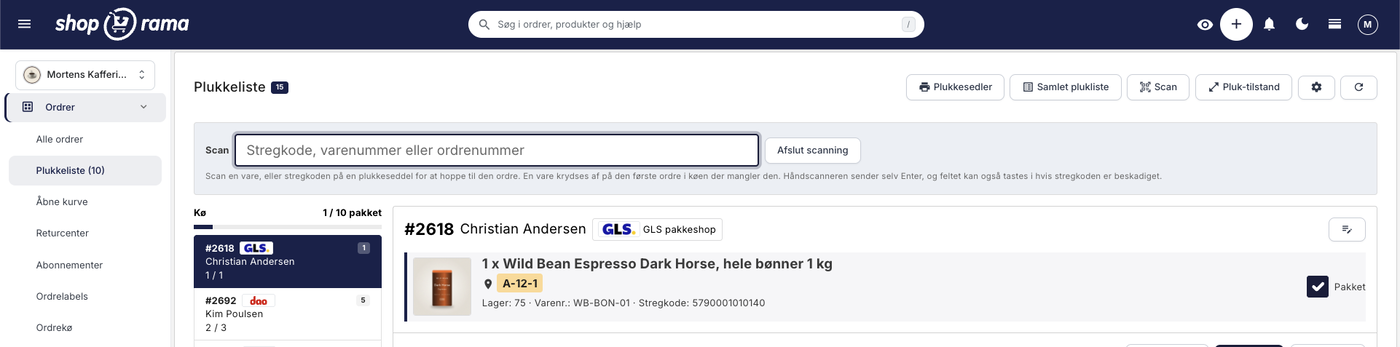
The picking list has been redesigned: scan the items, print the picking slip
The picking list has been completely redesigned. You can now scan items with a standard barcode scanner, print both a picking slip per order and a consolidated picking list for...
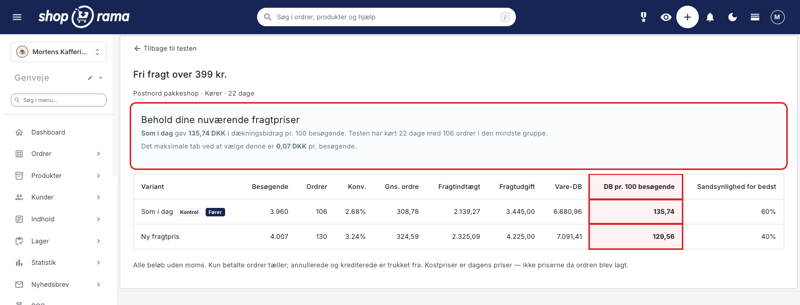
How much should shipping cost? Here's how to find the answer in your own store
A new shipping rate can improve conversion by 21% and still generate less revenue. That’s why Shoporama’s A/B tests of shipping rates are based on contribution margin per...
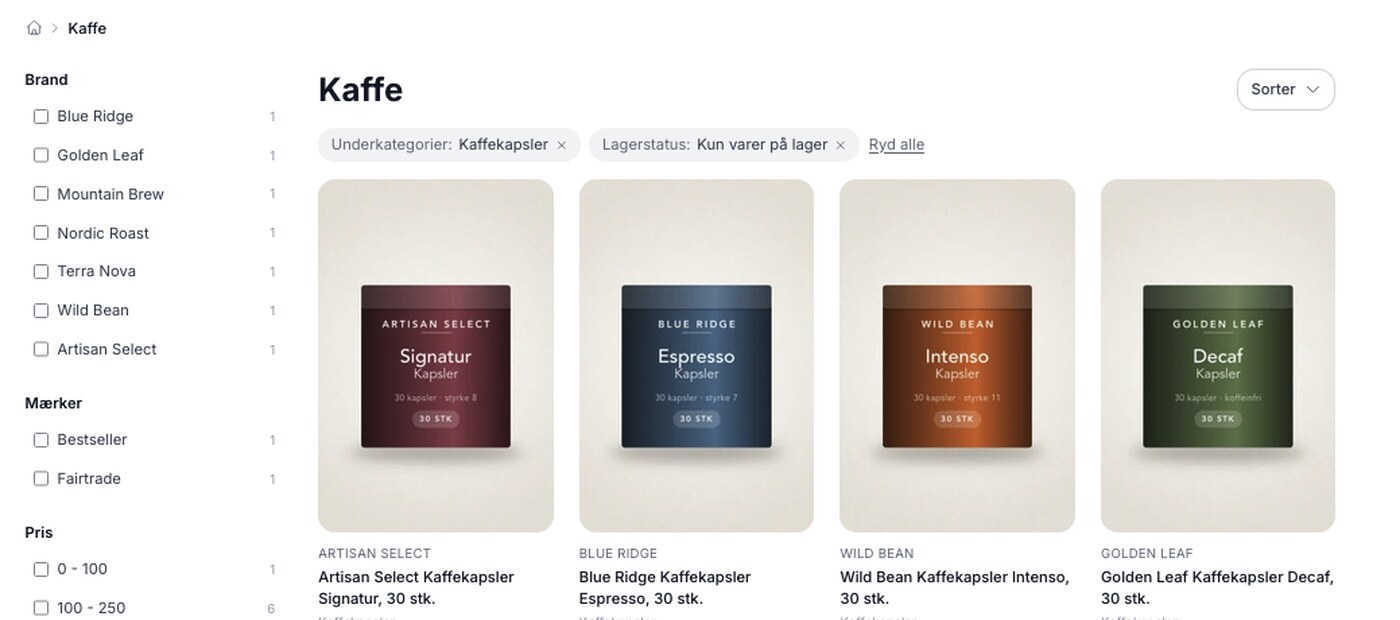
Product filtering is here, and you build the filter yourself
Product filtering is currently available in the Montana and MontanaB2B themes and can be added to your own theme. You can set up the filter yourself under Design → Filter and...
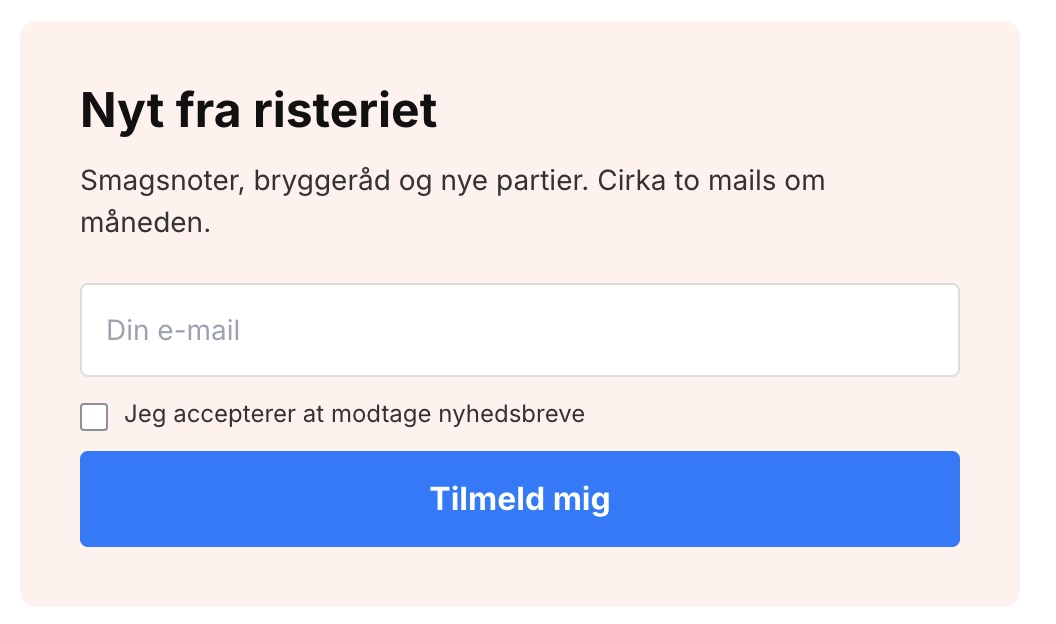
The newsletter sign-up form shouldn't always pop up
Your sign-up form no longer has to be a pop-up. Now you can copy it right where you want it to appear and run multiple different forms, each for its own list. Here are the five...
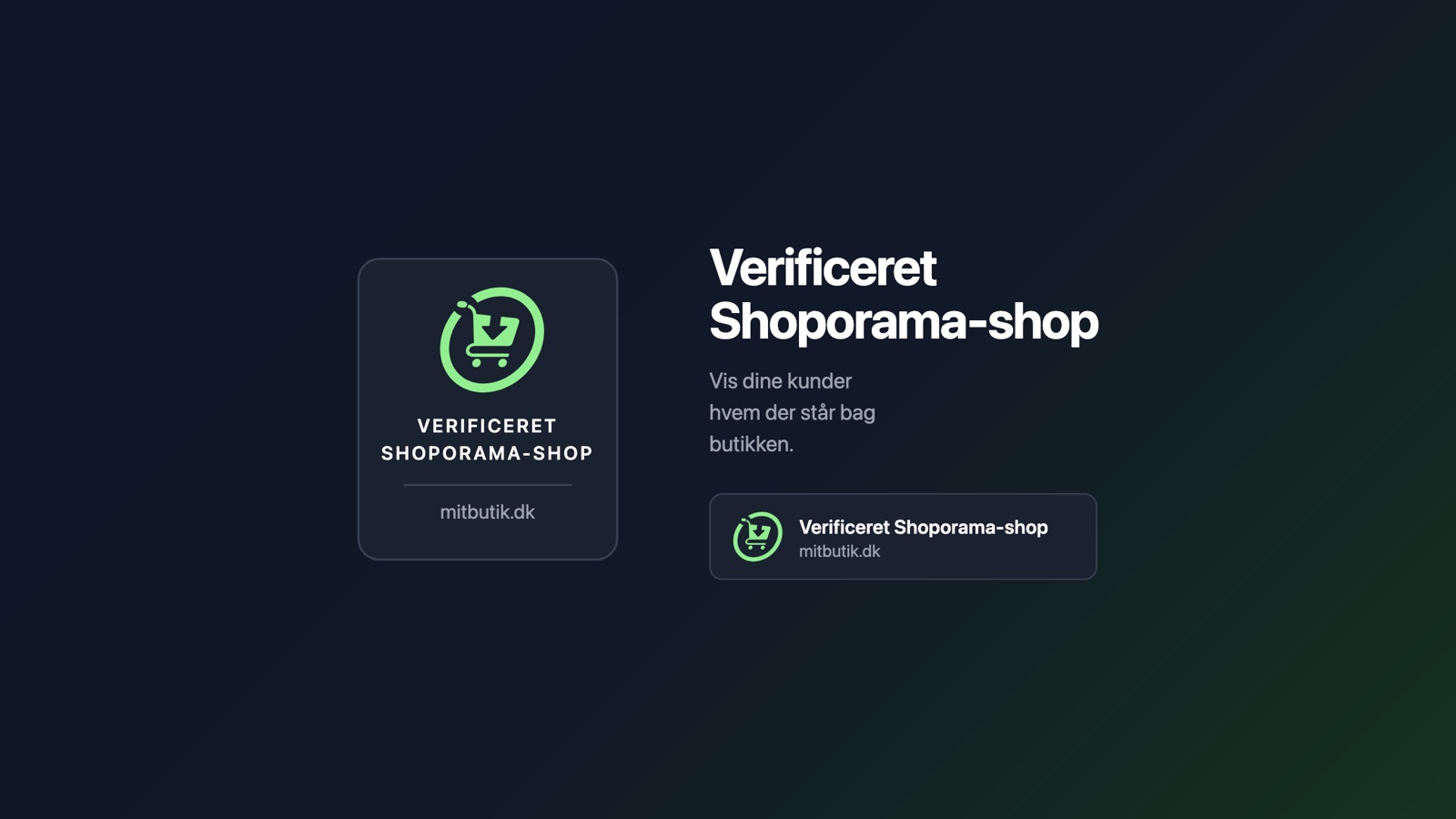
Verified Shoporama Store: The Trust Seal You Don't Have to Apply For
We have created a trust badge for Shoporama stores. No application and no annual renewal: seven requirements are automatically checked every night. Here’s what the badge...

Now your offer can also stop at a certain number
A sale can now also end based on a quantity, not just a date. You specify how many units can be sold at the sale price, and when that number reaches zero, Shoporama...

Hide or lock brands for specific customer groups
Some products aren't for everyone. It could be your own private label, which only select retailers are allowed to buy, or a brand where the supplier has set restrictions on who...
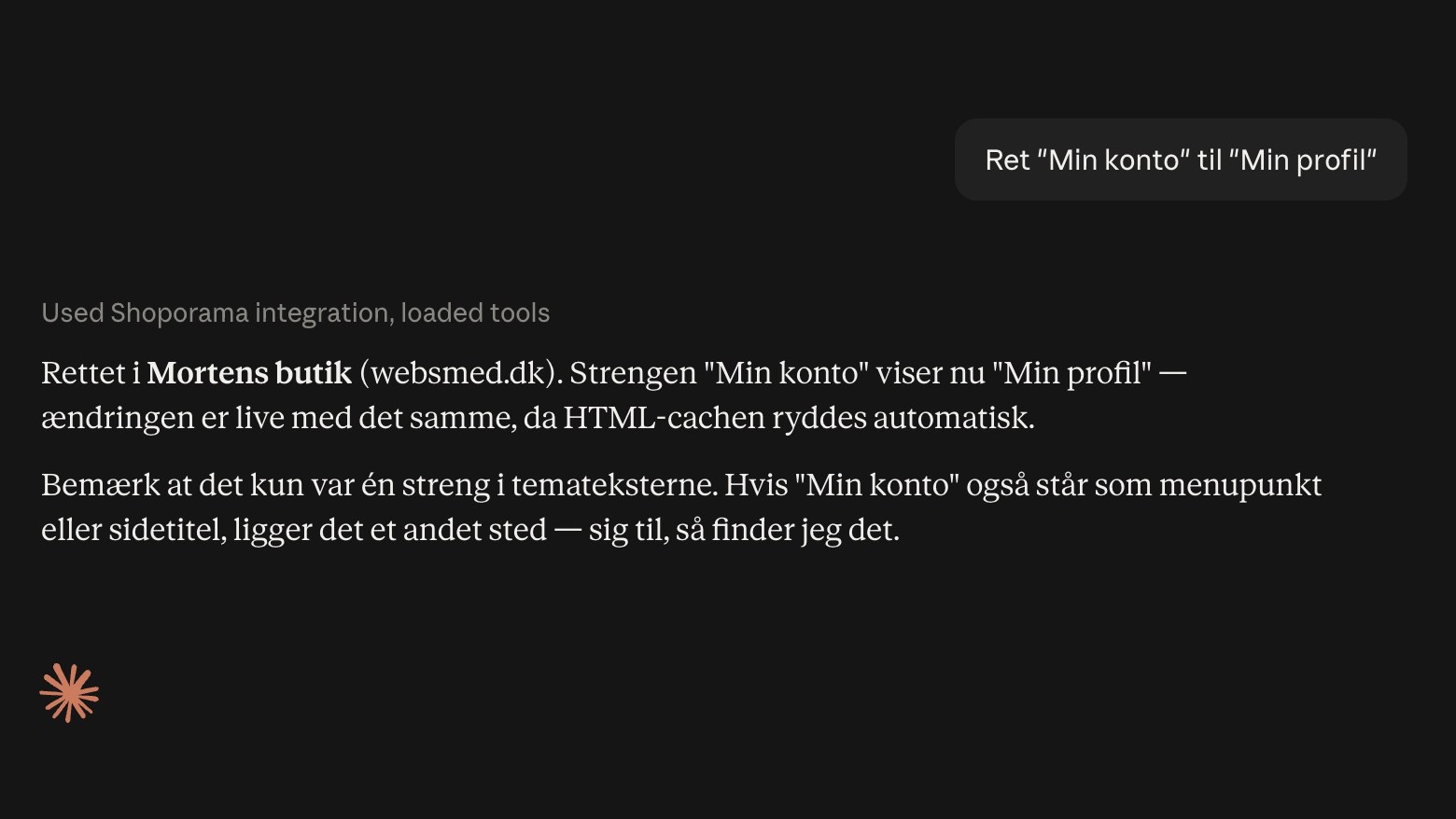
Now, AI can correct the text in your online store
Claude has added two new tools in Shoporama, so the AI can correct the text you’ll find under Design, Theme, and Text. This includes all buttons, labels, error messages, and...
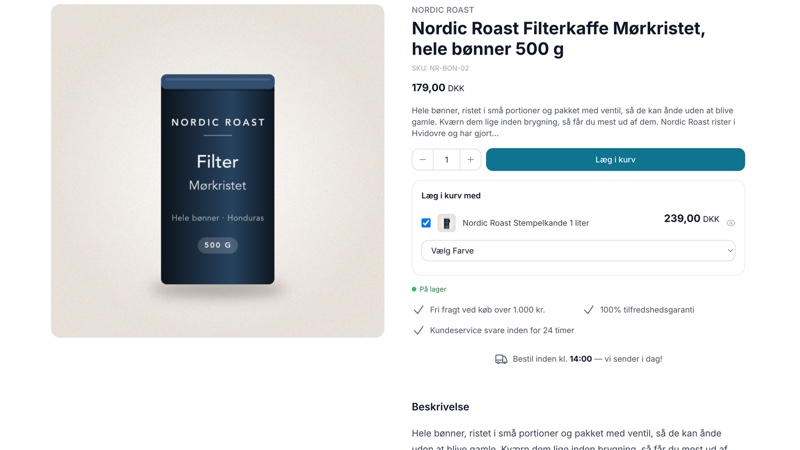
Add-ons on the product page can now have variants
If you sell coffee, the obvious add-on item is a French press, and the French press is available in black, stainless steel, and copper. Those were exactly the kinds of items...
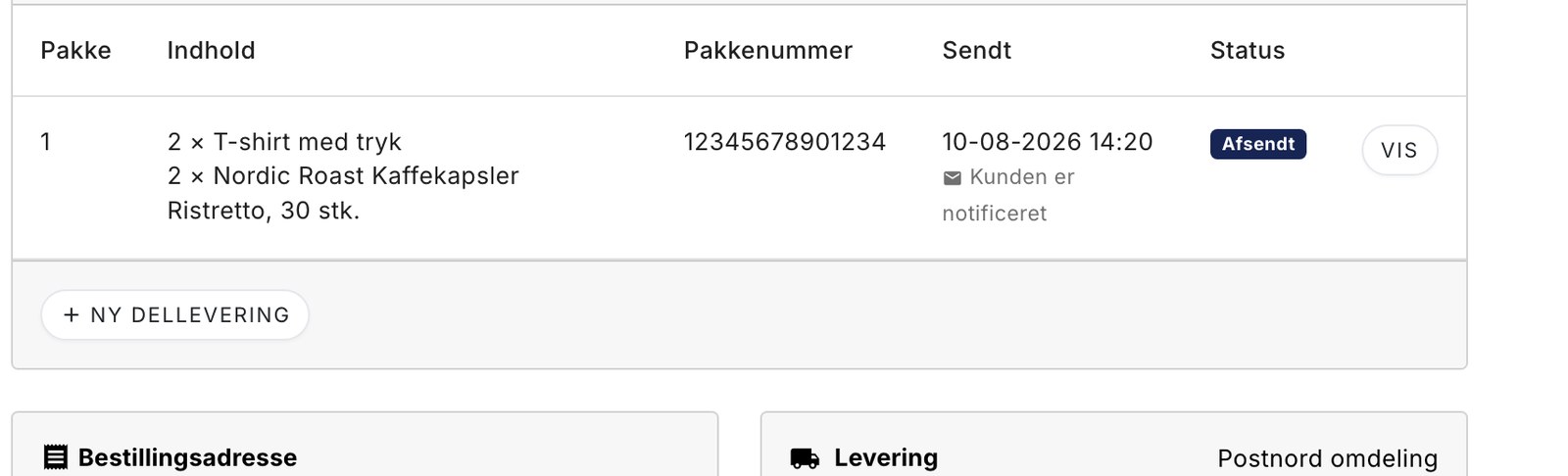
Send part of the order now and the rest later
Two of the three items are on the shelf. The last one is on backorder, and the customer has been waiting for four days. Now you can ship what you have, and the rest will be...
Viser 1-10 af 36 indlæg