Which templates are used for which emails?
Complete overview of all email templates in Shoporama - order confirmations, abandoned baskets, return labels, product reviews and much more.
Shoporama uses a number of email templates to automatically send emails to your customers. All templates are located in your theme’s templates/mails/ folder. If a template is not present in your theme, the corresponding email will not be sent.
Tip: You can set when time-based emails should be sent in your online store’s general settings (/webshop/edit). Learn more about settings for transactional emails.
Preview and test: You can preview and send a test email for any of the templates below directly from the admin panel under Account → Webshop → Email Test (/theme/test). Select the file in the left column to view the email with random test data, or enter an email address to send it to your own inbox. The text snippets that the template retrieves via {t section="Mail"} can be translated under Store → Design → Texts.
Note: The following templates are available at the template level, but not all themes provide all files. For example, only Delaware, DelawareDK, and Montana provide the subscription templates by default. If a template is missing, you can copy it from another theme (e.g., Montana or Alaska2) and place it in your own theme’s templates/mails/ folder.
Order-related emails
invoice.html
The order confirmation sent to the customer once the order has been paid. Includes a link to the customer’s invoice.
invoice_dropshipping.html
Order confirmation for dropshipping addresses. Used instead of invoice.html when the order is shipped via dropshipping.
order_sent.html
Sent to the customer when you change the order status to "shipped." May include a tracking link. Can be disabled per shipping method.
order_ready_for_pickup.html
Sent to the customer when the order is ready for in-store pickup.
order_picked_up.html
Sent to the customer when the order has been picked up.
order_credit.html
Sent when a credit memo is created for an order.
order_cancelled.html
Sent to the customer when an order’s status is changed to “Canceled.” Cancellation emails are disabled by default and must be enabled for each online store under settings (this setting controls both the customer receipt and the store’s own notification, so that bulk and automatic cancellations do not send unexpected emails). Additionally, the customer email is only sent if the template exists in the theme.
withdrawal_received.html
Receipt sent to the customer when a purchase is canceled via the digital cancellation feature. Sent only if the template exists in the theme.
Marketing and Follow-Up
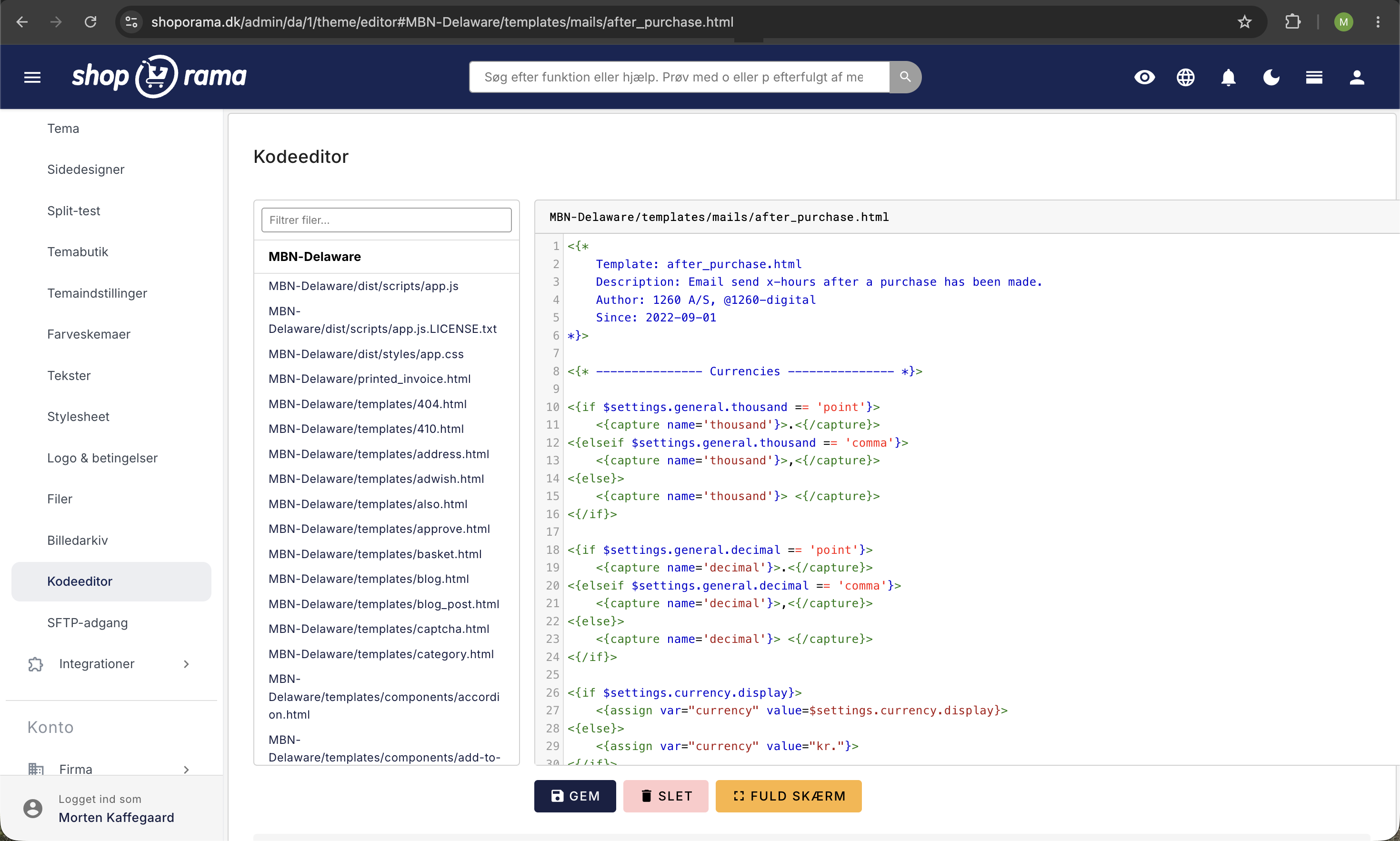
after_purchase.html
Follow-up email after the order has been shipped. You can set how many hours after the status change the email is sent. Ideal for encouraging customers to review the store on Trustpilot or Facebook.
basket_mail.html
Sent to users who have started checkout and entered their email address but did not complete the purchase. Effective for reactivating customers who abandoned their shopping cart.
payment_mail.html
Sent to users who reached the payment page but did not complete the payment. The email contains a direct link to the payment page.
product_review_mail.html
Encourages customers to review the products they have purchased. Includes direct links to the review pages.
In Stock
in_stock_mail.html
Automatically sent to customers who have signed up to be notified when a sold-out product is back in stock.
out_of_stock_mail.html
Notification to the store owner when a product sells out.
Returns
return_label.html
Sent to the customer with a return label when a return label is created for an order.
return_received.html
Sent to the customer as confirmation that returned items have been received. Available by default in Alaska2, California, Delaware, DelawareDK, Montana, and Washington.
return_voucher.html
Sent to the customer when a return is approved as store credit instead of a refund. Includes the gift card code, amount, and expiration date.
return_refund.html
Confirmation to the customer that the amount will be refunded to their card (standard refund, or the difference from a cheaper exchange where the customer chose a cash refund).
return_exchange_received.html
Sent to the customer when an exchange is created, confirming that the exchange request has been received. Falls back to return_received.html if the theme does not have it.
return_exchange_payment.html
Sent upon approval of an exchange that is more expensive than the returned item. Contains a payment link for the difference.
return_exchange_voucher.html
Sent upon approval of a cheaper exchange where the customer has chosen to receive the excess amount as a store credit. Contains the gift card code. Falls back to return_voucher.html if the theme does not include it.
Subscriptions
subscription_confirmation.html
Sent when a subscription is created.
subscription_reminder.html
Reminder of an upcoming subscription delivery.
subscription_open.html
Sent when the next delivery in a subscription is opened/processed.
subscription_change.html
Confirmation when the customer changes their subscription.
subscription_cancel.html
Sent when a customer cancels a subscription.
subscription_cancel_after.html
Follow-up after a subscription has been canceled.
The subscription templates are available in Delaware, DelawareDK, and Montana. Other themes do not include them by default.
User Account
user-welcome-mail.html
Welcome email sent when a customer registers in your online store. Available by default in Alaska2, California, Delaware, DelawareDK, Montana, and Washington.
user-reset-password-mail.html
Sent when a customer uses the "forgot password" feature to reset their password.
user-points-expires-mail.html
Notification to customers that their loyalty points are about to expire.
Structure of an email template
All email templates use Smarty syntax and are structured with an if/else block that separates the subject line from the email’s content:
<{if $subject}>
    The subject line goes here<{else}>
    The actual email content goes here
<{/if}>
When Shoporama sends the email, the template is rendered twice: first with $subject = true to retrieve the subject line, and then without it to retrieve the email body.
Related articles
What emails does Shoporama send to my customers?
Overview of automatic emails Shoporama sends to your customers - order confirmation, abandoned baskets, track-and-trace, product reviews, and more.
Blacklist - Block unwanted orders
Learn how to use Shoporama's blacklist feature to block spam orders and unwanted customers by blacklisting email, phone number or IP address.
Settings for transactional emails
How to set when Shoporama automatically sends transactional emails like abandoned baskets, payment reminders and product reviews.