Set noindex on a page, product or category
Guide to setting noindex in Shoporama so that search engines do not index certain pages.
"Noindex" tells search engines that a page should not be indexed or displayed in search results. Shoporama automatically sets "noindex" on checkout pages and search pages, but you can also do this manually.
Products
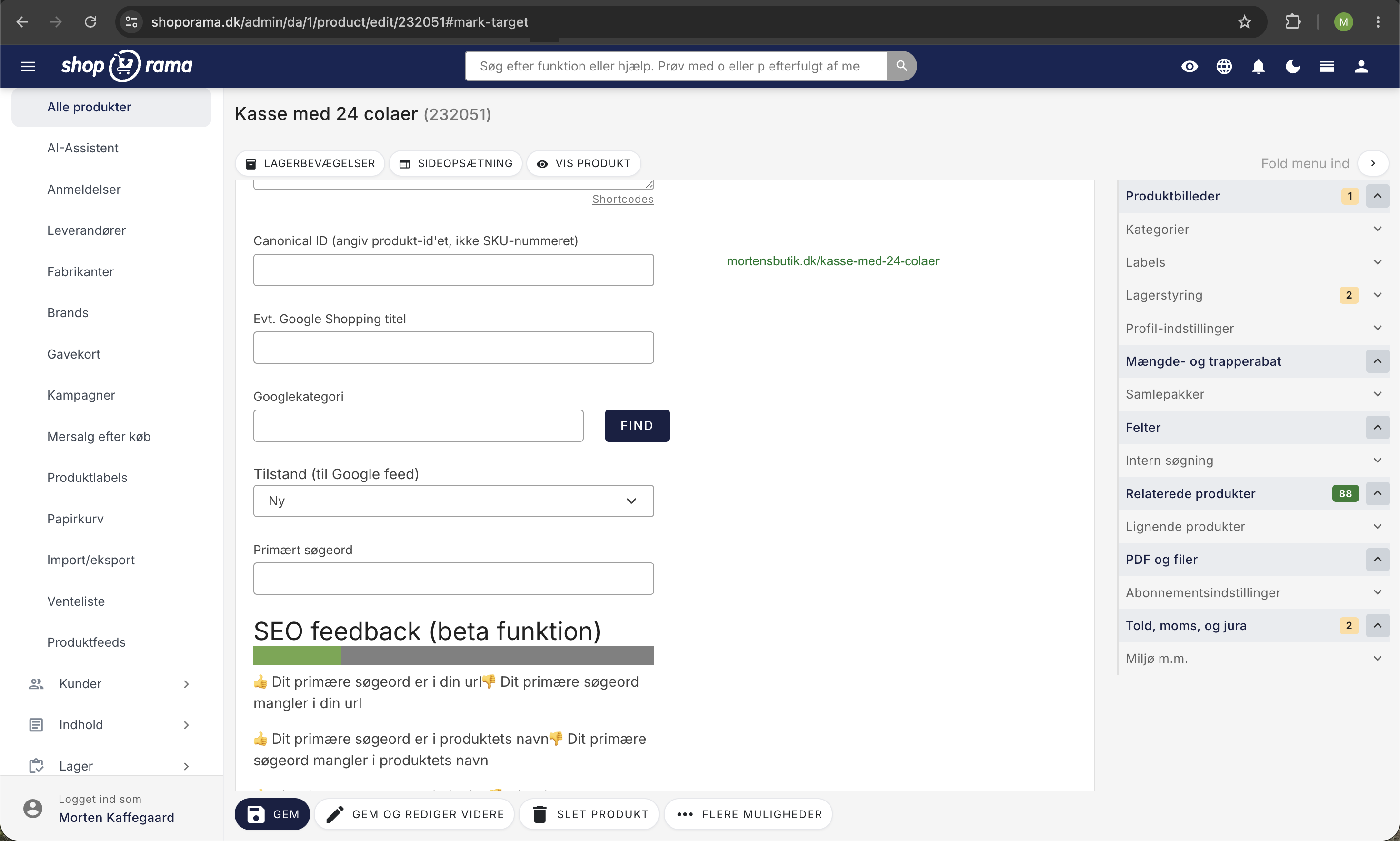
- Go to Products and click Edit
- Under SEO, you’ll find a “noindex” setting
- Enable Noindex
- Click Save
Categories
Same procedure as for products: edit the category and enable noindex under the SEO settings.
Landing Pages
On landing pages, you can also set “noindex” while editing the landing page.
When to use noindex?
- Duplicate content — pages with content similar to other pages
- Temporary pages — campaign pages that will be removed soon
- Internal pages — pages intended solely for internal use
- Thin content — pages with very little unique content
Automatic noindex
Shoporama automatically sets "noindex" on:
- Checkout pages
- Search results pages
- Filtered category pages
Tip
Use "noindex" with caution. If you remove a page from Google, you’ll also lose any traffic it might generate. Instead, consider using redirects for pages with content that’s no longer relevant.
See also: The Ultimate Guide to Redirects.
Need help? Contact us at support@shoporama.dk.
Related articles
Image name in the URL
Guide to getting the product image name in the URL for better SEO.
Mass editing of products
Guide to bulk editing products in Shoporama - edit prices, inventory, SEO fields and more in a spreadsheet-like interface.
How to create redirects on Shoporama
Guide to creating redirects in Shoporama - from simple redirects to regex and CSV import.
Related features
SEO in Shoporama - get visible in Google
Shoporama has built-in SEO features: fast speed, full control over titles and meta descriptions, dynamic tags, automatic 301 redirects, XML...
SEO suggestions - Shoporama shows you exactly what you can improve
Shoporama analyzes your online store and provides concrete SEO suggestions. Missing title tags, meta descriptions, GTIN and more.