Apple Pay offers the fastest checkout
Apple Pay offers the fastest checkout experience available. On an iPhone, the customer taps the Apple Pay button, authenticates with Face ID or Touch ID, and is done in under 5 seconds. No card details, no 16-digit number, no CVC. The result is a conversion rate for iPhone traffic that’s often 30 to 50 percent higher than with traditional card payments.
If you have a significant share of iOS traffic (and most Danish online stores do), offering Apple Pay is one of the most effective ways to optimize your conversion rate.
How Apple Pay Works in Shoporama
Apple Pay is not a standalone gateway. It’s a payment method that’s enabled through Mollie or Stripe. The primary method in Shoporama is via Mollie, because Mollie offers the simplest setup for Apple Pay in Europe.
When a customer checks out:
- If the customer is using Safari on iOS or macOS and has a card in Apple Wallet, the Apple Pay button appears automatically at checkout
- The customer taps the Apple Pay button and authorizes the payment with Face ID, Touch ID, or a passcode
- Apple generates a token (the actual card number is never shared with you or Mollie)
- Mollie processes the payment using the token, and the order is created in Shoporama with a payment status of “Approved”
For you as a store owner, Apple Pay is a card transaction. Funds are settled through Mollie just like Visa and Mastercard, refunds are processed from the Shoporama admin, and statistics are displayed in the admin report.
What do you get as a store owner?
- Significantly higher mobile conversion rates on iOS. Apple Pay reduces checkout time from 60 seconds to 5 seconds. It works.
- Stronger security. Card data is never sent from the customer to you or the gateway. Instead, a cryptographic token is sent that can only be used once. The risk of card data leaks is virtually eliminated.
- Fewer abandoned purchases on iPhone. Many iPhone customers abandon checkout if Apple Pay isn’t an option. Apple users are accustomed to Apple Pay in in-app purchases and expect it in online stores as well.
- No extra setup per product. Once Apple Pay is enabled, it works throughout your entire store. You don’t need to do anything special for product pages or specific categories.
- No Apple fees. Apple does not charge a fee for Apple Pay in online commerce. You only pay the standard card processing fee to your payment gateway.
How to get started
- Set up an account with Mollie if you don’t already have one. Mollie typically approves accounts within 1 to 2 business days.
- Enable Apple Pay in your Mollie account. Mollie will guide you through verifying your domain (you’ll download a small file and upload it to your store’s root directory, or have Shoporama do it for you).
- Enter your Mollie API keys in Shoporama under Settings and Payment Gateways.
- Enable Apple Pay as a payment method under the same menu.
We have a separate article about Apple Pay on Shoporama and a guide to the Mollie gateway. If you prefer Stripe, you can also set up Apple Pay via Stripe.
Also, read about all of Shoporama’s payment gateways for a complete overview of the feature and how it fits into the rest of the platform.
What You Need to Know
Apple Pay is not a universal payment method. Here are three things you should know:
- Safari only, Apple devices only. Apple Pay does not appear in Chrome, Firefox, or Edge. Nor does it work on Android. Even on Safari on an older Mac (prior to High Sierra), Apple Pay does not appear. This means you’ll need to have other payment methods active alongside it to capture the rest of your customers.
- The customer must have a card in Apple Wallet. If the customer hasn’t added a card to their Apple Wallet, the Apple Pay button won’t appear. It’s a good idea to display other payment methods side by side.
- No subscriptions. Apple Pay via Mollie cannot be used for recurring payments. If you sell subscriptions, recurring payments must be processed via card through QuickPay or PensoPay. Read more about subscriptions.
Frequently Asked Questions About Apple Pay in Online Stores
What percentage of my traffic comes from iOS?
In Denmark, about 25 to 40 percent of mobile traffic comes from iOS, depending on the industry and customer segment. You can view your own share in Google Analytics under “Tech” and “Operating System.” If iOS accounts for more than 20 percent of your mobile traffic, Apple Pay is always a good investment.
Do I need to do anything special on my product pages?
No. Once Apple Pay is enabled as a payment method in your store, it works automatically throughout the checkout process. However, you might consider displaying the Apple Pay logo on product pages so visitors know it’s an option. This is typically something your theme handles automatically.
What happens if I want to issue a refund for an Apple Pay payment?
It works exactly the same as with a card payment. You process the refund in the Shoporama admin, and the money is returned to the customer’s Apple Pay account (the actual card).
Can I use Apple Pay throughout Europe?
Yes. Apple Pay is available in all EU countries and a wide range of other countries. Mollie and Stripe handle the settlement in local currencies, and the customer sees prices in their local currency if you have multi-currency enabled.
Do I need HTTPS to use Apple Pay?
Yes. Apple requires HTTPS with a valid SSL certificate. All Shoporama stores run on HTTPS by default, so this is not something you need to worry about.
Can I see separately whether a payment came from Apple Pay?
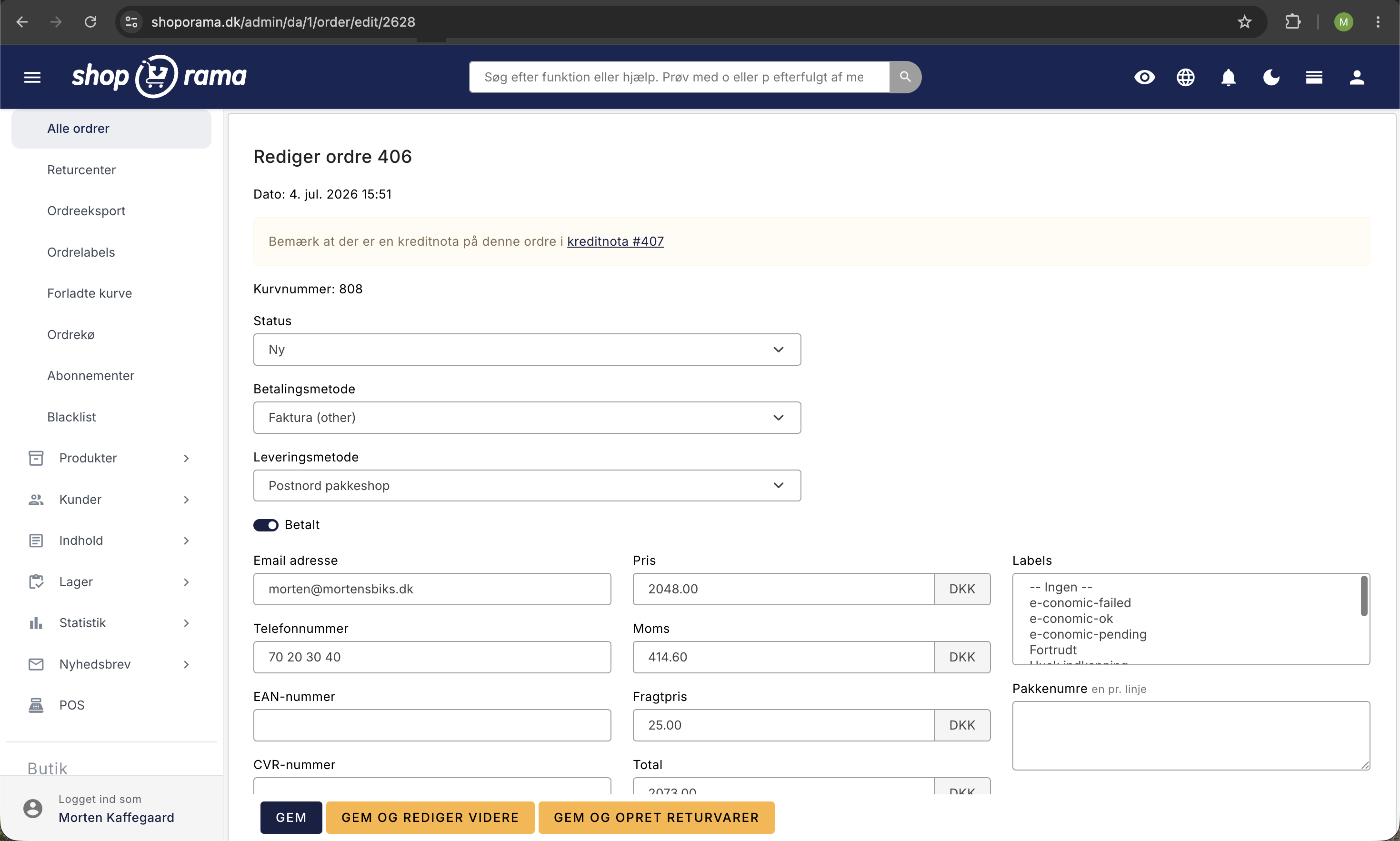
Yes. On the order card in the Shoporama admin, the payment method is explicitly listed as Apple Pay along with the transaction ID from Mollie or Stripe. You can also filter the order list by payment method.
How long does setup take?
If you already have Mollie enabled, you can have Apple Pay up and running in 15 to 30 minutes (most of the time is spent on domain verification with Apple). If you need to set up Mollie first, it will take an additional 1 to 2 business days.
What should I do if the Apple Pay button doesn’t appear at checkout?
First, check that the customer is using Safari on iOS or macOS and that there’s a card in Apple Wallet. If the customer meets both requirements but the button still doesn’t appear, it’s typically a domain verification error. Email support@shoporama.dk, and we’ll help you.
Ready to offer Apple Pay in your online store?
Apple Pay is one of the fastest ways to optimize conversions on a Shoporama store. If you’re already using Mollie, it takes 15 to 30 minutes to get it up and running. Need help? Email support@shoporama.dk, and we’ll guide you through the entire process.
Start a free Shoporama trial and see for yourself how easy it is to get an online store with Apple Pay up and running. No commitment, no setup, no credit card required.