Implement Theme Builder in your theme
Guide to implementing Shoporama's Theme Builder in your theme so the merchant can build pages visually.
Theme Builder is a feature in Shoporama that allows you to build your store more dynamically without in-depth coding knowledge. Your developer must add support for it in the theme, after which you can edit sections and content yourself.
What is Theme Builder?
Theme Builder lets you customize your homepage and other pages by choosing from predefined sections. You can:
- Add and remove sections (e.g., banners, product carousels, text)
- Change the order of sections
- Edit content and images in each section
Implementation for Developers
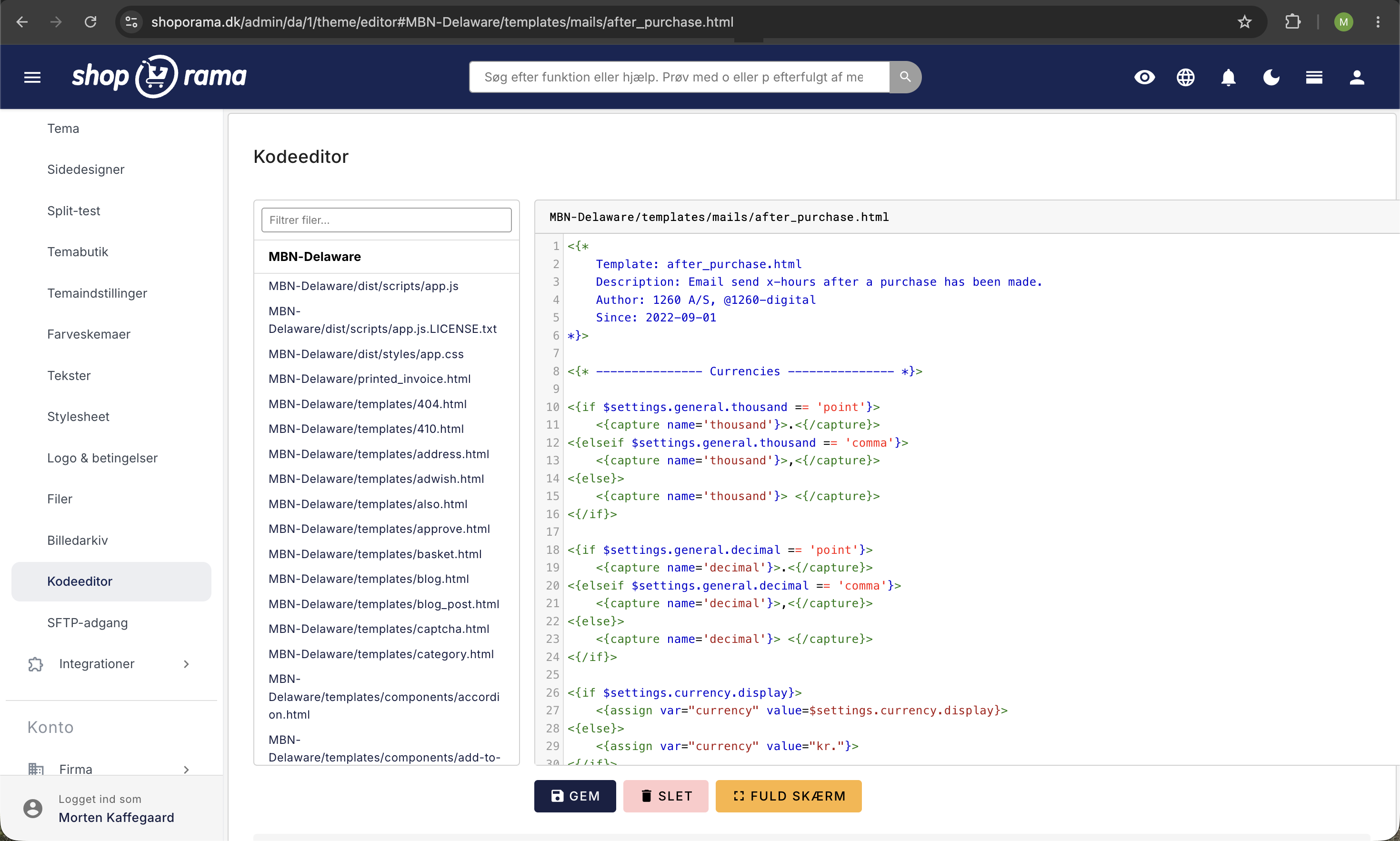
To enable Theme Builder in your theme, you must:
- Define the available sections in your theme
- Create templates for each section type
- Enable Theme Builder in the theme’s configuration
Available section types
You can create different types of sections, such as:
- Hero banner, large image with text and CTA
- Product carousel, display selected products
- Text section, free-form text with formatting
- Image gallery, display multiple images in a grid
- USP section, display value propositions
How to Use Theme Builder
Once your developer has implemented Theme Builder, you can use it from the admin panel:
- Go to Account → Online Store → Theme Builder (URL: /theme-setup/list)
- Click on the theme setup you want to edit, or create a new one
- You’ll be taken to the builder itself at /theme_setup/builder
- Add, remove, or rearrange sections
- Edit the content in each section
- Click Save
Tip
The Theme Builder is supported by several of Shoporama’s default themes, such as Delaware, California, Alaska, and Alaska2, as well as Montana and other updated themes. If you’re using a custom theme, your developer will need to implement support for it.
Need help? Contact us at support@shoporama.dk.
Related articles
Email templates in your theme
Overview of all email templates in Shoporama themes. Learn what each template does, when it's sent, and what variables you can use to customize...
Implement Pricerunner tracking
Guide to implementing Pricerunner conversion tracking on your Shoporama online shop with proper Smarty code.
Implement structured data (Schema.org) in your Shoporama theme
Complete guide to JSON-LD structured data in a Shoporama theme. Smarty examples for Product, Store, BreadcrumbList and AggregateRating with proper...