Import products from Magento 2
Guide to importing products from Magento 2 to Shoporama via CSV file.
Reading time: approx. {eight} minutes
Shopejer
Before You Begin
To import products from Magento 2 to Shoporama, you must first export your products from Magento as a CSV file.
Export from Magento 2
- Log in to the Magento 2 Admin panel.
- Go to System → Export.
- Select " Products " as the entity type.
- Click Continue and download the CSV file.
Import to Shoporama
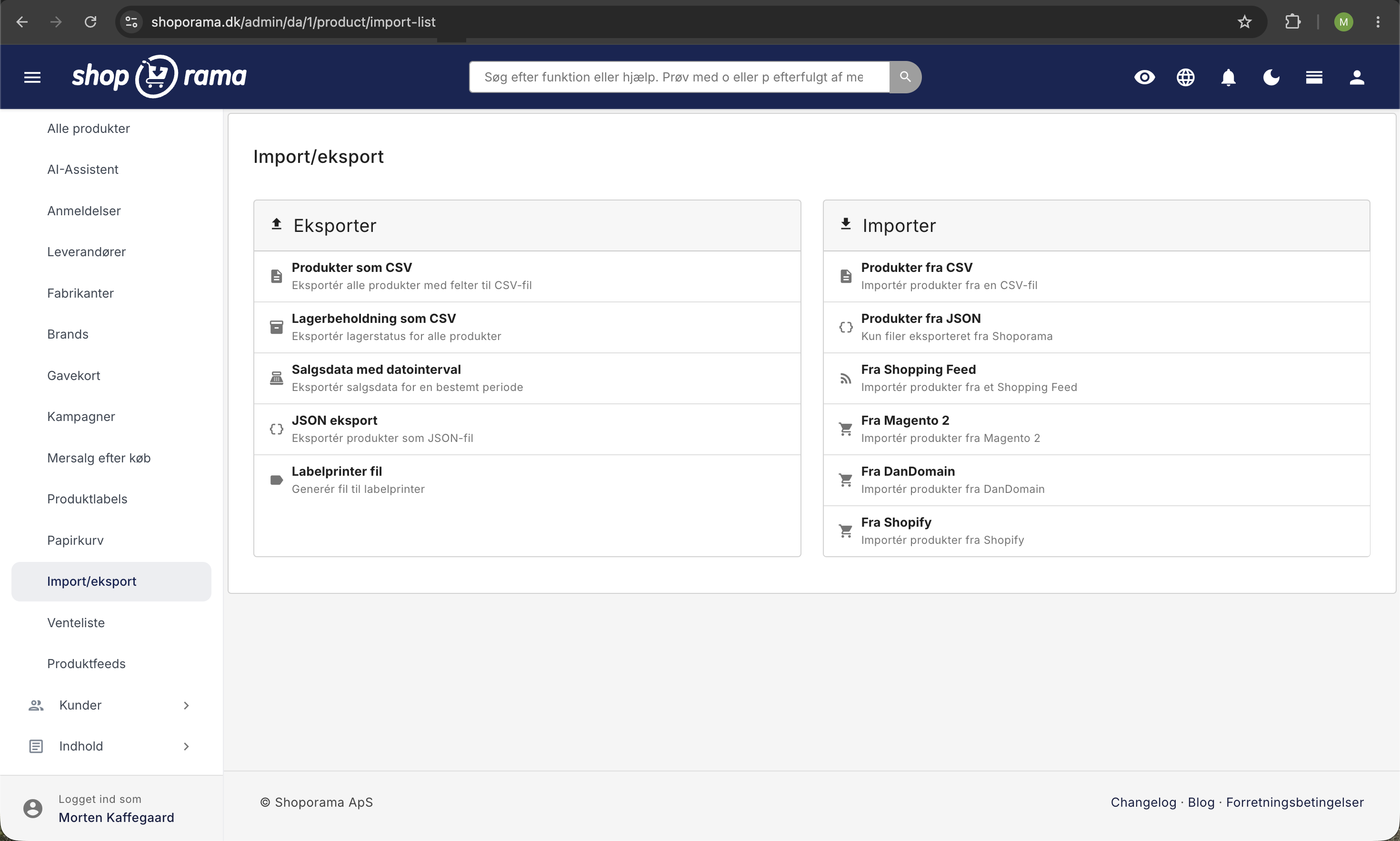
- Go to Products → Import/Export → From Magento 2 in the Shoporama admin.
- Upload your CSV file from Magento.
- The system will show you a preview of the products, 50 at a time.
- Review the data and click Import to import the displayed batch.
- Continue to the next batch until all products have been imported.
What is imported?
- Product name and stock keeping unit (SKU).
- Price.
- Description and short description — HTML is automatically formatted.
- Meta title and meta description.
- Product URL — transferred as a rewrite URL in Shoporama.
- Images — automatically retrieved from Magento in the background after import.
- Categories — created automatically if they do not exist in Shoporama.
- Attributes — dropdown attributes and text attributes are imported.
Tips
- The import runs in batches of 50 products. For large catalogs, this may take some time.
- Images are imported asynchronously and may take some time to retrieve.
- Check that your products look correct after the import—especially images and categories.