Link to stylesheet and other files in your theme
Guide to linking to stylesheets, JavaScript and other files from your Shoporama theme.
When linking to stylesheets, JavaScript files, or images in your Shoporama theme, it’s important to use the correct paths. Here, we’ll walk you through how to do it correctly.
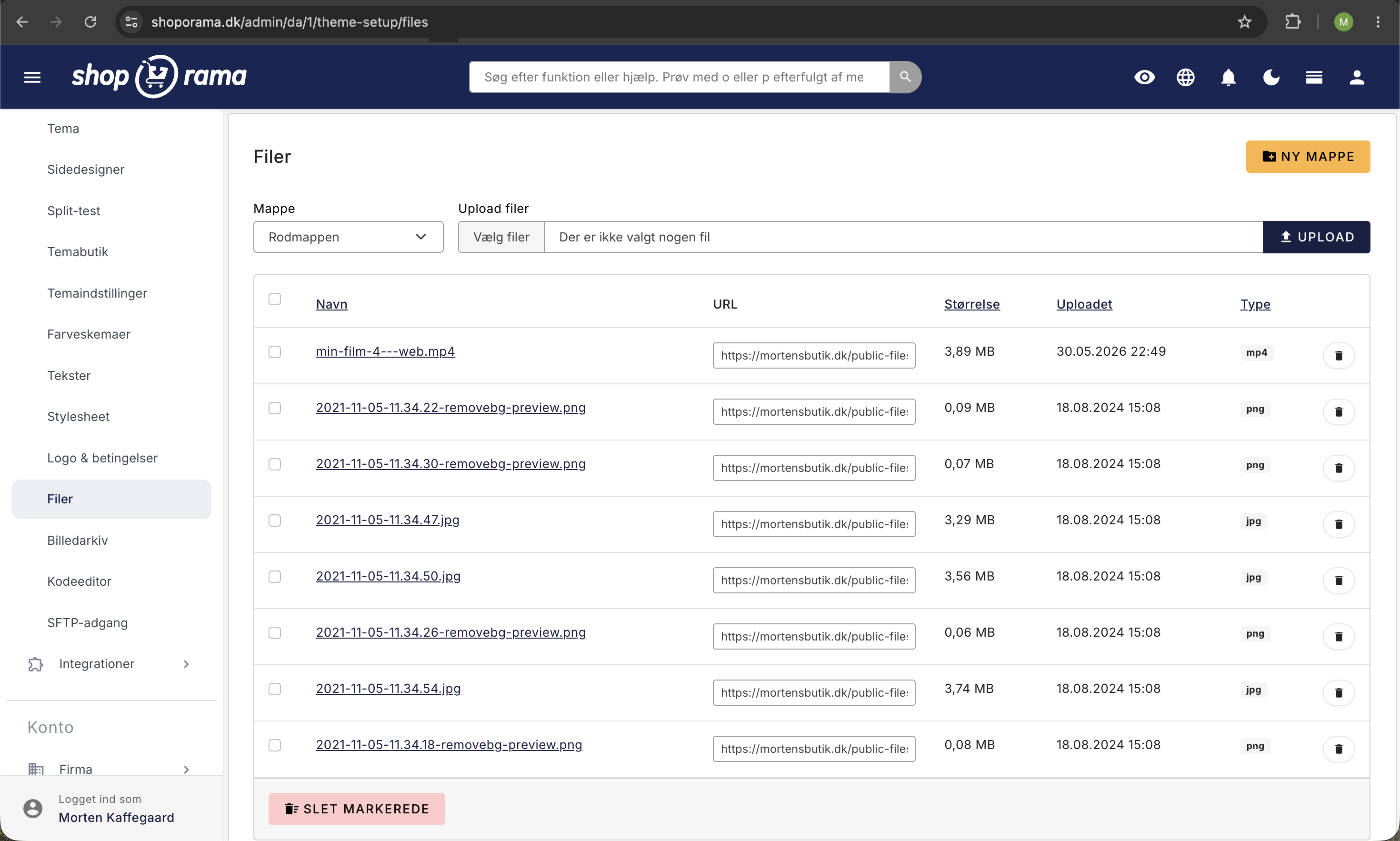
Use $theme_url
The variable {$theme_url} points to your theme’s root folder. Use it to link to all files in your theme:
<!-- Stylesheet -->
<link rel="stylesheet" href="<{$theme_url}>/css/style.css">

<!-- JavaScript -->
<script src="<{$theme_url}>/js/main.js"></script>

<!-- Image -->
<img src="<{$theme_url}>/img/logo.png" alt="Logo">
Why $theme_url?
The reason for using {$theme_url} instead of a hardcoded path:
- Portability — the theme works no matter where it’s installed
- CDN support — the URL can automatically point to a CDN
- Flexibility — the theme folder can be moved without changing the code
Other useful URL variables
| Variable | Description |
|---|---|
| {$theme_url} | The theme's root folder (for CSS, JS, images) |
| {$baseurl} | The store's full URL (e.g., https://minshop.dk) |
| {$webshop} | The webshop object with all settings |
Important
Never use absolute paths such as /user_templates/4/mittema/css/style.css. This will break if the theme is moved or installed on a different store.
Do you need help with theme development? Contact us at support@shoporama.dk.
Related articles
Own stylesheet (Custom CSS)
Add custom CSS to your Shoporama online store and admin backend. Customize colors, fonts, layout and hide elements without changing theme files.
Email templates in your theme
Overview of all email templates in Shoporama themes. Learn what each template does, when it's sent, and what variables you can use to customize...
Implement Theme Builder in your theme
Guide to implementing Shoporama's Theme Builder in your theme so the merchant can build pages visually.