Pink orders - missing transaction ID
Explanation of what it means when orders are pink and it says 'Missing trans. id'.
If an order appears with a pink background in your order list, it means the order is missing a transaction ID from the payment gateway.
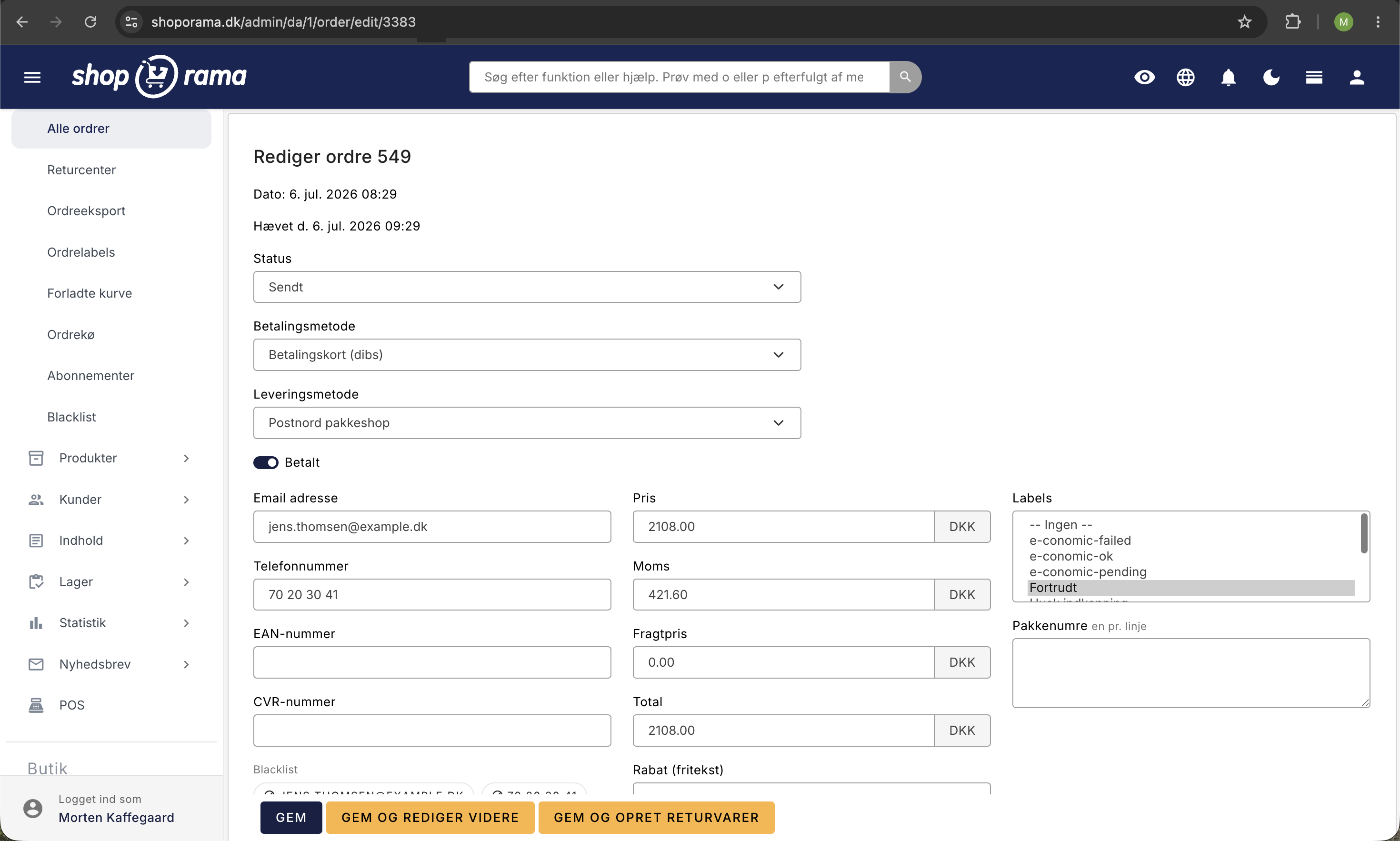
What does this mean?
A pink order indicates that the payment was not processed correctly. This may be due to:
- The customer interrupted the payment —the payment window was closed before the payment went through
- The payment failed —the card was declined or a technical error occurred
- Callback not received — the payment gateway did not send the confirmation to Shoporama
What should you do?
- Check the payment gateway — log in to QuickPay, ePay, or your gateway and see if the payment is recorded there
- Found the payment? — Manually add the transaction ID to the order in Shoporama
- Can’t find the payment? — Contact the customer and ask them to pay again, or send a new payment link
Prevent pending orders
- Make sure your payment gateway’s callback URL is configured correctly
- Check that your store isn’t blocking callbacks from the gateway
- Consider enabling automatic cancellation of unpaid orders after a certain period (see guide)
Tip
You can change the background color of orders based on their status. See Change the background color of orders.
Need help? Contact us at support@shoporama.dk.
Related articles
Automatic cancellation of unpaid orders
Set Shoporama to automatically cancel unpaid orders after a number of minutes. Frees up inventory and keeps the order list clean. The value is in...
Blacklist - Block unwanted orders
Learn how to use Shoporama's blacklist feature to block spam orders and unwanted customers by blacklisting email, phone number or IP address.
Export orders as CSV
Guide to exporting order data as CSV from Shoporama, with the option to filter by order number or date range.