Product labels
Learn how to use product labels in Shoporama to organize and categorize your products with color-coded labels.
Product labels are custom tags that you can create and assign to your products. They help you organize your product catalog and can be used to link products to special content such as care instructions and size guides.
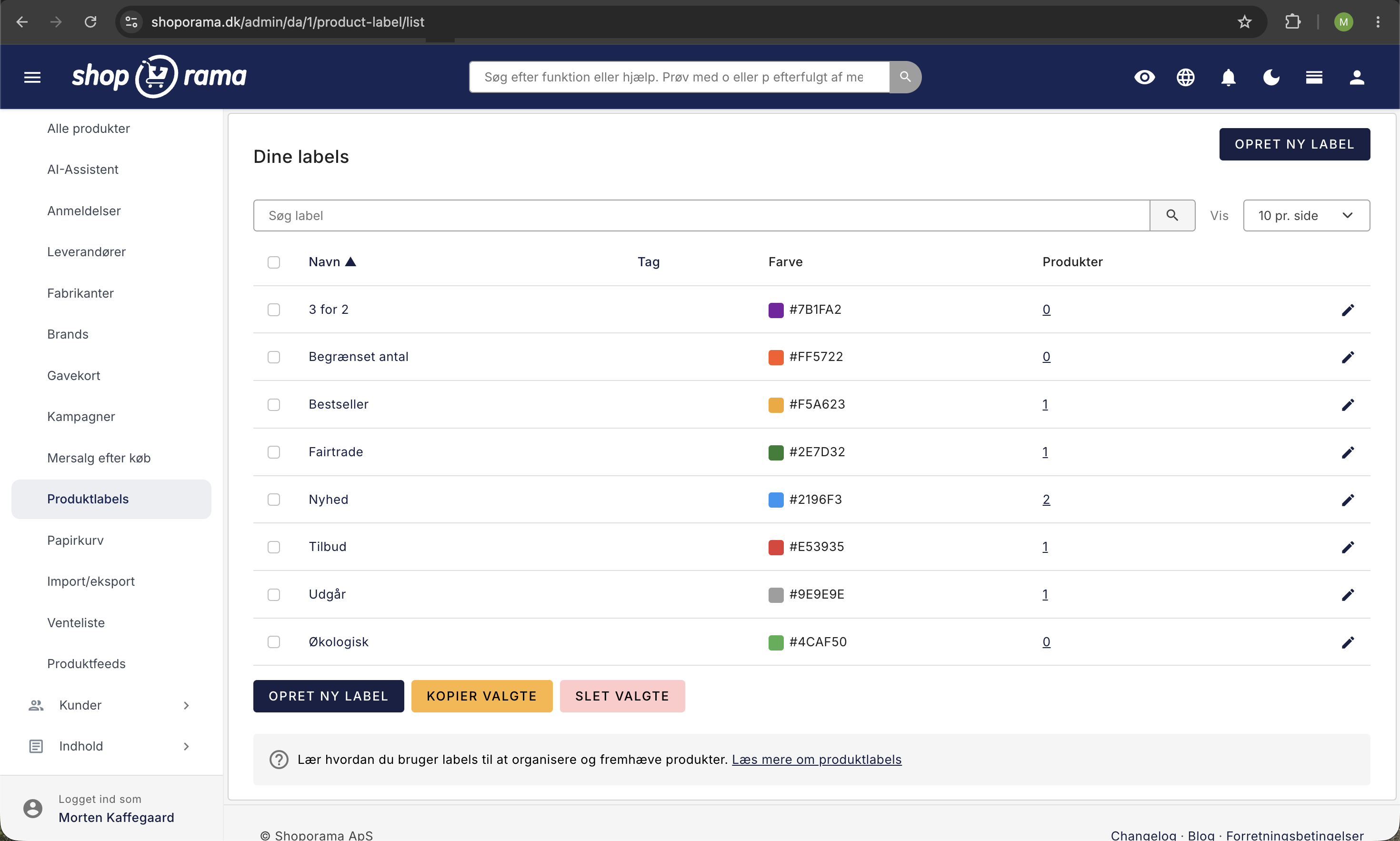
Create a label
- Go to Product Labels in the admin panel
- Click Create New
- Enter a name for the label (e.g., “Organic” or “New Product”)
- Optionally, enter a tag (used to link the label to special content)
- Select a color code so the label is easy to recognize
- Save
Assign labels to products
You can assign labels to a product from the product edit page:
- Open the product in edit mode
- Find the " Labels" section
- Check the labels you want to assign to the product
- Save the product
A product can have multiple labels at the same time. You can also create new labels directly from the product edit page.
Filtering
In the product list, you can filter products by label. This makes it easy to find all products with a specific label, such as all organic products or all products on sale. In the label overview, you can see how many products each label is assigned to.
Special content via tags
The label’s tag field can be used to link products to special content in your theme. Typical examples:

- Care Instructions — Products with a care instructions label automatically display the relevant care instructions
- Size guides — Products with a size label display the corresponding size guide
This functionality depends on your theme’s setup.
If you have any questions about product labels, feel free to contact us at support@shoporama.dk.
Related articles
Unsubscribe links in automatic emails
Give your customers the option to unsubscribe from automatic follow-up emails after purchases and product reviews - with a simple link in the email.
AI assistant in the text editor
Learn how to use Shoporama's built-in AI assistant to generate product texts, image descriptions and text suggestions.
Order list and inventory management
Learn how to use the Shoporama order list to keep track of inventory, generate shopping lists and receive goods efficiently.