What emails does Shoporama send to my customers?
Overview of automatic emails Shoporama sends to your customers - order confirmation, abandoned baskets, track-and-trace, product reviews, and more.
Shoporama sends a series of automated emails to your customers. You can customize the wording in your theme yourself, and in many cases, you can also control whether and when they are sent. Below is a complete overview.
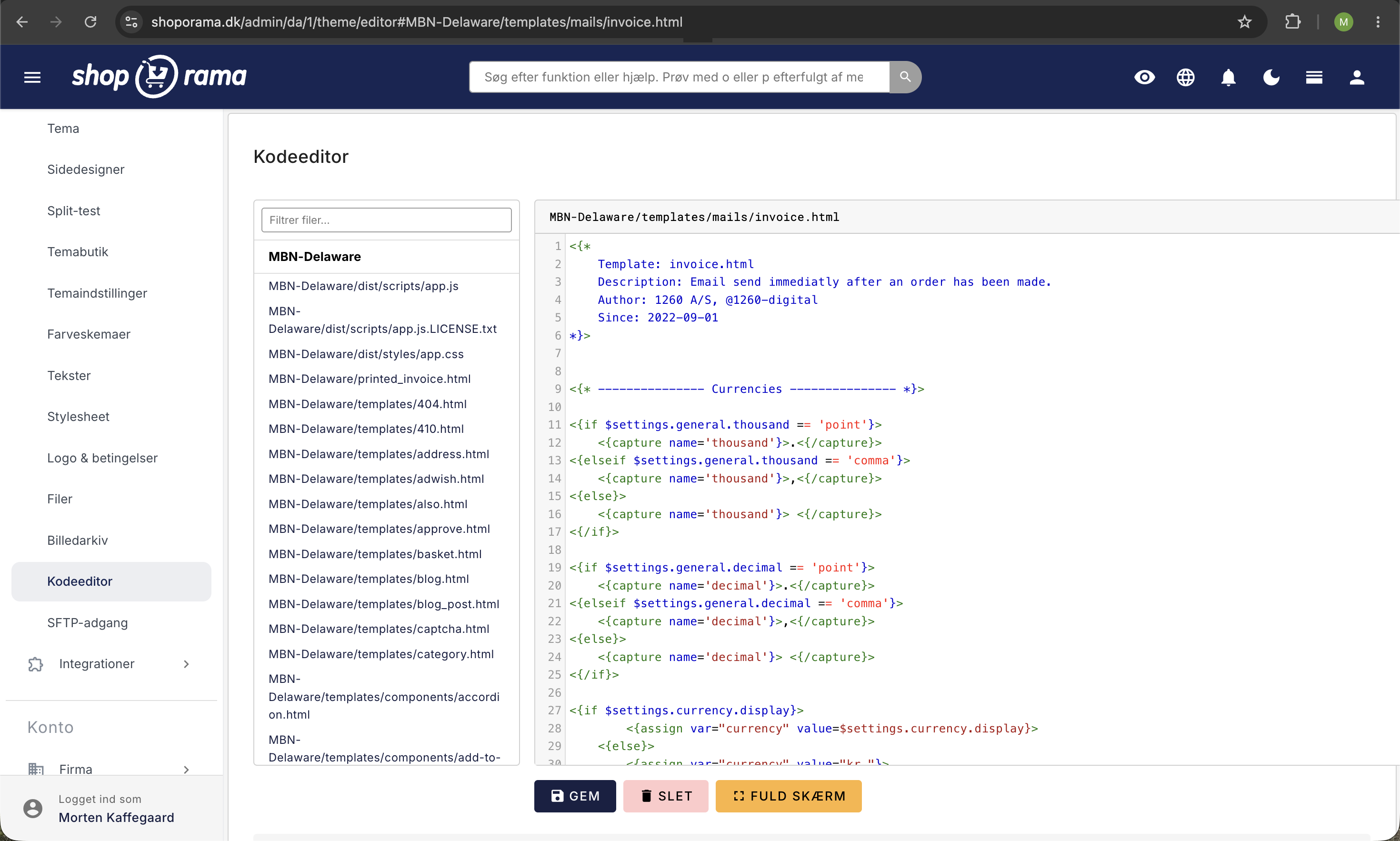
Tip: You can customize all emails in your theme’s templates/mails/ folder. Read more in our article about which templates are used for which emails.
Order Confirmation
The file invoice.html contains your customer’s order confirmation. It is sent automatically once an order has been paid and includes a link to the customer’s invoice.
Email When an Order Is Shipped
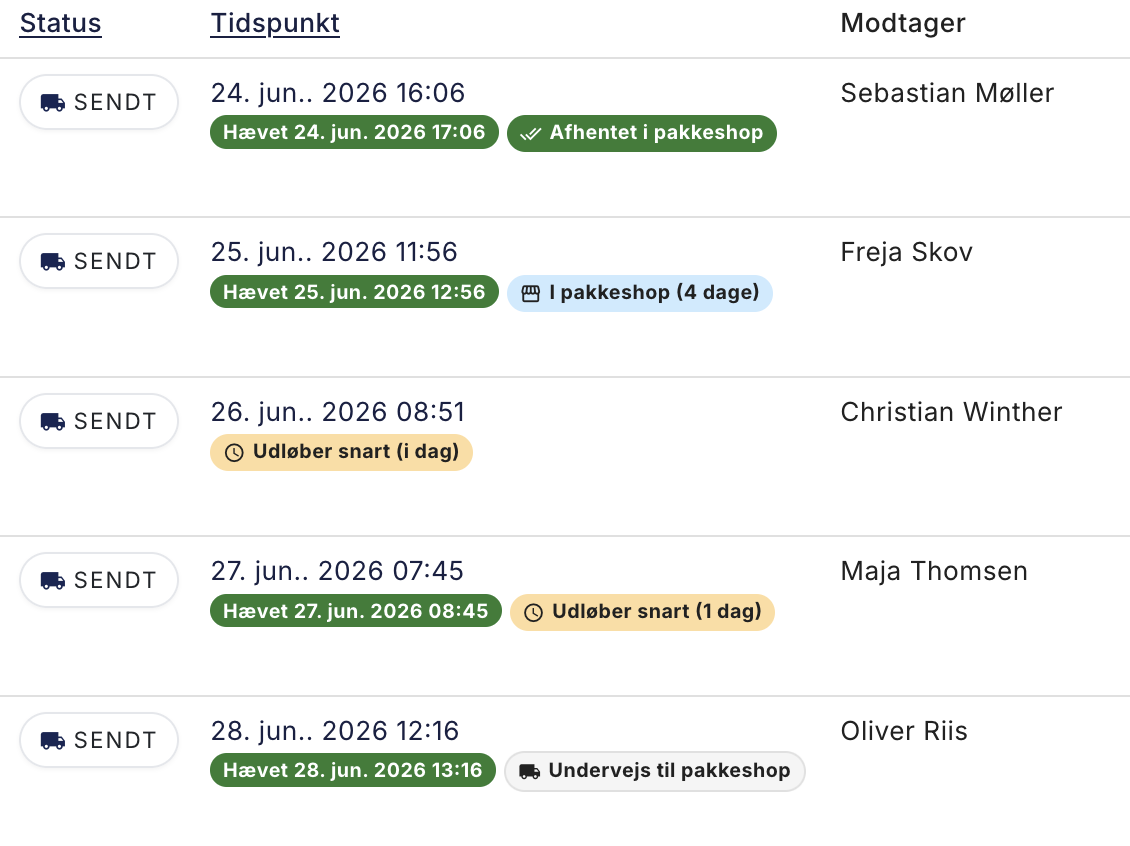
The file order_sent.html is sent to your customers when you change the order status to "shipped." The email can include a link to track-and-trace so the customer can track their package.
You can opt out of sending this email for specific shipping methods—for example, if the customer has chosen in-store pickup.
If you ship the order in multiple packages with partial deliveries, the email is sent once per package. Each email shows only the items and tracking number for that specific package, and the text distinguishes between “part of your order” and “the final part.”
Email after the order has been delivered
The file after_purchase.html sends a follow-up email to customers whose order has been marked as “shipped.” You can set how many hours after the status change the email should be sent.
This email is particularly well-suited for encouraging customers to review their experience on platforms such as Trustpilot or Facebook.
Abandoned shopping cart
The basket_mail.html file is sent to users who have started the checkout process and entered their email address but have not completed the purchase.
The email is effective at re-engaging customers who abandoned checkout. It is sent regardless of whether you use an open or closed cart, as long as the file exists in your theme and you have configured when it should be sent. Learn more about settings for transactional emails.
Payment Reminder
The payment_mail.html file sends an email with a link to the payment page to users who reached the payment page but did not complete the transaction. The email is sent only for orders that have not yet been paid.
Learn more about the difference between an open and closed cart.
Product Reviews
The product_review_mail.html file encourages your customers to review the products they’ve purchased. The email contains direct links to the review pages for the specific products.
This email differs from after_purchase.html in that it focuses specifically on product reviews rather than a general review of the store’s service.
Item Back in Stock
The in_stock_mail.html file is automatically sent to customers who have signed up to receive notifications about a sold-out product. The email is sent the moment you update the stock status and the item becomes available again.
Learn more about emails for in-stock items.
Overview of email templates
| Template | Description | Sent automatically |
|---|---|---|
| invoice.html | Order confirmation with invoice link | Upon payment |
| order_sent.html | Order shipped with track-and-trace | When status changes to "shipped" |
| after_purchase.html | Follow-up after delivery | X hours after shipment |
| basket_mail.html | Abandoned cart | X hours after abandoned checkout |
| payment_mail.html | Payment reminder | X hours after incomplete payment |
| product_review_mail.html | Request for a product review | X hours after shipment |
| in_stock_mail.html | Item Back in Stock | When stock status is updated |
Related articles
Which templates are used for which emails?
Complete overview of all email templates in Shoporama - order confirmations, abandoned baskets, return labels, product reviews and much more.
Blacklist - Block unwanted orders
Learn how to use Shoporama's blacklist feature to block spam orders and unwanted customers by blacklisting email, phone number or IP address.
POS - Point of Sale
Learn how to use Shoporama's POS system to sell products in your physical store. Log in with your Shoporama account, scan barcodes, add products to...
Split Delivery: Ship part of the order now and the rest later
Can't you ship the entire order at once? With split shipping, you ship what you have in stock, and the rest will be shipped when it arrives. The...