The connection is unsecure - troubleshooting
Solution to the 'Connection is insecure' error with yellow padlock even if you have an SSL certificate.
If you see a warning saying “Connection is not secure” or “Not secure” in your browser when you visit your store, it’s typically due to an SSL issue. Here are the most common causes and solutions.
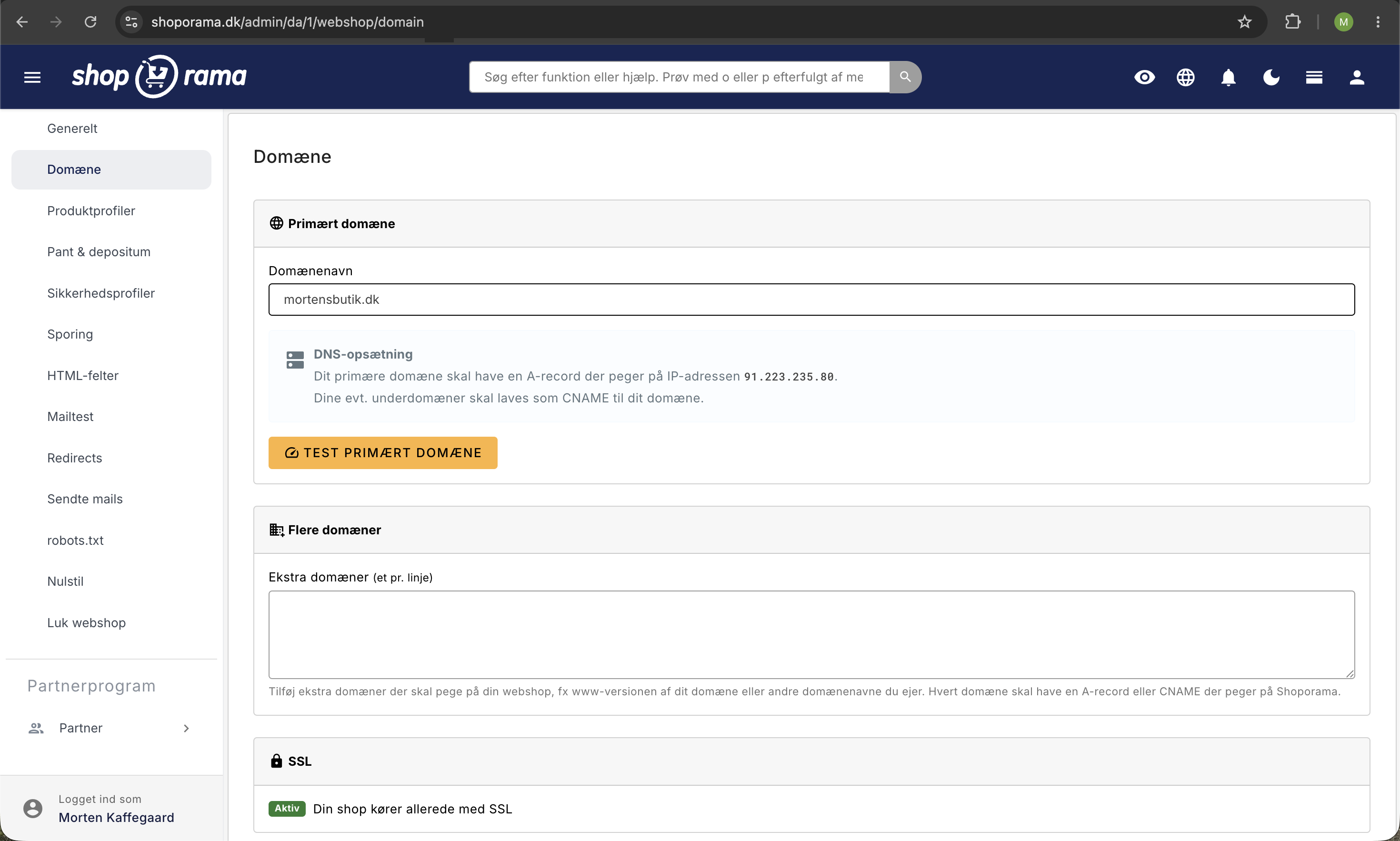
Cause 1: DNS Not Updated
If you’ve just connected a new domain, it can take up to 24 hours for the DNS changes to propagate and for the SSL certificate to become active.
Solution: Wait and try again. Check that your nameservers are pointing correctly. See how to move your store to your own domain.
Reason 2: Mixed content
If your theme loads images, stylesheets, or scripts via http:// instead of https://, the browser will display a warning.
Solution: Review your theme and change all http://-links to https://. Or use protocol-relative URLs (//).
Reason 3: Certificate not set up
In rare cases, the SSL certificate may be missing. This can happen if the domain has just been connected or if there is a configuration error.
Solution: Contact support@shoporama.dk so we can investigate and restore the certificate.
Test Your SSL
You can test your store’s SSL status by visiting your store in a browser and clicking the padlock icon in the address bar. Here, you can see if the certificate is valid and when it expires.
Tip
See also SSL/HTTPS on your online store for general information about SSL in Shoporama.
Need help? Contact us at support@shoporama.dk.
Related articles
DNS setup for your domain
Step-by-step guide to DNS setup so you can use your own domain with your Shoporama online store.
Own email on your domain
Information about email hosting and options to get email on your own domain with Shoporama.
Move your shop to your own domain
Guide to moving your Shoporama online store to your own domain with DNS setup, SSL and domain validation.