Add a comment to a product in your cart
Learn how to add a comment field to products in the basket - for engraving, gift wrapping or other customer requests.
Would you like your customers to be able to leave a comment on a product when they add it to their cart? This can be used for engraving, gift wrapping, name printing, or other customer requests.
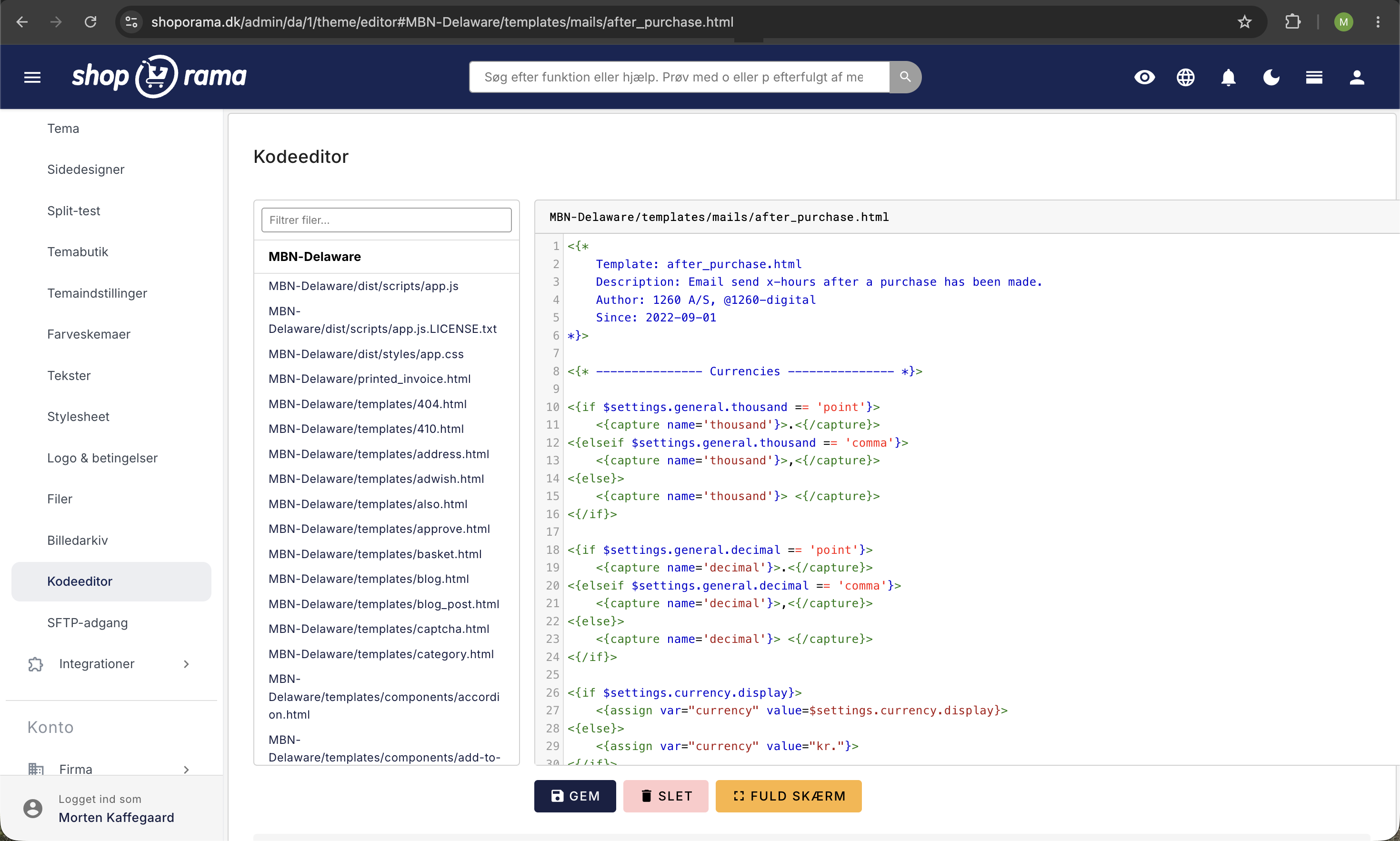
Add a comment field to the product page
Add an input field to your theme’s product page (in the “Add to Cart” form):
<input type="text" name="comment" placeholder="Comment (optional)"/>The field can also be set to type="hidden" if the comment is added automatically and should not be visible to the customer.
Display the comment in the cart
In your theme’s cart template, the comment is displayed using:
<{if $basket[i].comment}>
  <p><{$basket[i].comment|escape}></p>
<{/if}>
The comment is included with the order and appears in the admin panel under order details.
Need help? Contact us at support@shoporama.dk.
Related articles
What is the difference between open basket and closed basket?
Understand the difference between open and closed baskets in Shoporama - stock reservation, customer experience and which type is right for your...
What emails does Shoporama send to my customers?
Overview of automatic emails Shoporama sends to your customers - order confirmation, abandoned baskets, track-and-trace, product reviews, and more.
POS - Point of Sale
Learn how to use Shoporama's POS system to sell products in your physical store. Log in with your Shoporama account, scan barcodes, add products to...