Print-friendly invoice
Guide to making your invoice print-friendly with a print stylesheet in your Shoporama theme.
You can print an invoice directly from an order in Shoporama. The invoice opens in a print-friendly format, ready to send to the customer or file away.
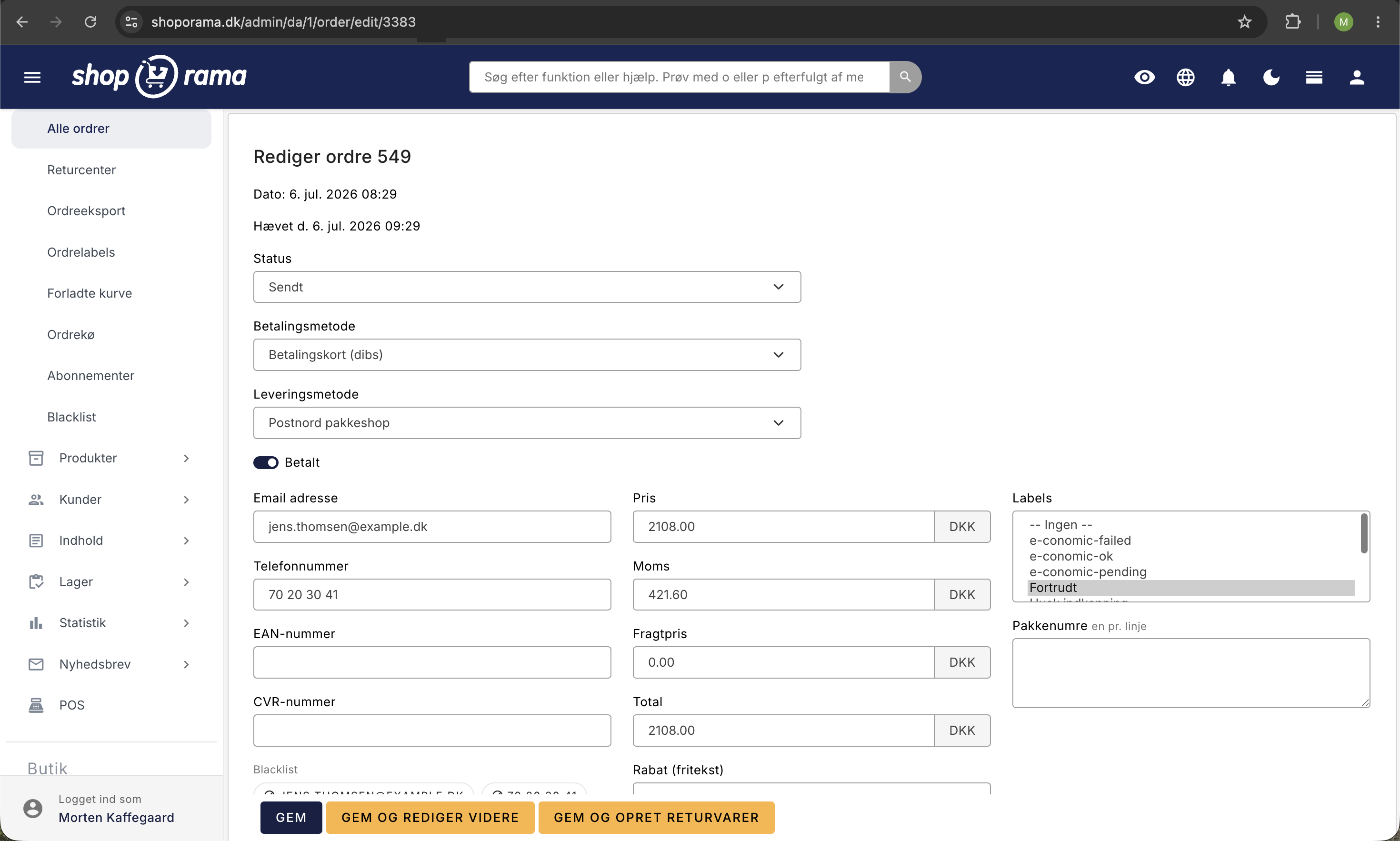
How to Print an Invoice
- Go to Orders in your admin panel
- Open the order for which you want to print an invoice
- Click the Invoice button(printer icon)
- A PDF invoice is generated and opens in a new window
- Use your browser’s print function (Ctrl+P / Cmd+P) or save as a PDF
What appears on the invoice?
- Your company information —name, address, business registration number
- Customer information — name and address
- Order lines — products, quantity, unit price, and subtotal
- Sales tax — sales tax amount calculated automatically
- Shipping — shipping costs
- Total — total order amount
- Invoice number — unique number for accounting
Customize the invoice
Make sure your company information is up to date under Account → Company → Company Information. This information is automatically used on all invoices.
Tip
You can also send the invoice directly to the customer via email from the order page. Click Send Invoice to email a PDF version of the invoice.
Need help? Contact us at support@shoporama.dk.
Related articles
Find your invoice from Shoporama
Guide to finding and downloading your invoices from Shoporama.
Change the content of your emails
Guide to customize the content of the automatic emails your Shoporama webshop sends, either via admin or theme templates.
Billy's Billing integration
Guide to setting up Billy's Billing in Shoporama. Automatically transfer orders to your accounts, synchronize products and post payments.