How to switch to Smarty 4
Guide to upgrading your Shoporama webshop from Smarty 2 to Smarty 4. Smarty 4 is faster, more secure and runs on PHP 8.
Smarty er det templatesprog, der bruges til at bygge webshop-temaer på Shoporama. Smarty 4 er den nyeste version og giver bedre performance, sikkerhed og fremtidssikring.
Fordele ved Smarty 4
- Hurtigere — Smarty 4 kører på PHP 8, som er markant hurtigere end PHP 7
- Sikrere — Bedre sikkerhedsmodel og opdaterede afhængigheder
- Fremtidssikret — Alle nye temaer (Delaware, DelawareDK, California, Alaska2, Washington) er bygget til Smarty 4
Sådan skifter du
- Log ind i Shoporama-admin
- Gå til Konto → Webshop → Generelt
- Find feltet Smarty version og skift dropdown fra 2 til 4
- Klik Gem og nulstil cache
Vigtigt
Når du har skiftet, bør du teste din shop grundigt. Surf rundt på siden og kontrollér at alting virker — særligt hvis du har specielle tilpasninger i dit tema.
Hvad er Smarty?
Smarty er et templatesprog, der adskiller logik fra præsentation. Shoporama er bygget i PHP, og Smarty bruges til at generere HTML i temaerne. Syntaksen ser fx sådan ud:
<{foreach $products as $product}>
  <h2><{$product->getName()}></h2>
<{/foreach}>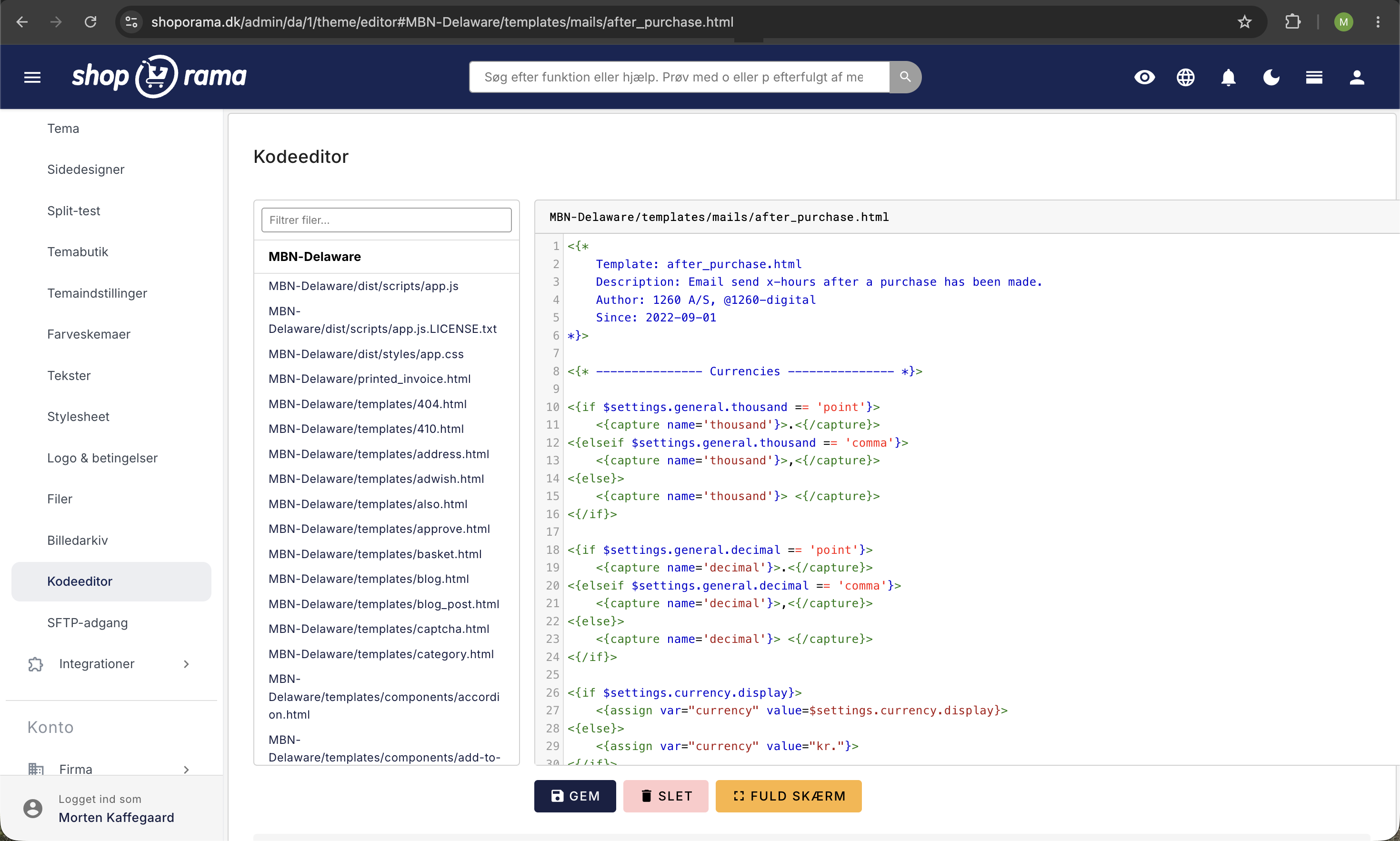
Har du spørgsmål? Kontakt os på support@shoporama.dk.
Related articles
Change the content of your emails
Guide to customize the content of the automatic emails your Shoporama webshop sends, either via admin or theme templates.
Checkout flow and shipping calculation
Guide for developers to implement shipping in the checkout flow of a Shoporama theme.
Delaware-themed configuration and customization
Complete guide to setting up the Delaware theme on your Shoporama online store. Footer, mega menu, colors, payment icons, Trustpilot, Instagram...