Discount codes on a group of products
Guide to creating discount codes that only apply to a limited group of products in Shoporama.
Du kan oprette rabatkoder der kun gælder for bestemte produkter eller kategorier. Så kan du lave målrettede kampagner uden at give rabat på hele sortimentet.
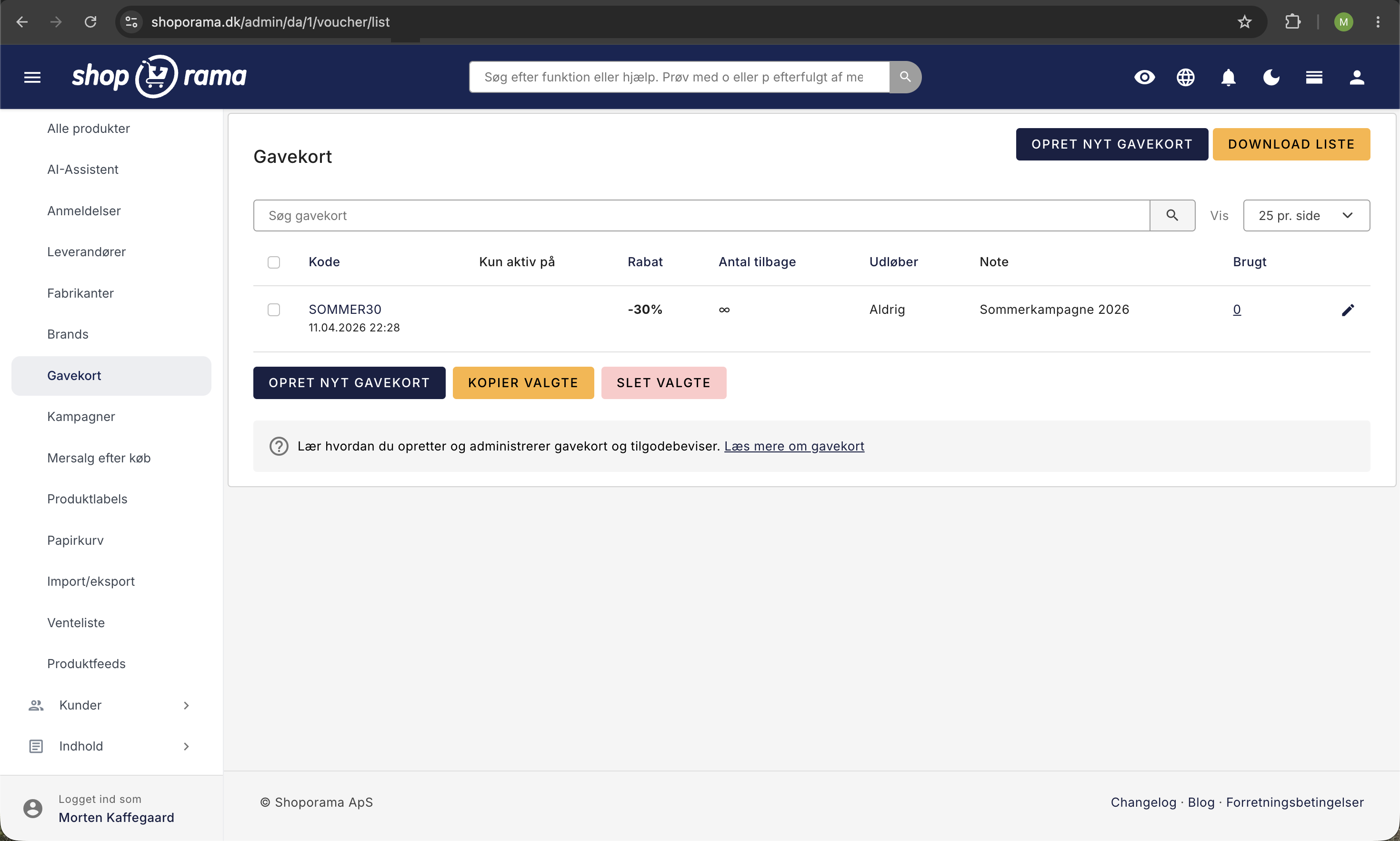
Sådan opretter du en kategorirabat
- Gå til Produkter → Gavekort
- Klik Opret nyt gavekort
- Udfyld rabatkoden, rabattype (procent eller beløb) og rabatværdi
- Under Begrænsninger vælger du de kategorier rabatten skal gælde for
- Klik Gem
Begrænsninger
Du kan begrænse rabatkoder på flere måder:
- Kategorier — rabatten gælder kun for produkter i valgte kategorier
- Produkter — rabatten gælder kun for specifikke produkter
- Minimum ordrebeløb — kunden skal handle for et vist beløb
- Antal gange — hvor mange gange koden kan bruges i alt
- Udløbsdato — hvornår koden udløber
Eksempel
Du vil give 20% rabat på alle produkter i kategorien “Vinterjapkker”:
- Opret rabatkoden VINTER20
- Sæt rabattype til Procent og værdi til 20
- Vælg kategorien Vinterjakker under begrænsninger
- Gem — nu giver koden 20% rabat, men kun på vinterjakker
Tip
Se også vores guide til at oprette en rabatkode for mere information om de forskellige rabattyper.
Har du brug for hjælp? Kontakt os på support@shoporama.dk.
Related articles
Create volume discounts on products
How to automatically give customers a discount when they buy more of the same product. The quantity discount is set up per product in the Quantity...
Stepper discount on products
Here's how to set up volume discounts so customers get a better unit price when they buy multiple units of the same product. This is set up for...
Gift cards and vouchers
Guide to creating and managing gift cards and vouchers in your Shoporama online store, including gift card products and discount codes.