3D Secure error in QuickPay
Solution to the '3D secure enrollment failed' error in QuickPay and what you can do.
If your customers see the error message "3D Secure registration failed" with the subtitle "Merchant not participating, " it is because 3D Secure has not been properly registered with your acquirer for Visa and/or Mastercard.
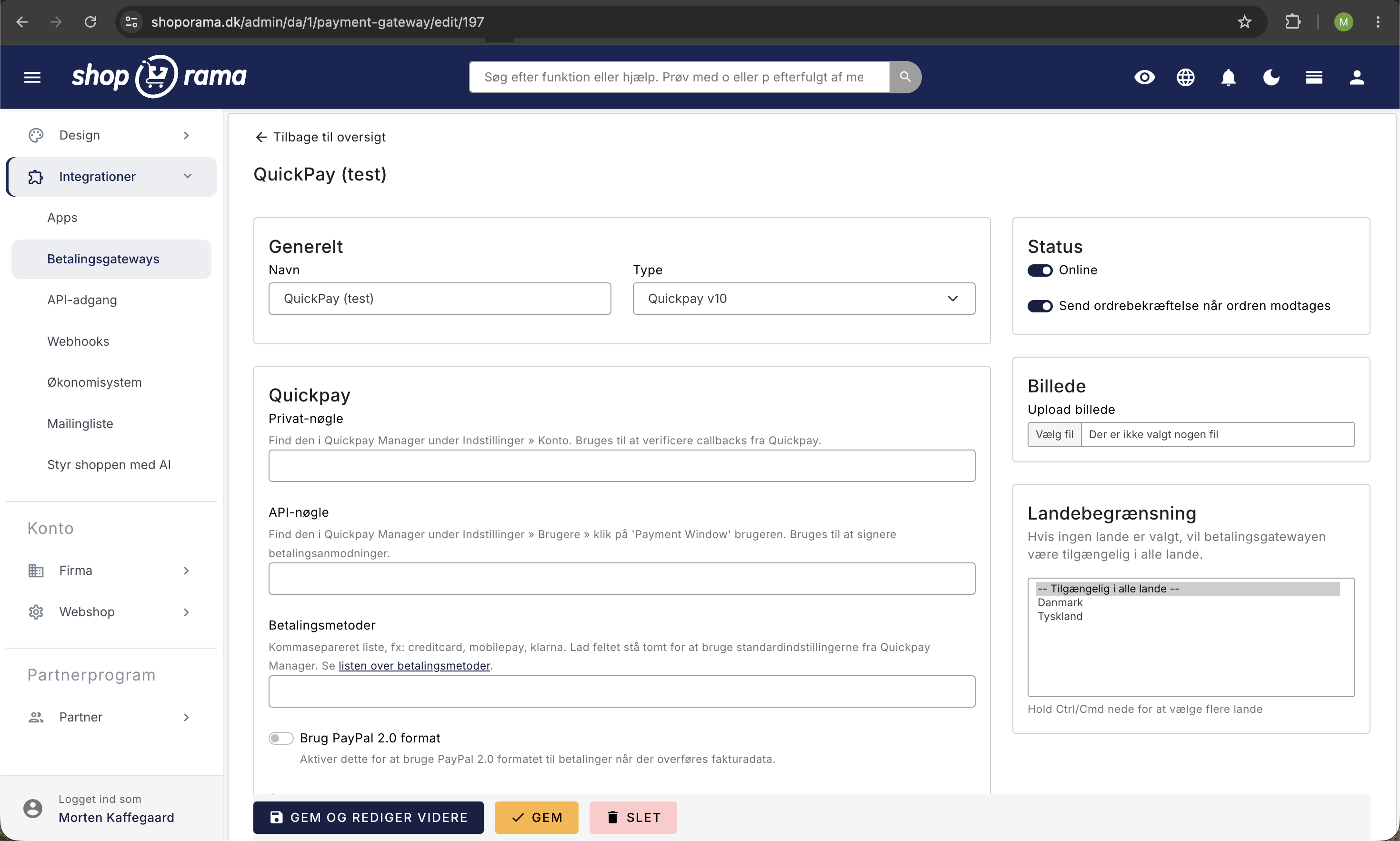
What is the problem?
3D Secure (also known as Verified by Visa and Mastercard SecureCode) is an additional security check that protects against fraud in online card payments. It is a requirement under the EU’s PSD2 directive.
The error occurs when your acquirer (the bank that processes your card transactions) has not properly registered your business for 3D Secure. This means that the customer’s bank declines the payment because it cannot verify your business.
How to fix it
- Find your acquirer — Your acquirer is the company that processes your card transactions. It could be Clearhaus, Nets (Teller), ePay, or another acquirer. You can usually find this information in your QuickPay dashboard under “Acquirers.”
- Contact your acquirer — Call or email your acquirer and ask them to re-register you for 3D Secure for both Visa and Mastercard.
- Wait for confirmation — It typically takes 1–3 business days for the change to take effect.
- Test the payment — Once your acquirer has confirmed the re-enrollment, you should make a test payment to verify that it works.
Common acquirers and contact information
| Acquirer | Contact |
|---|---|
| Clearhaus | support@clearhaus.com |
| Nets (Teller) | nets.eu |
| ePay | epay.dk |
Does the error only affect some customers?
If the error affects only some customers, it may be due to:
- The customer’s bank requires 3D Secure — Some banks always require 3D Secure, while others only do so for larger amounts.
- Card type — It’s possible that 3D Secure is only enabled for Visa but not Mastercard (or vice versa). Ask your acquirer to check both card types.
- Card issuer’s rules — Some foreign banks have stricter requirements than Danish banks.
Tip
You can view the status of payment attempts in your QuickPay dashboard under each individual transaction. Here you can see the exact error code and reason.
Need help? Contact us at support@shoporama.dk.
Related articles
3D Secure on QuickPay
Guide to enabling 3D Secure (SCA) on your QuickPay integration in Shoporama.
Setting up QuickPay
Guide to setting up QuickPay as a payment gateway on your Shoporama online shop. Supports Dankort, MobilePay, Visa, Mastercard and many more.
Subscriptions
Learn how to set up subscriptions in Shoporama so your customers can create recurring orders with automatic payment and delivery at set intervals.
Related features
SCA - Strong Customer Authentication
SCA requires two-factor authentication for online payments in the EU. Learn about 3D Secure 2, exceptions, conversion impact and how to handle it...
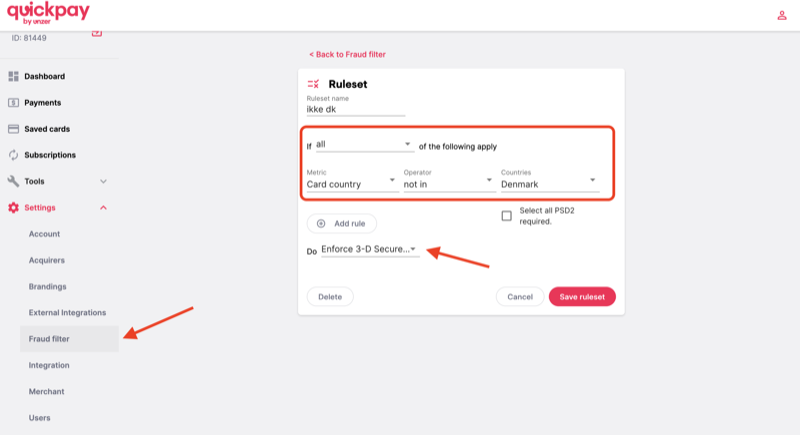
Protect your webshop against card fraud with QuickPay's Fraud Filter
Learn how to use QuickPay's free Fraud Filter to stop fraudsters. Block foreign cards, claim 3-D Secure and protect your business.
Webshop with Dankort
Create a webshop with Dankort as a payment method. How to get started on Shoporama via QuickPay, ePay, Mollie or Stripe - fees and setup explained.