Export sales data from the product overview
Export a CSV file with sales data for your products within a given period.
Reading time: approx. 1-2 minutes
Shopejer
Eksportér salgsdata
Du kan eksportere en CSV-fil med salgsdata for dine produkter inden for en given periode. Det er nyttigt til analyse af hvilke produkter der sælger bedst, eller til at dele salgsstatistik med leverandører.
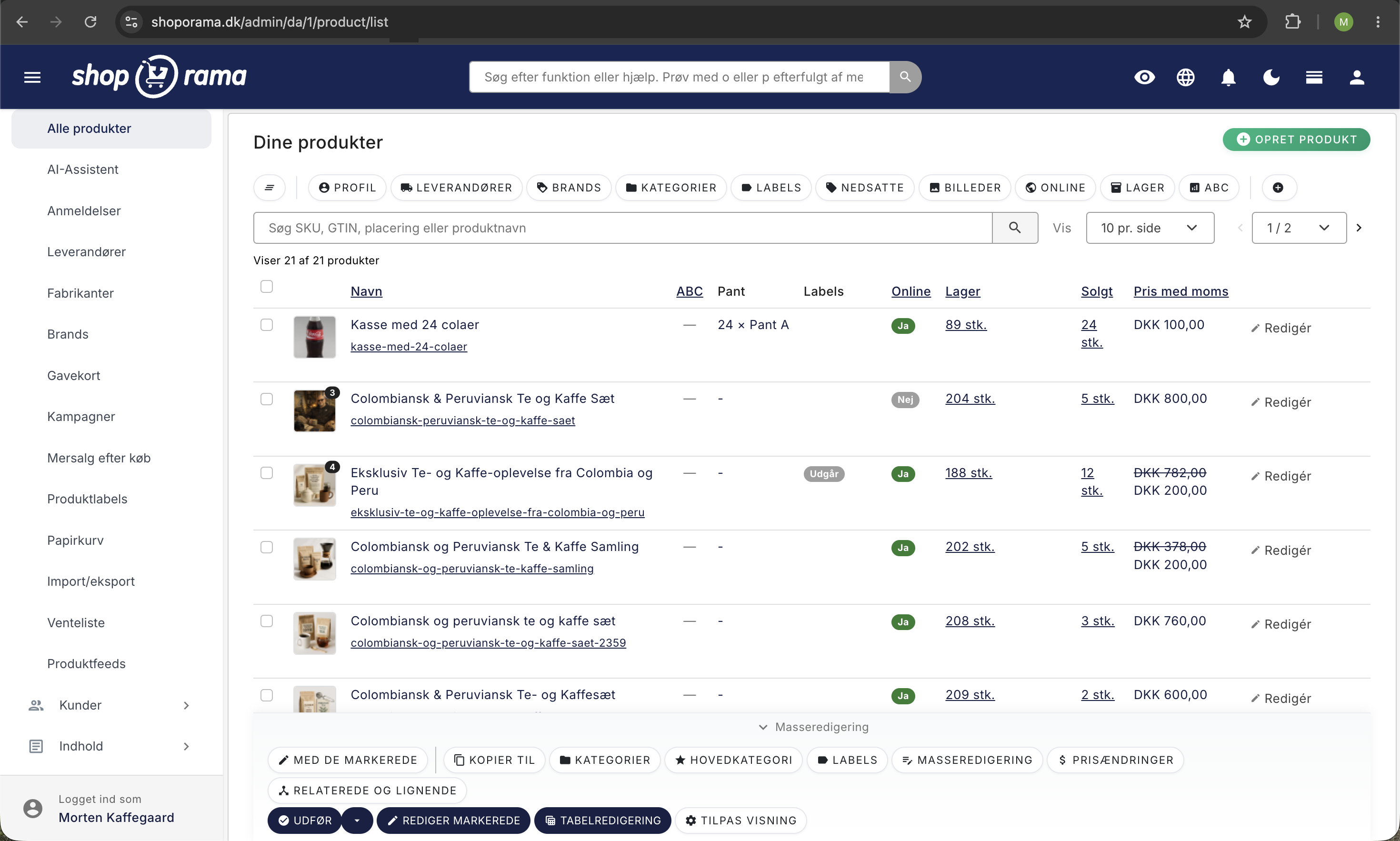
Sådan gør du
- Gå til Produkter i admin.
- Klik på Import/eksport i menuen til venstre, og vælg Salgsdata med datointerval.
- Vælg Fra-dato og Til-dato for den periode du vil eksportere.
- Klik Generer eksport.
- Filen genereres i baggrunden. Du ser en loading-side mens den bygges.
- Når filen er klar, vises beskeden "Din eksport er klar!" med knappen Download CSV fil, som du klikker på for at hente filen.
Godt at vide
- Filen genereres i baggrunden og kan tage op til nogle minutter ved store kataloger.
- Den downloadede fil hedder sales-data-YYYY-MM-DD.csv.
- Begge datoer (fra og til) skal angives.
Related features
⤵️
Export all your data - free and unlimited
Export products, orders, customers and discount codes in CSV format. Free, unlimited and always available. Your data belongs to you.
📊
Statistics and analytics
Dashboard, revenue, profit margin, ABC analysis and more. Shoporama's built-in statistics tools give you insights to run your online store profitably.