Copy a product using Claude or the REST API
Here's how to duplicate a product in Shoporama using Claude or the REST API. The copy is always saved as a draft, and you can override the name, EAN, SKU, price, and URL in the same call.
If you need to create a sister product or a variation of a product you already have, you don’t have to start from scratch. Shoporama has a tool that duplicates an existing product in the same store, so you can start with a finished product and just edit the parts that are different. The tool is available in two places: as the ` product_copy ` action when working with Claude, and as the ` POST /product/{id}/copy ` endpoint in our REST API.
For both store owners and developers
If you just need help with day-to-day operations, simply ask Claude to copy the product in plain language. If you’re building a permanent integration, call the same endpoint via the REST API. Both methods use the same functionality under the hood, so the result is identical.
How to use it with Claude
You’ll need the ID of the product you want to copy. If you’re not sure where to find it, read “Find the ID of a product, category, or order.” Once you know the ID, just describe what you want, for example:
"Create a copy of product 227429, name it 'Sister T-shirt', assign it EAN 5799999000011 and a price of 149.50, and save it as a draft."
Claude will create the copy, assign the name, EAN, and price you requested, and leave it as a draft so you can review it before it goes live in the store. For Claude to be able to copy products, the Catalog section must be set to Read and Edit under your AI tools. If it’s set to Read-Only, Claude can view your products but cannot create the copy, and if it’s set to Off, Claude has no access to the products at all. You can read more about this in “Customize which tools Claude can use in your shop.”
What’s included in the copy
A copy includes everything that describes the product itself, so you rarely have to start from scratch. The following are copied automatically:
- The product name, with " (copy)" appended to the end, unless you specify a different name yourself
- Price and sale price
- All descriptions, both the short and the long ones
- Meta and SEO fields
- All images, which are physically duplicated so that the copy has its own image files
- Categories and main category
- Product labels
- Related products
- The variant profile with its attributes and variant values, such as size, as well as any customer input fields that the customer fills out themselves
- Additional fields (extension data)
- A new, unique URL so that the copy does not conflict with the source’s address
Some items are intentionally omitted because they must be unique to each product or make the most sense to set manually. The following are not copied by default:
- EAN/barcode (gtin): The copy does not receive a barcode, so you avoid two products sharing the same EAN
- Item number/SKU (own_id): The source’s item number is not included
- Stock quantity: Stock is event-based and is never copied. The copy starts with zero stock, so you control when it can be sold
- Similar products: The list of similar products is not carried over
- Canonical: By default, the copy is a standalone product and does not point back to the source via a canonical link
Override fields in the same call
You can give the copy its own identity the moment it is created. This is useful because it ensures that a copy will never appear online with the source’s name or EAN—not even for a split second. You can set the following fields in the copy call itself:
- name: override the copy’s name. The default is the source’s name plus "(copy)"
- gtin: Set the copy’s EAN/barcode. The default is no barcode
- own_id: Set the copy’s item number/SKU. The default is no item number from the source
- price: override the price. The default is the same price as the source
- rewrite_url: override the URL slug. The default is a unique slug generated automatically
- is_online: Set to true to publish the copy immediately. The default is false (draft)
Also copy EAN, SKU, or similar (optional)
Sometimes you’ll specifically want to include fields that aren’t copied by default. For this, there are four optional settings, all of which are disabled by default:
- copy_gtin: Include the source’s EAN. Note that this creates a duplicate barcode, so use it only if you have a reason to do so
- copy_own_id: Include the source’s item number/SKU
- copy_similar: Copy the list of similar products
- canonical_to_source: Set the copy’s canonical URL to the source product. This is useful for true duplicate variants where you want to consolidate SEO signals onto a single product
If you set both an override and the corresponding option, the override takes precedence. For example, if you specify both `gtin` and `copy_gtin`, the copy will use the EAN you entered yourself, not the source’s.
Draft by default
A copy is always created as a draft—that is, hidden from the store—unless you explicitly request that it be made live. This is intentional. This means that a copy will never be visible in the store with the source’s name or barcode during the split second between when it’s created and when you’ve edited it. You can take your time to check the name, price, images, and variants, and only then put the copy online. If you want to skip that step and publish immediately, simply set ` is_online ` to `true` in the call.
Via the REST API
If you’re building an integration, call the endpoint directly. Copying requires a token with write access, so make sure your key has write or full access. If you don’t have a key yet, read Find or Create an API Key and check out the general guide in the REST API.
The simplest copy requires no body. The copy will be a draft with the source’s name plus "(copy)":
curl -X POST -H "Authorization: YOUR-API-KEY" \
  https://dinshop.dk/REST/product/227429/copy
If you want to create a sister item with its own identity and publish it immediately, include the fields in a JSON body:
curl -X POST -H "Authorization: YOUR-API-KEY" \
  -H "Content-Type: application/json" \
  -d '{"name":"Sister T-shirt","gtin":"5799999000011","own_id":"SIS-001","price":149.50,"rewrite_url":"sister-t-shirt","is_online":true}' \
  https://dinshop.dk/REST/product/227429/copy
You send the options in the same way. Here, the source’s EAN is copied along with the item, and the copy is set to point back to the source as the canonical URL:
curl -X POST -H "Authorization: YOUR-API-KEY" \
  -H "Content-Type: application/json" \
  -d '{"copy_gtin":true,"canonical_to_source":true}' \
  https://dinshop.dk/REST/product/227429/copy
The response is a 201 Created status with the entire new product, including its new product_id, so you can continue working with the copy in the same workflow.
Frequently Asked Questions
Does the copy go live immediately so my customers can see it?
No. A copy is always created as a hidden draft, so no customers will see it. It will only appear in the store once you choose to make it visible, or if you set `is_online` to `true` in the call itself. So feel free to review it at your leisure first.
How do I find the product ID I need?
The ID is listed in the product’s URL in the admin panel and in the product overview. Without the ID, the tool cannot know which product to duplicate. You can see exactly where it is listed in “Find ID for a Product, Category, or Order.”
What happens to the images?
The images are automatically transferred to the copy, so you don’t have to upload them again. They are physically duplicated, so the copy has its own image files and doesn’t share them with the original. If you want different images on the copy, you can simply edit them afterward.
Are the EAN, product number, and inventory carried over?
No, not by default. EAN/barcode, item number/SKU, and stock levels aren’t copied, so you avoid having two products with the same barcode or item number. You can request to have the EAN and SKU included in the same transaction, and you can set the stock levels for the copy yourself.
Can I undo the copy if I decide not to use it after all?
Yes. Since the copy starts as a hidden draft, you can simply delete it. Customers haven’t seen it, and your original product remains completely unaffected.
Does this work for products with variants?
Yes. The variant profile and the associated attributes and variant values—such as size and color—are copied over to the new product. However, the stock levels for the variants aren’t included; you’ll need to set those yourself.
Can I copy a product to one of my other stores?
No. The tool creates the copy in the same shop as the source product. It’s intended for sister and variant items within a single shop. If you need to move product assortments between your shops, that’s a different workflow.
Do the copy and the original cause issues in Google?
The copy gets its own unique URL and isn’t set as the canonical version of the original, so it stands as a standalone product. Write unique titles, descriptions, and meta descriptions for the copy so that the two pages do not compete for the same keywords. If the copy is essentially just a variant of the original, you can set the canonical tag to the source in the same step.
Can I copy many products quickly?
Yes. It takes one call per product, so you can create many copies in a short amount of time. All copies are created as drafts and aren’t visible until you publish them, so you can safely bulk-create them and clean up afterward. If you ask Claude to do this, a maximum of 120 changes per minute and 3,000 per hour can be made per connection. If Claude reaches the limit, the next changes will be rejected until some time has passed and Claude is instructed to wait.
Are brand-new products created by Claude also saved as drafts?
Yes. If you ask Claude to create a product from scratch instead of copying one, it will also be a hidden draft, unless you specify that it should go live immediately. Claude will let you know that the product isn’t visible yet, so you can review it and publish it when it’s ready.
How do I call this via the REST API?
Send a POST request to /product/{id}/copy with a JSON body, which can be empty for a standard copy. You must include a token with write access in the Authorization header. The call returns the new product’s full data, including a new product_id.
If you need help, feel free to email us at support@shoporama.dk.
Related articles
Customize which tools Claude can use in your shop
REST API
Complete guide to Shoporama's REST API: authentication, all endpoints, examples and Swagger documentation.
Find or create an API key
Guide to finding your API key in Shoporama, which is used for integrations with e.g. Shipmondo.
Find ID på produkt, kategori, ordre og andre objekter
Sådan finder du produkt-ID, kategori-ID, ordre-ID, profil-ID og webshop-ID i Shoporama. ID'et står altid i URL'en efter /edit/ og bruges i...
Related features
Claude (AI assistant)
Claude is an AI assistant from Anthropic that can integrate with Shoporama webshops via MCP and control the store via chat in Danish.
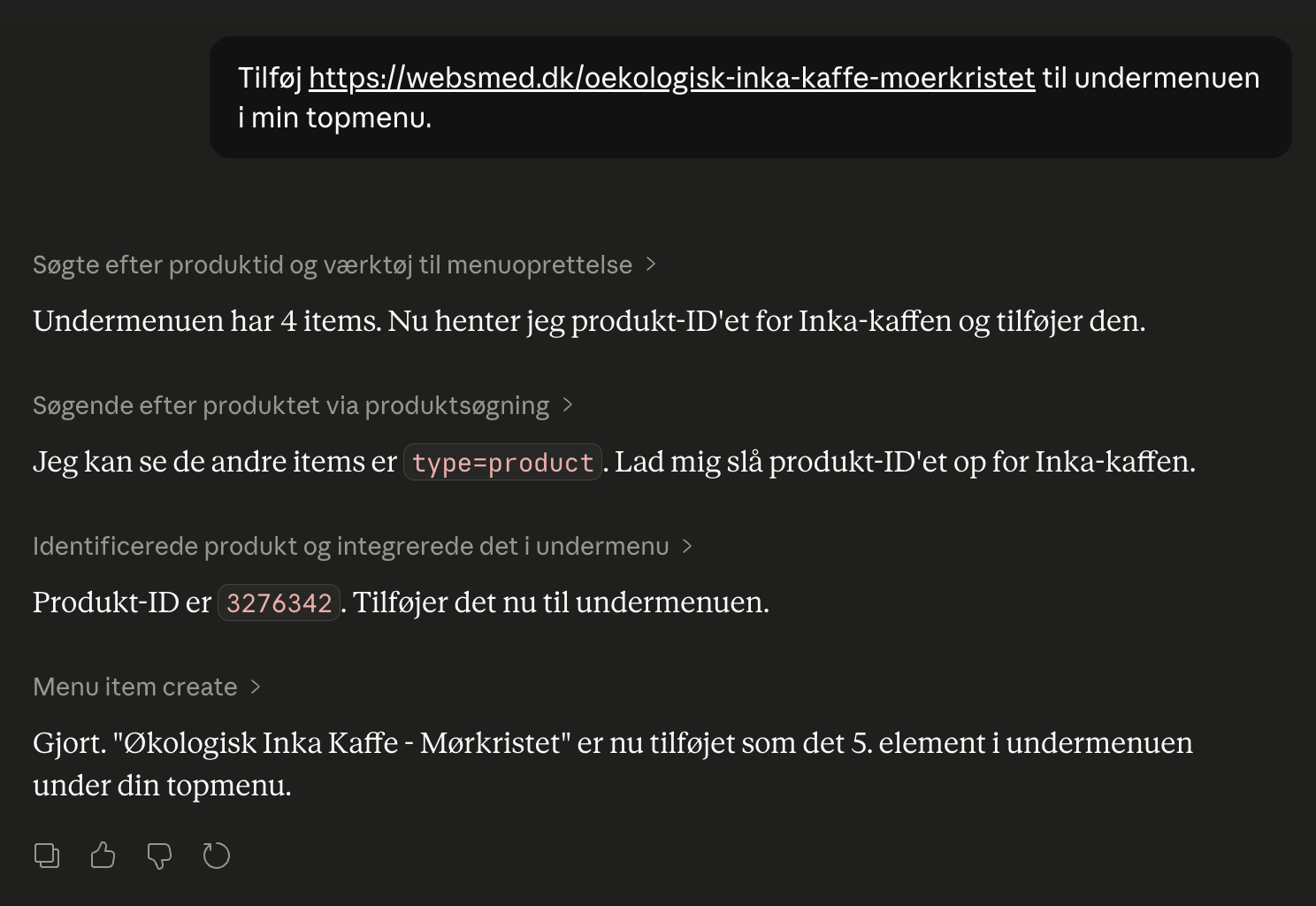
Now you can control your entire webshop by chatting
Launch campaigns, create products and view sales figures via chat in Danish. Shoporama's new AI integration with Claude saves hours in admin every...
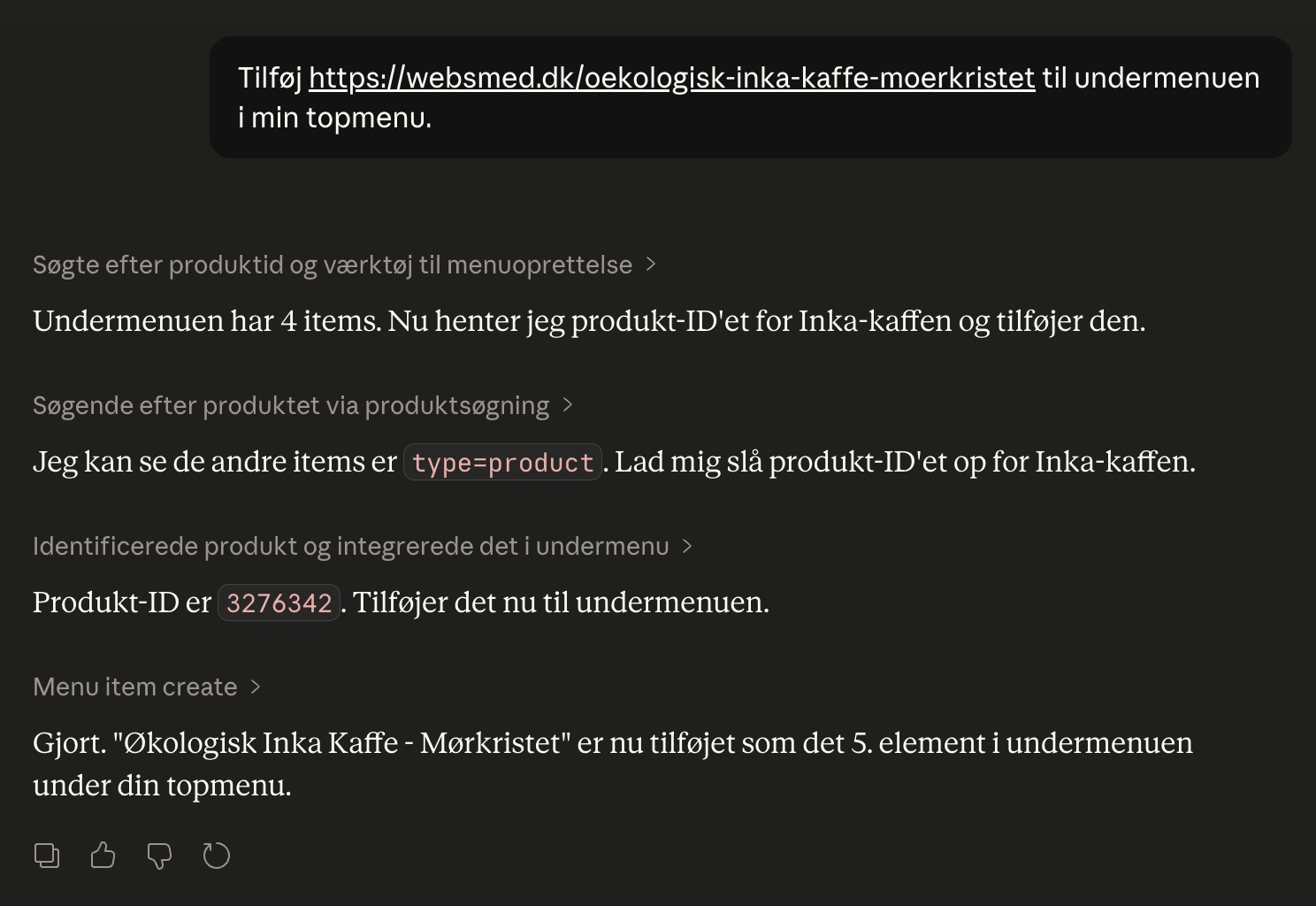
Control the shop with AI
Chat with your online store in Danish. Connect Shoporama to Claude and manage products, orders, promotions, and content directly from the chat.
REST API - build exactly the integration you want
Full REST API with access to products, orders, customers and more. Build your own integrations, apps or a headless frontend.
Manage your store with AI: Connect Claude to your store
Connect Claude to your Shoporama store via MCP. Choose an access level, write some good initial messages, and decide for yourself what the AI is...