Set up Klarna as payment method
Learn how to set up Klarna as a payment method in your Shoporama webshop.
Klarna er en betalingsløsning, der giver dine kunder mulighed for at betale med faktura, dele betalingen op, eller betale med det samme. I Shoporama opsættes Klarna via din betalingsgateway.
Forudsætninger
- En aktiv betalingsgateway der understøtter Klarna (fx QuickPay, PensoPay eller OnPay)
- En Klarna-aftale – opret en hos klarna.com
Opsætning
- Opret en Klarna Merchant-aftale hos Klarna
- Tilslut Klarna til din betalingsgateway. Dette gøres i din gateways dashboard (fx QuickPay Manager under "Acquirers")
- Gå til Integrationer > Betalingsgateways i Shoporama
- Aktivér Klarna som betalingsmetode under din gateway
- Gem indstillingerne
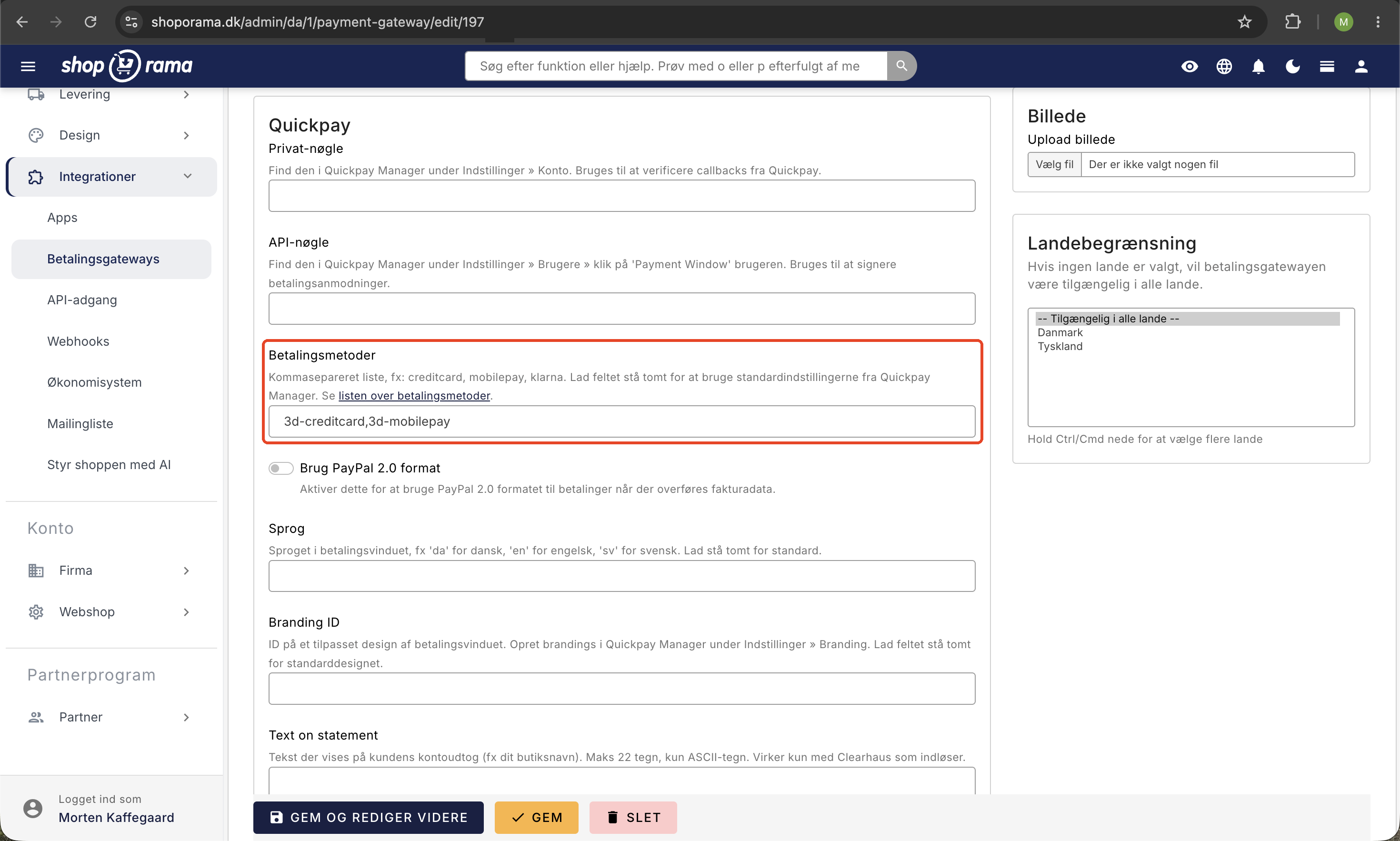
Klarna-betalingsmetoder
Afhængigt af din aftale med Klarna kan dine kunder vælge mellem:
- Betal nu – Kunden betaler med det samme med kort eller bankoverførsel
- Betal senere – Kunden betaler med faktura inden for 14-30 dage
- Del betalingen op – Kunden betaler over flere måneder
Vigtig information
- Klarna håndterer kreditvurdering og risiko – du får pengene uanset
- Kontakt din betalingsgateway, hvis du har problemer med Klarna-integrationen
- Klarna-gebyrer afhænger af din aftale direkte med Klarna
Related articles
Consumers' Association as a payment method
How to accept the Spending Credit in your Shoporama online shop. The Spending Credit is activated as a card type in the ePay gateway, not as a...
Create EAN payment as a payment method
Guide to setting up EAN payment (invoice payment for businesses) on your Shoporama online store.
Set up ePay as a payment gateway
Step-by-step guide to setting up ePay as a payment gateway in your Shoporama webshop. Fill in Merchant ID, Secret (MD5) and Password for capture...
Related features
Klarna payment - partial payment, invoice and instant in your webshop
Offer Klarna partial payment, invoice and immediate payment in your online store. Higher conversion and larger orders with Shoporama.
Webshop with Klarna
Offer Klarna in your online shop and let customers choose between Pay Now, Pay Later and Slice It. How to set up Klarna on Shoporama via Mollie.
13+ payment gateways for your webshop
Choose from OnPay, Quickpay, Stripe, Mollie, Nets Easy, ePay and many more. Automatic capture, country restrictions and partial payment.