Set up PostNord with parcel shop
Guide to setting up PostNord with parcel shop as a shipping option in your Shoporama online shop.
This guide shows you how to set up PostNord as a shipping option with a package pickup location in your Shoporama online store. Once the setup is complete, your customers can select a PostNord package pickup location at checkout.
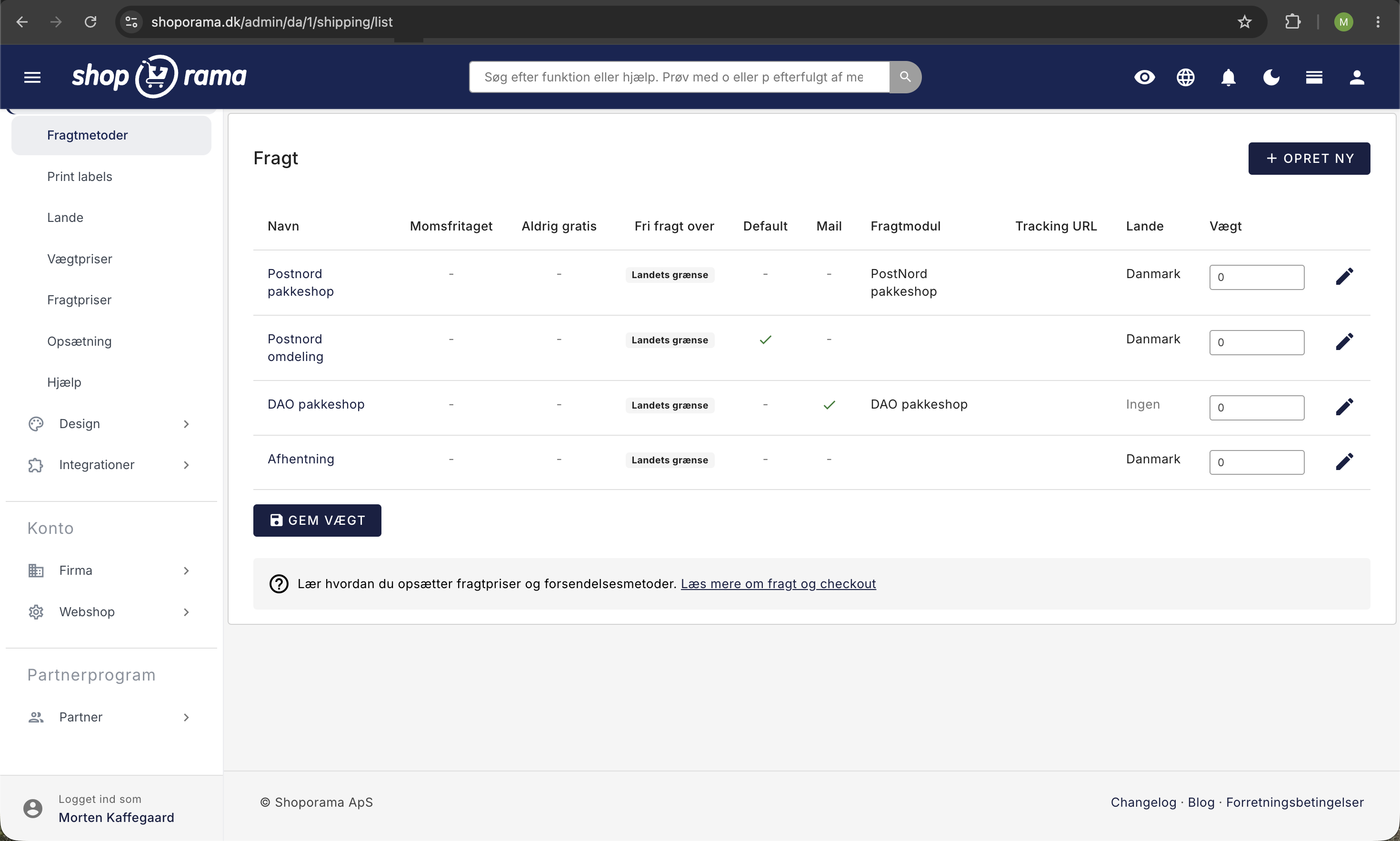
1. Create the shipping option
- Click on “Delivery” in the menu on the left
- Click on Shipping Methods
- Click the “Create New” button
- Fill in the fields:
- Name: e.g., "PostNord to Package Shop"
- Tracking URL: https://www.postnord.dk/track-trace#dynamicloading=true&shipmentid=%ID%
- Shipping module: Select "Post Danmark"
- Check the box next to "Send an email to the recipient when the item is shipped"
- Click Save
2. Link to countries
The shipping option must be linked to the countries where you offer it:
- Click Countries
- Click Edit next to the country you want to associate it with (typically Denmark)
- Make sure your new shipping option is selected in the "Shipping Options" list
- Click Save
3. Set the shipping price
If you want to set a price for the shipping option:
- Click on "Shipping Rates"
- Enter the price for your PostNord Parcel Shop shipping option
- Click Save
Tip
You can set up different prices based on order amount—for example, free shipping over a certain amount. This is configured under shipping rates.
Troubleshooting
- Parcel shop options not showing up? — Some custom themes may not display parcel shops. Contact support@shoporama.dk, and we’ll help you
- Shipping option not showing up at checkout? — Check that it’s associated with the correct country under the Countries tab
- Incorrect tracking link? — Make sure the tracking URL contains %ID%, which should be replaced with the actual tracking number
Track package shop pickups
When you create PostNord shipping labels through Shoporama, the system automatically tracks the pickup status of your package shop orders, so you can see which packages are waiting to be picked up. Read more in How to Keep Track of Package Shop Pickups.
Need help? Contact us at support@shoporama.dk.
Related features
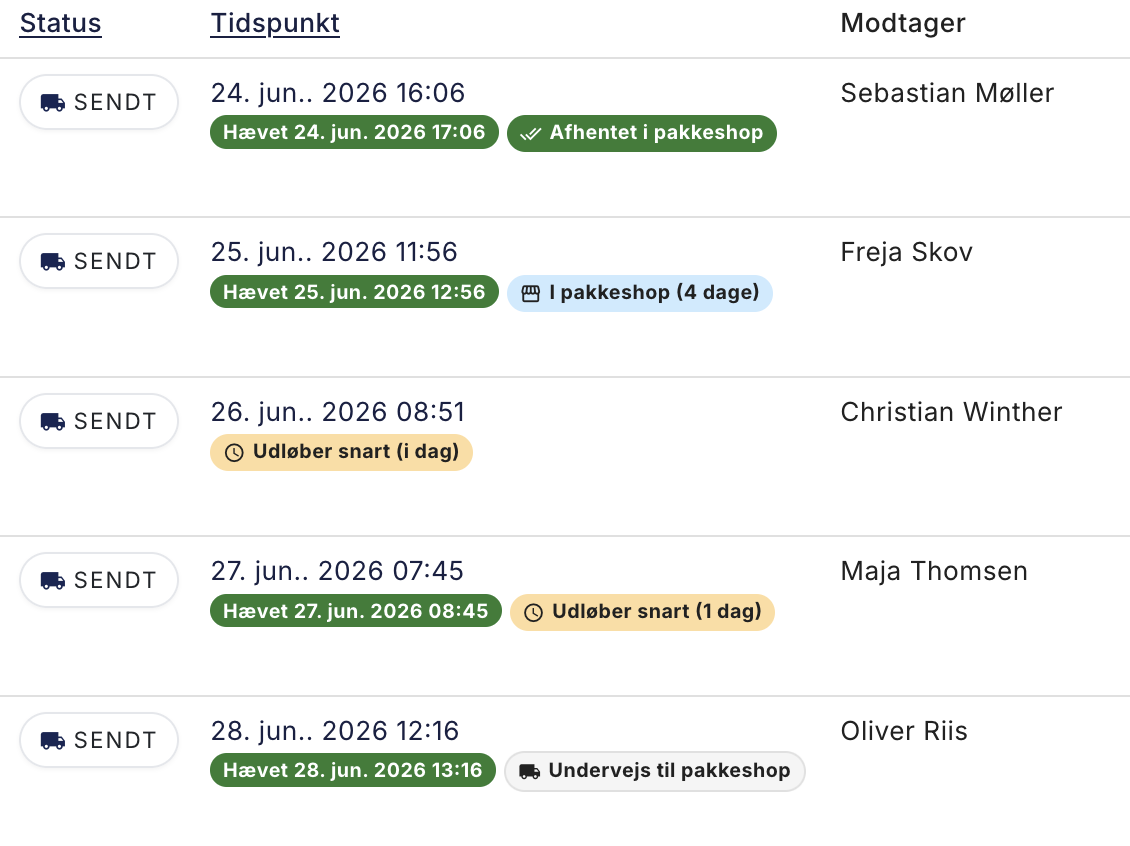
Nyt: Se med det samme hvilke pakkeshop-pakker der snart udløber
Shoporama now shows directly in the order list whether a ParcelShop package is ready for pickup, is about to expire, has been picked up, or has...
Package Shop Overview: See Which Packages Are About to Expire
Webshop with PostNord
Create an online store with PostNord shipping: parcel shop selector in checkout, automatic label printing, tracking and international shipping...
Shipping options
Set up shipping with PostNord, GLS, DAO, DHL and Shipmondo. Parcel shops in checkout, tracking, free shipping and weight-based shipping calculation.