Payson payment gateway
Guide to setting up Payson as a payment gateway in Shoporama. Accept payments from Swedish and Nordic customers.
Payson er en svensk betalingsløsning der kan bruges som betalingsgateway i Shoporama. Det er særligt relevant hvis du sælger til det svenske eller nordiske marked.
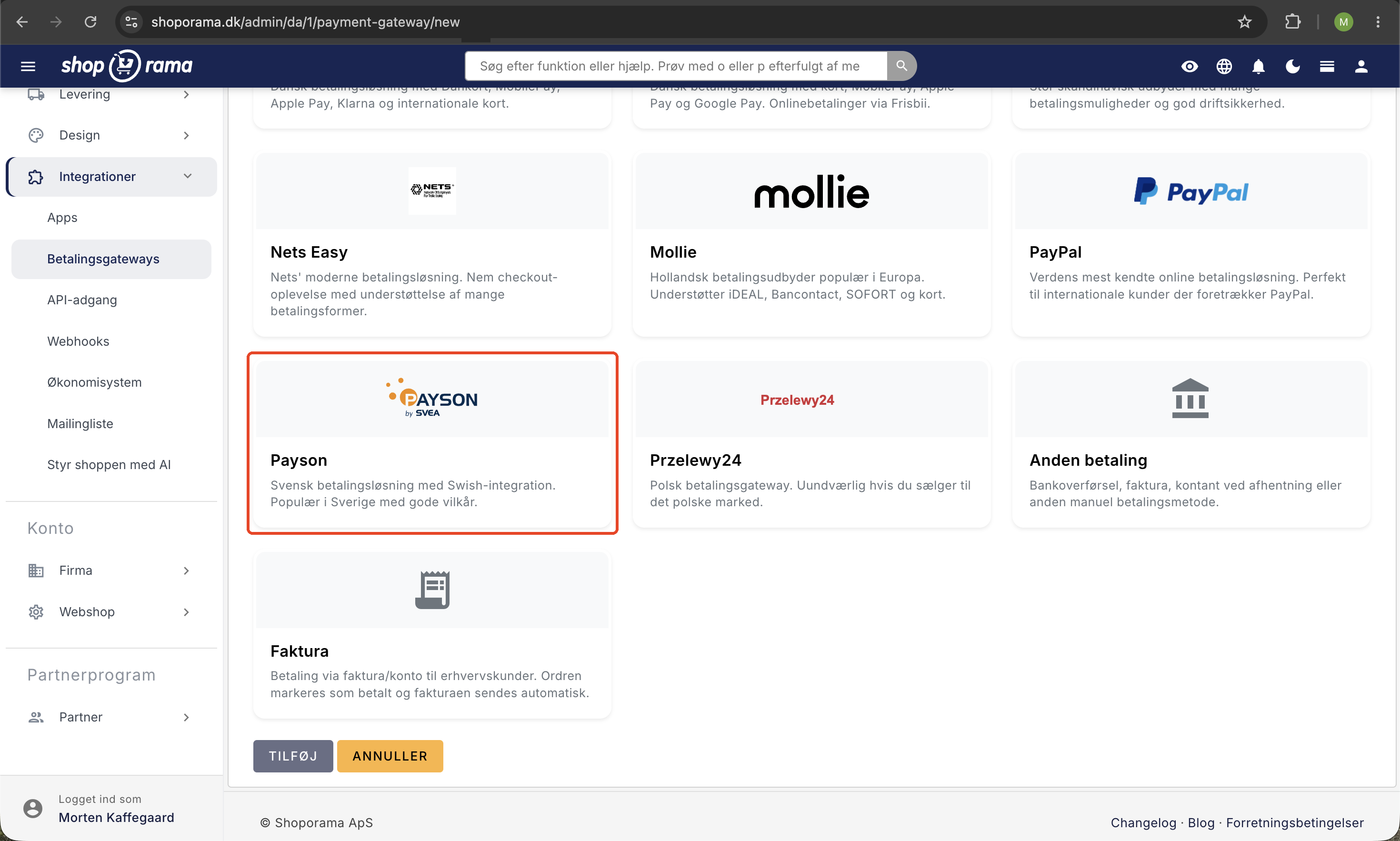
Opsætning
- Opret en konto hos Payson
- Hent dit Agent ID og din API-nøgle fra Payson
- Gå til Integrationer → Betalingsgateways i Shoporama-administrationen
- Tilføj Payson som betalingsgateway
- Indtast Agent ID og API-nøgle
- Vælg sprog og tilladte lande
- Gem indstillingerne
Indstillinger
- Sprog — Vælg sproget for betalingsformularen: Svensk, dansk, norsk, finsk, engelsk, tysk eller spansk
- Lande — Begræns hvilke lande kunderne kan vælge: Sverige, Danmark, Norge, England, Tyskland, Holland — eller tillad alle lande
Sådan fungerer det
Når en kunde vælger Payson ved checkout:
- Kunden ser en betalingsformular fra Payson direkte på din webshop
- Kunden indtaster sine betalingsoplysninger
- Payson behandler betalingen og bekræfter til Shoporama
- Ordren markeres automatisk som betalt, og kunden modtager ordrebekræftelse
Afsendelse og statusopdatering
Når du markerer en ordre som afsendt i Shoporama, sendes statusopdateringen automatisk til Payson. Det sikrer at Payson og Shoporama altid er synkroniserede.
Tip
Har du brug for hjælp til Payson-opsætningen, er du velkommen til at kontakte os på support@shoporama.dk.
Related articles
Stripe payment gateway
Learn how to set up and use Stripe as a payment gateway in your Shoporama online shop. Stripe supports card payment, MobilePay, Klarna, Apple Pay,...
Subscriptions
Learn how to set up subscriptions in Shoporama so your customers can create recurring orders with automatic payment and delivery at set intervals.
Phone number in MobilePay
Why the phone number is not pre-filled in MobilePay and what the customer can do.