Resend the order confirmation
Guide to resend the order confirmation to a customer in Shoporama.
Har en kunde ikke modtaget ordrebekræftelsen, eller har du brug for at sende den igen? Det kan du gøre direkte fra ordren i Shoporama admin.
Sådan gensender du ordrebekræftelsen
- Gå til Ordrer i menuen
- Klik på "Redigér" ud for den ordre, du vil gensende bekræftelsen for
- Scroll ned i bunden af ordresiden
- Sæt flueben i "Send ordrebekræftelse igen"
- Klik Gem
Ordrebekræftelsen sendes herefter til kundens email-adresse, som den er registreret på ordren.
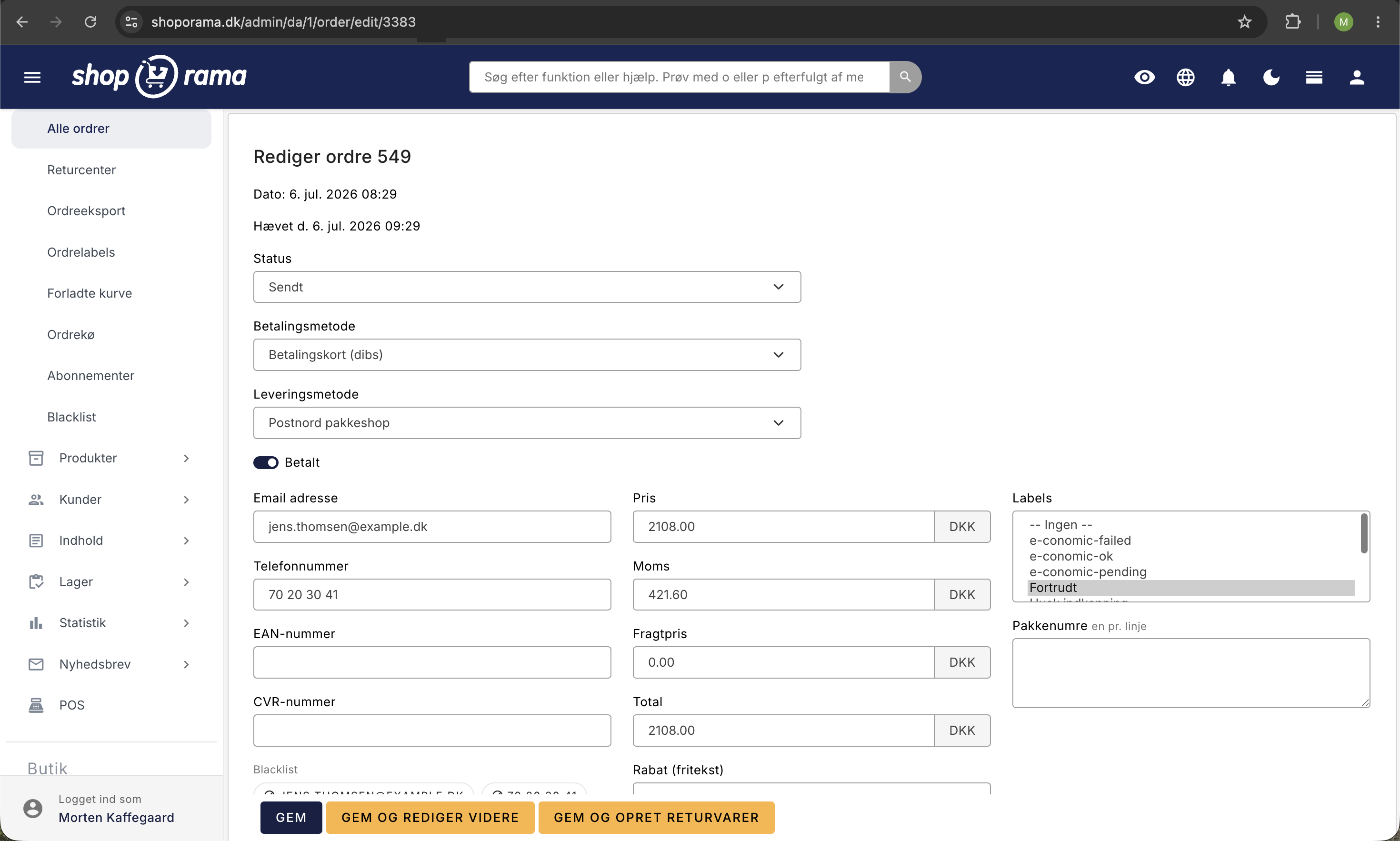
Ændre modtagerens email
Hvis kunden har angivet en forkert email, kan du rette den på ordren før du gensender. Ret feltet Email på ordren og klik Gem — så sendes bekræftelsen til den nye adresse.
Tip
Du kan se alle mails Shoporama har sendt til en kunde under Konto → Webshop → Sendte mails. Se også artiklen Se mails sendt til en kunde.
Har du brug for hjælp? Kontakt os på support@shoporama.dk.
Related articles
Customers skip payment and land directly on the order confirmation
Troubleshooting when customers skip the payment in your webshop and land directly on the order confirmation. Almost always due to the EAN field in...
Blacklist - Block unwanted orders
Learn how to use Shoporama's blacklist feature to block spam orders and unwanted customers by blacklisting email, phone number or IP address.
Handle returns
Guide to Shoporama's returns center - handle returns, create credit notes, and manage customer return requests.