Nu kan dine kunder fortryde købet online
From June 19, 2026, online stores must offer digital undo. The feature is now built into Shoporama. The link in the order confirmation email works regardless of theme, and on the built-in themes, the withdrawal page is already ready.
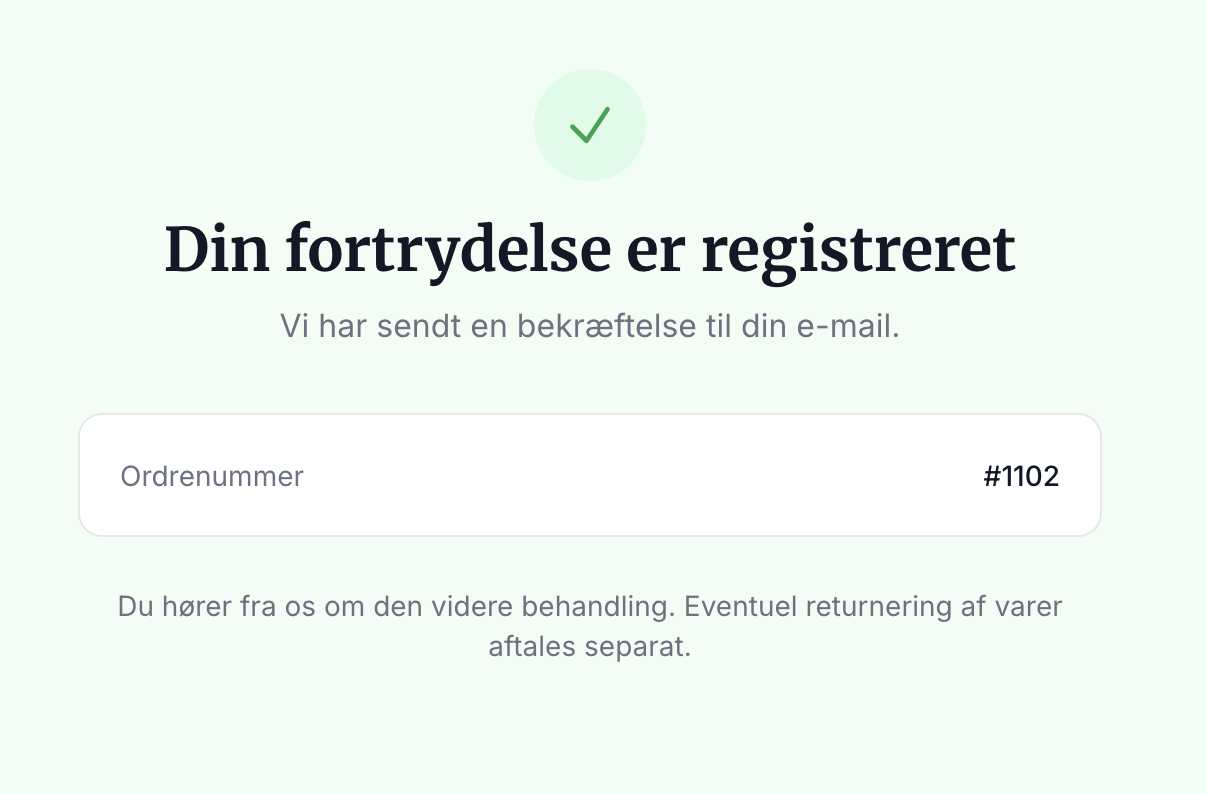
Starting June 19, 2026, Danish online stores must allow consumers to cancel a purchase directly online. This is a new requirement under the Consumer Contracts Act, and an email address or paper form is no longer sufficient. That’s why we’ve built a digital cancellation feature into Shoporama, so you’re all set without having to do anything.
Here’s how the customer experiences it
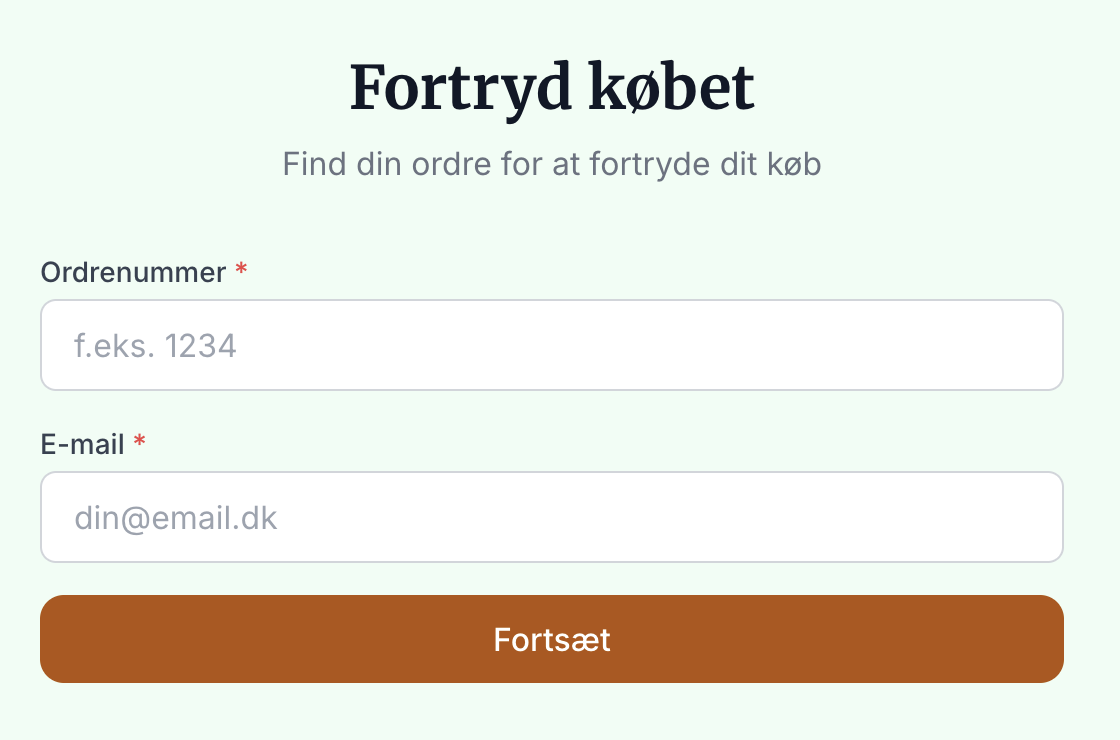
The customer can access the cancellation page via the link in the order confirmation or by navigating to it themselves and entering the order number and email address. No login is required, so it also works for customers who shopped as guests.
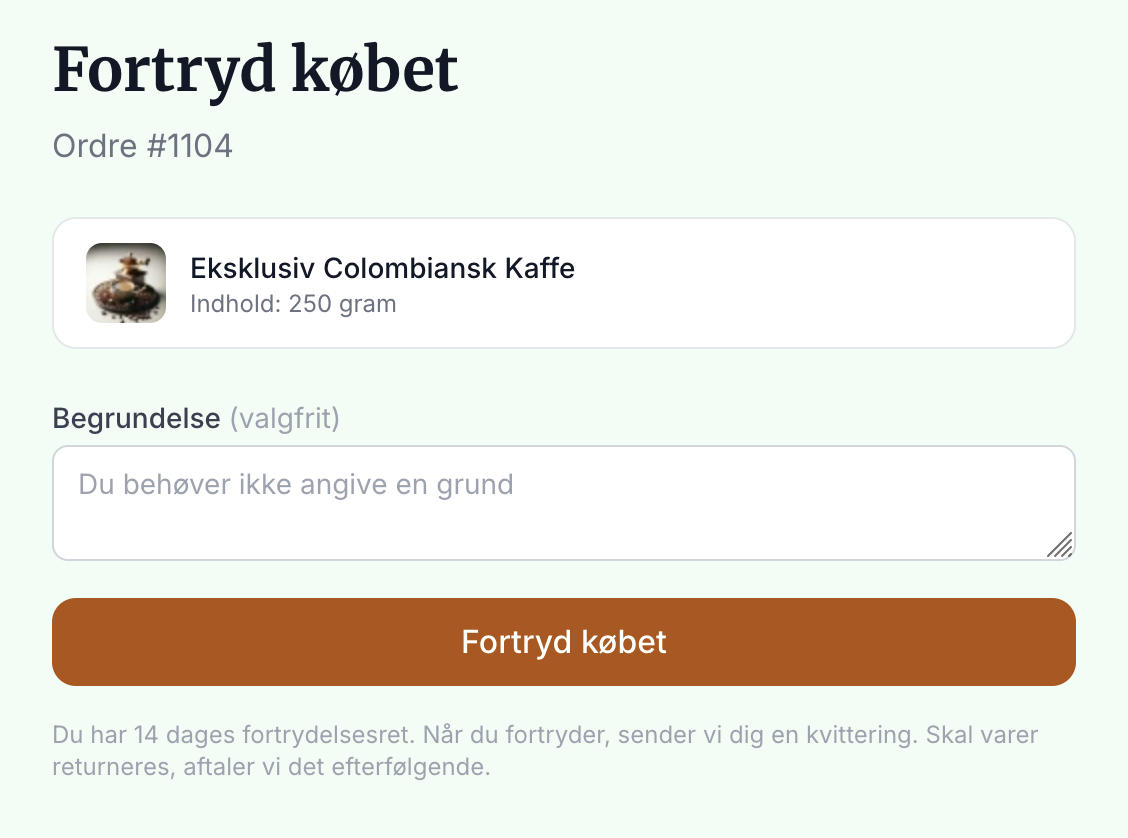
The order is then displayed, and the customer can enter an optional reason. A single click on “Cancel Purchase” takes them to a confirmation step. These two steps are required by law and ensure that no one cancels by accident.
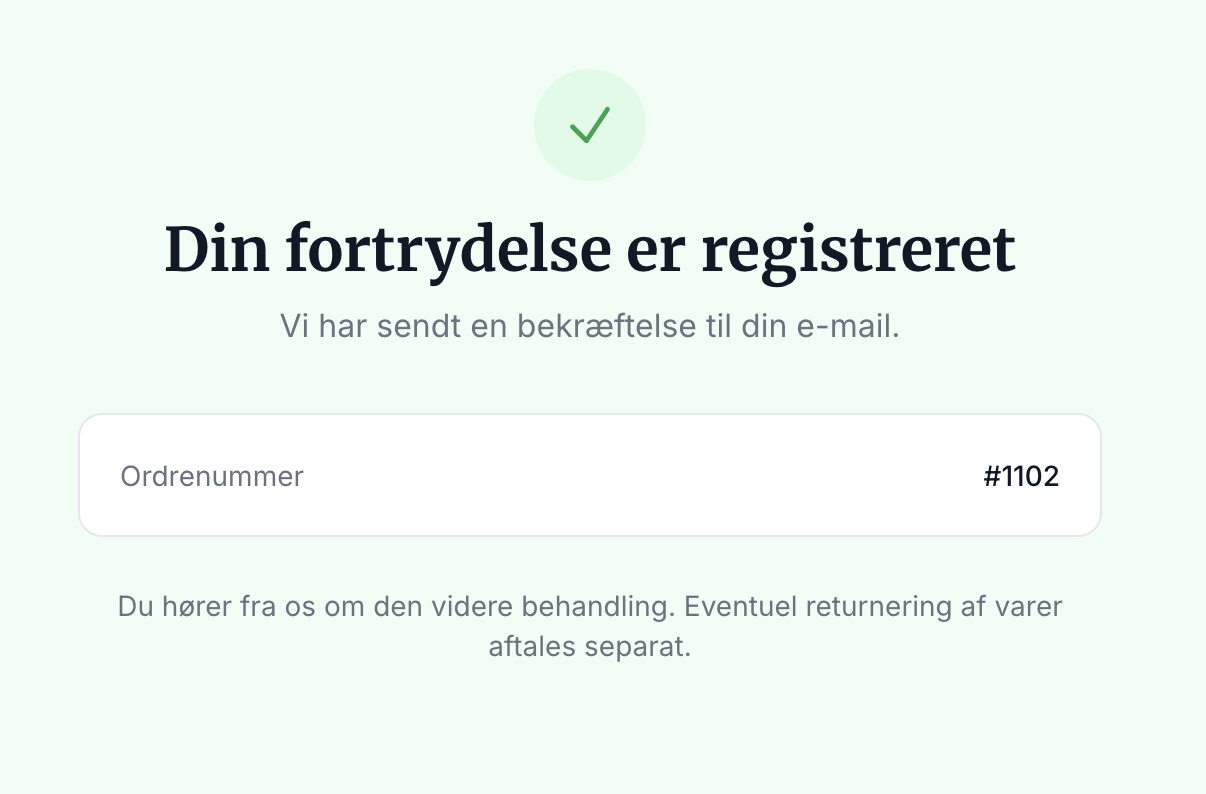
When the customer confirms, a receipt appears on the screen, and a confirmation email is sent immediately. The email serves as the customer’s legal proof on a durable medium.
Here’s how it works for you
Every time a customer cancels an order, you’ll receive an email notification, and the order is automatically marked with a “Canceled” label. A timestamped note is also saved on the order, so you have all the documentation in one place. You can find all canceled orders by filtering the order list by the “Canceled” label.
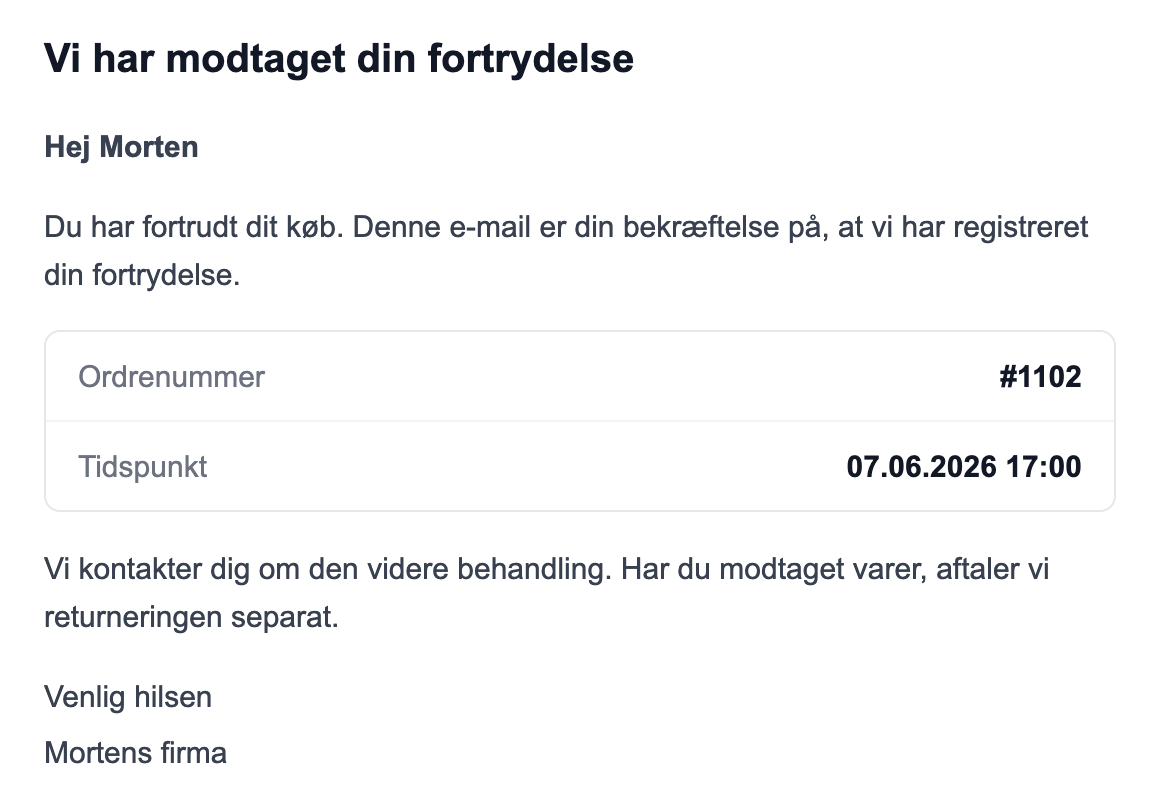
Cancellation is not the same as a return
A cancellation is the customer’s legal declaration that the purchase is being canceled. It does not automatically refund or cancel the order. You decide whether to issue a refund, cancel the order, or process a return, and you handle the return process itself in the existing returns center. This way, you retain control over the sequence of actions—for example, issuing a refund only after the item has been returned.
Ready to use the built-in themes
If you’re using one of Shoporama’s built-in themes, the feature is part of the platform, and you don’t need to do anything. The cancellation link is automatically included in the order confirmation email, and the cancellation page itself is already built in, so the customer can proceed right away.
Are you using your own theme?
If you’ve had your own custom theme built, the cancellation page isn’t included automatically. The link in the order confirmation email works regardless of the theme, but for the page to display, the withdrawal.html template must be added to your theme. This requires some development work, so you’ll need to involve your developer.
If you have a developer on staff, they can download Montana for free from the theme library and copy the relevant code into your own theme so you can keep your own design. Remember that Montana’s withdrawal.html also uses the components/alert.html component, which must be copied as well. Otherwise, the cancellation page will fail if a customer enters an incorrect order number and the page needs to display the error message “Your order was not found.” If you don’t have a developer, one of our design partners can add the code for you.
If you want to make the feature more visible, you can add a link to the page yourself in your footer or a menu. If you want to dive into the details, read the full guide in Digital Cancellation: Let Customers Cancel Their Purchase Online.
More from the blog
Reviews with photos: Let customers show the product as it is
Now your customers can attach photos when they leave a review of their purchase. A photo of the product in use at a real customer’s home shows...
19. oktober 2026
Inventory Value with Split Inventory: One Number for the Financial Statements, Without Duplicates
If your shops sell from the same inventory, each shop displays the full value of the shared inventory, and if you combine the shops, the items are...
17. oktober 2026
Customer Club Newsletter: Sell More to Returning Customers
Your regular customers are the ones most likely to make repeat purchases. Now you can send the newsletter only to the customer club, to a specific...
14. oktober 2026