Customer groups and segmentation
How to create customer groups and segments in Shoporama for targeted marketing and newsletters.
I Shoporama kan du oprette kundegrupper og segmentere dine kunder baseret på adfærd, køb og andre kriterier. Dette er nyttigt til målrettet markedsføring, nyhedsbreve og personlig kommunikation.
Profilfelter (kundefelter)
Under Kunder → Profilfelter kan du oprette brugerdefinerede felter, som kunder udfylder ved oprettelse af profil eller i checkout. Disse felter kan bruges til at kategorisere dine kunder.
Hvert profilfelt har følgende egenskaber:
- Navn — Feltnavn som vises for kunden
- Type — Tekstfelt eller dropdown/liste med foruddefinerede valgmuligheder
- Påkrævet — Om feltet skal udfyldes for at oprette profil
- Synlighed — Om feltet skal vises i checkout, på profilen, eller begge dele
Eksempel: Du kan oprette et dropdown-felt "Branche" med valgmulighederne "Privat", "Virksomhed" og "Forening", og dermed segmentere dine kunder efter type.
Nyhedsbrevssegmenter
Under Nyhedsbrev → Segmenter kan du oprette avancerede segmenter baseret på kundernes adfærd og egenskaber. Segmenter bruges til at sende målrettede nyhedsbreve til specifikke kundegrupper.
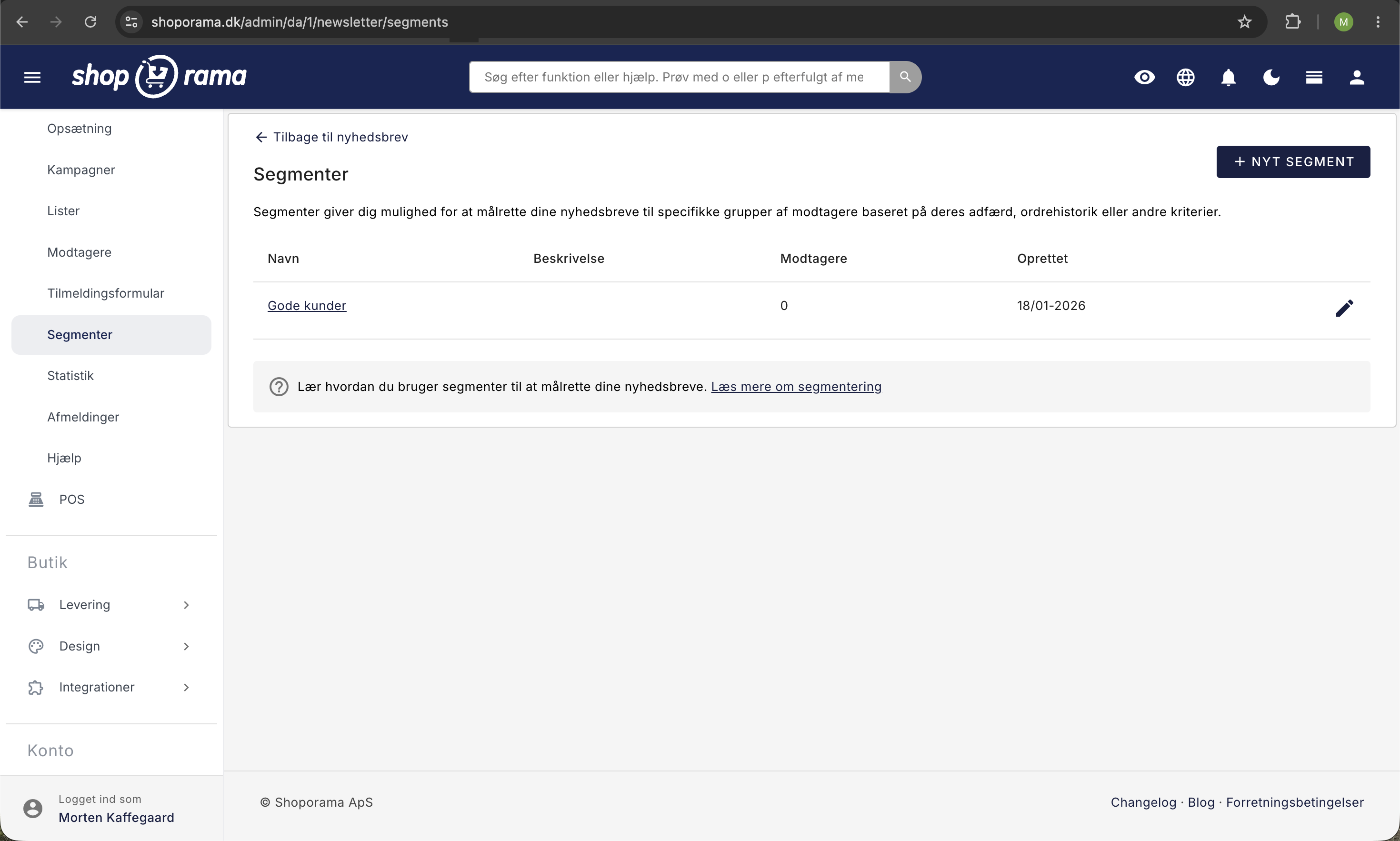
Følgende regler er tilgængelige:
- Antal ordrer — Filtrér kunder der har handlet et bestemt antal gange (mere end, mindre end, præcist)
- Samlet forbrug — Kunder der har brugt over eller under et bestemt beløb
- Seneste ordre — Kunder der har handlet inden for en bestemt periode (eller ikke har)
- Kategori-køb — Kunder der har købt fra en bestemt produktkategori
- Produkt-køb — Kunder der har købt et specifikt produkt
- Label-køb — Kunder der har købt produkter med et bestemt label
- Tilmeldingsdato — Kunder tilmeldt nyhedsbrevet inden for en tidsperiode
- Listemedlem — Kunder der er på en bestemt nyhedsbrevsliste
Du kan kombinere flere regler, og vælge om kunden skal opfylde alle regler (OG) eller mindst én regel (ELLER).
Eksempler på segmentering
Her er nogle praktiske eksempler på kundegrupper du kan oprette:
- VIP-kunder: Kunder med samlet forbrug over 5.000 kr. og mere end 3 ordrer
- Inaktive kunder: Kunder der ikke har handlet i over 6 måneder
- Kategorifans: Kunder der har købt fra en bestemt kategori, fx "Løbesko"
- Nye abonnenter: Kunder tilmeldt nyhedsbrevet inden for de seneste 30 dage
Brug af segmenter i nyhedsbreve
Når du opretter et nyhedsbrev, kan du vælge hvilke segmenter det skal sendes til. På den måde kan du sende målrettede tilbud og indhold til de kunder, der er mest relevante — i stedet for at sende det samme nyhedsbrev til alle.
Eksport af kundegrupper
Du kan eksportere kunder, der matcher dine kriterier, til en CSV-fil. Se artiklen Eksportér kunder der har købt et bestemt produkt for mere info.
Related articles
Unsubscribe links in automatic emails
Give your customers the option to unsubscribe from automatic follow-up emails after purchases and product reviews - with a simple link in the email.
Blacklist - Block unwanted orders
Learn how to use Shoporama's blacklist feature to block spam orders and unwanted customers by blacklisting email, phone number or IP address.
Export customers who have purchased a specific product
Guide to export a list of customers who have purchased a specific product and send them an email.