Reverse related products
Understand the difference between related and unrelated products and how to set them up.
Hvad er omvendt relaterede produkter?
I Shoporama skelnes mellem relaterede produkter og omvendt relaterede produkter:
- Relaterede produkter: De produkter du har valgt at vise på dette produkts side. Opsættes under "Relaterede produkter" på produktredigeringssiden.
- Omvendt relaterede produkter: Andre produkter du vil have dit produkt vist på som relateret. Med andre ord: du kan vælge at dit produkt skal vises som relateret på andre produkters sider.
Eksempel
Du sælger et cover (Produkt A) der passer til en telefon (Produkt B). Med omvendt relaterede produkter kan du fra Produkt A angive, at det skal vises som relateret på Produkt B's side — uden at du behøver at redigere Produkt B.
Sådan opsætter du det
- Åbn det produkt du vil have vist som relateret (fx coveret).
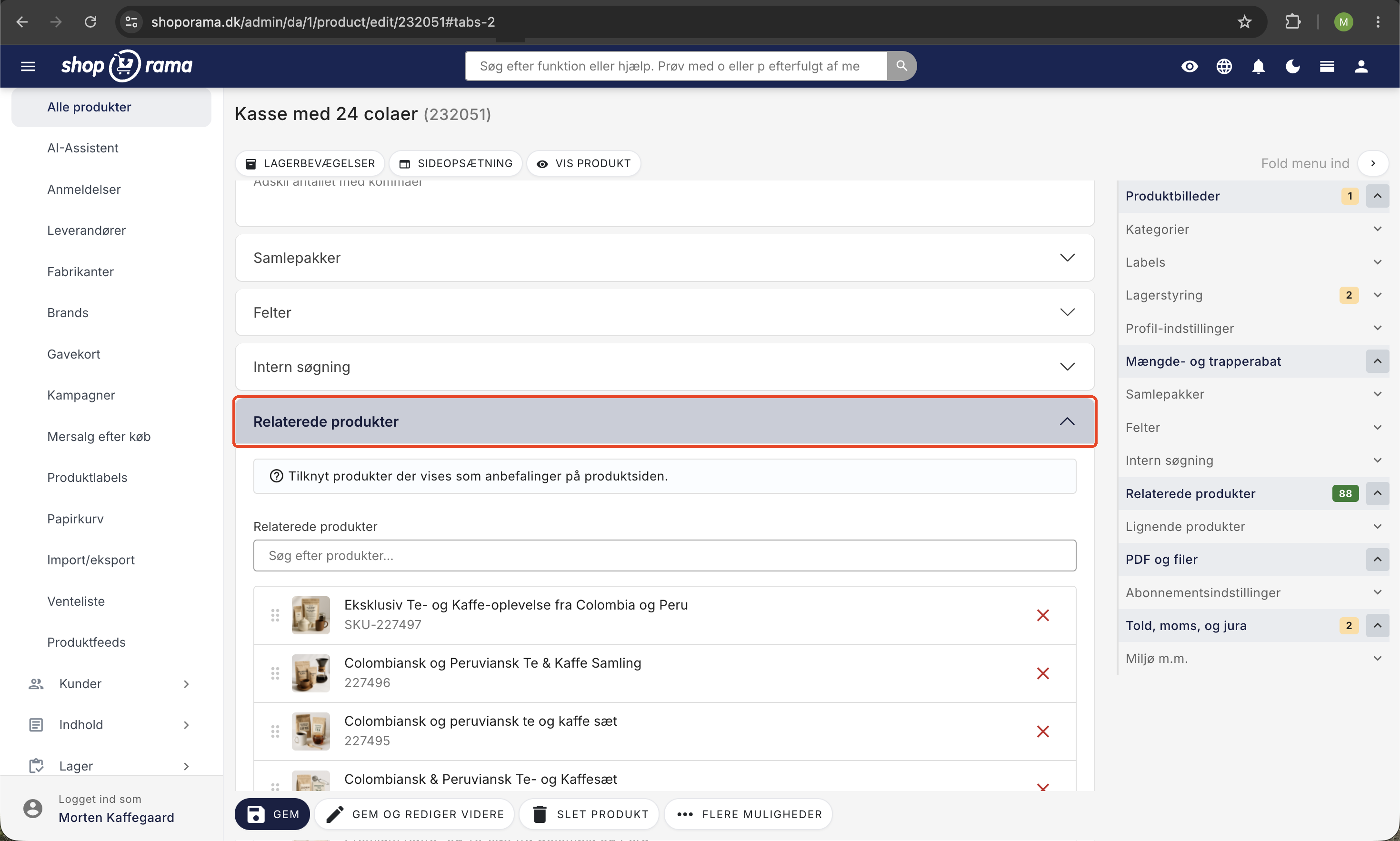
- Gå til sektionen Relaterede produkter, hvor du nederst finder Omvendt relateret.
- Søg efter og tilføj de produkter, dit produkt skal vises på (fx telefonen).
- Gem produktet.
Nu vil coveret automatisk blive vist som relateret produkt på telefonens produktside.
Hvornår er det nyttigt?
- Tilbehør der passer til mange produkter — sæt det op én gang fra tilbehøret i stedet for at redigere hvert hovedprodukt.
- Nye produkter du hurtigt vil have vist på eksisterende produktsider.
- Kampagneprodukter du midlertidigt vil fremhæve på andre produkter.
Tip: Find de rette produkter med Købt sammen-statistikken
Ikke sikker på hvilke produkter der bør relateres? Under Statistik → Købt sammen kan du se hvilke produktpar dine kunder faktisk køber i samme ordre. Derfra kan du med ét klik tilføje dem som relaterede — en hurtig måde at opsætte både almindelige og omvendte relationer baseret på rigtig kundeadfærd.
Related features
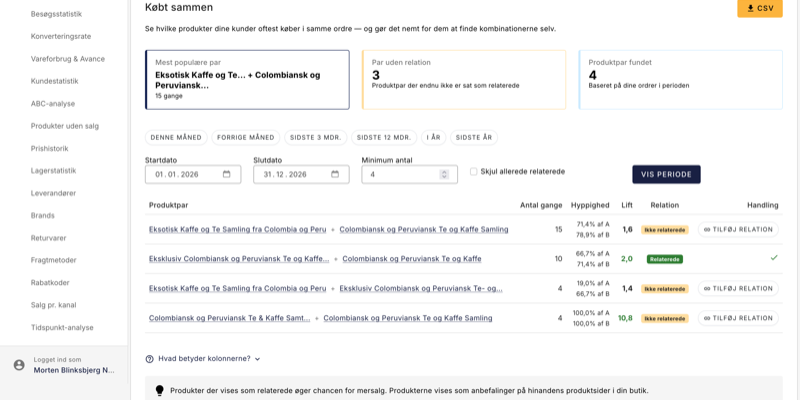
Your orders already know what customers want. Now you can see it
The Bought together statistics feature finds the product pairs your customers consistently buy in the same order. Add recommendations with one...
Related products - increase your upsell
Show related products manually, automatically based on purchase data or via recommendation engines. Increase upselling in your online store.
Upselling after purchase
Display product recommendations on the receipt page and let customers continue shopping with a single click. Higher order amounts, no need to...
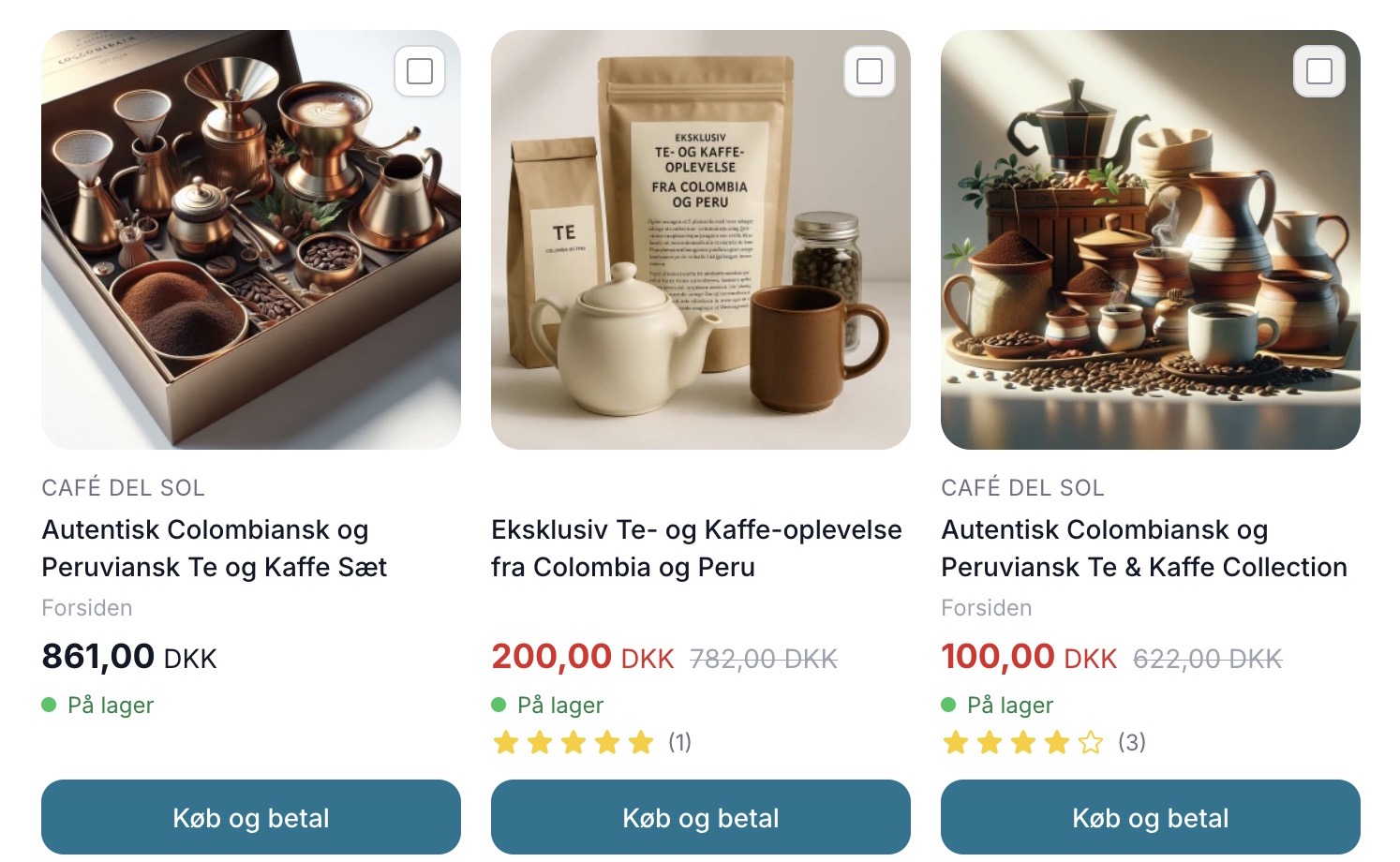
Sælg mere med Mersalg efter køb
Display suggested products on the receipt page that customers can add with a single click. Shoporama's built-in post-purchase upsell feature. No...