The Customers 1st integration is a free app in Shoporama that links one store in the Customers 1st (C1st) point-of-sale system to one inventory location in the online store. The products are available in both systems, and inventory is synchronized in both directions: a sale at the register updates the inventory in the online store, and an online sale updates the inventory at the register. You install the app under Integrations → Apps and enter an API key from Customers 1st.
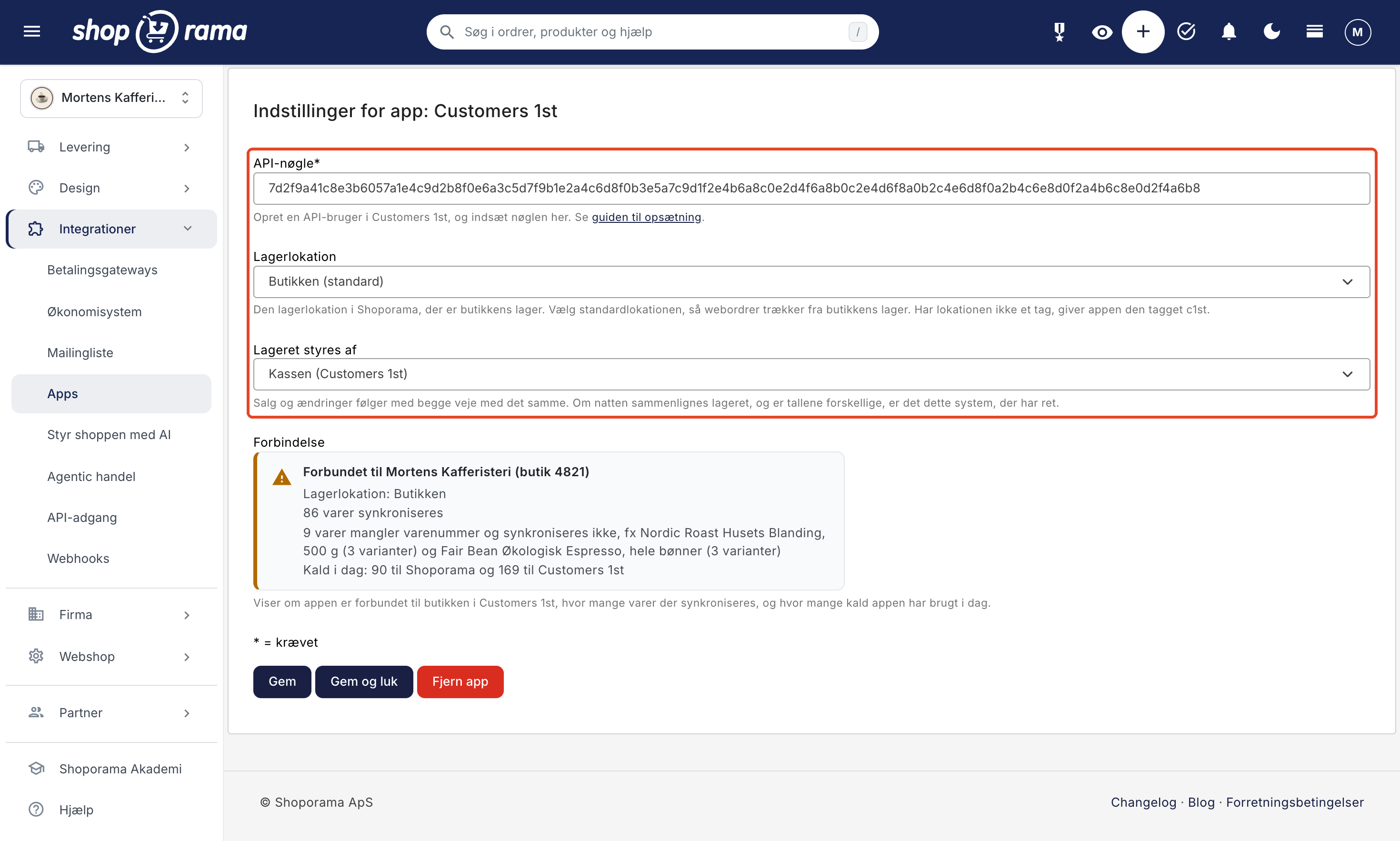
Here’s what the app does
- Links products bySKU. TheSKU in Shoporama must match the one in Customers 1st. If a product has variants, each variant is linked to its own SKU.
- Creates missing products in both directions. If a product is missing in Customers 1st, the app creates it there with the name, SKU, barcode, price including tax, cost price, and inventory. This happens during the first synchronization and for new products when you save them. If the product is missing in Shoporama, the app creates it as a single product without variants and in offline mode, so you can add images, a description, and a category before it goes online.
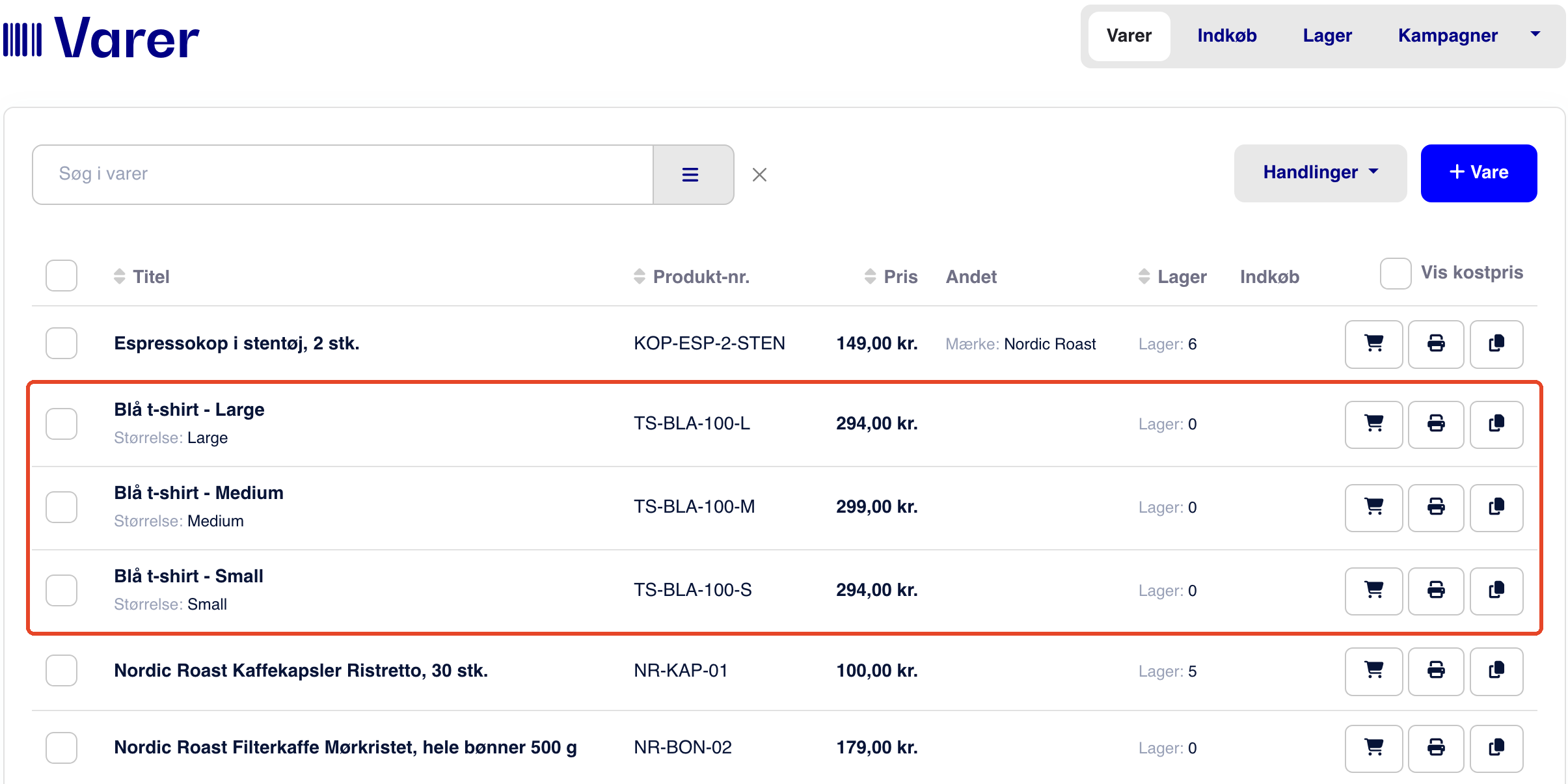
- It includes the variants. In Customers 1st, each variant becomes an item named “Item Name – Value” with the variant’s value as the size, e.g., Blue T-shirt – Large.
- Syncs inventory in both directions immediately, typically within seconds to a few minutes. From Customers 1st: in-store sales, goods received, inventory counts, and product corrections. From Shoporama: web orders, cancellations, returns, credits, corrections, and inventory postings at the location.
- Doesn’t lose sales that occur simultaneously. The app sends the change—for example, “one sold”—rather than a new inventory count. If the register and the online store sell the same item at the same time, both sales are counted.
- Checks inventory overnight. Changes that haven’t been received yet are sent, and if the numbers still differ, the app corrects them according to the system you’ve selected under “Inventory Managed By.” New items that haven’t been included are also identified.
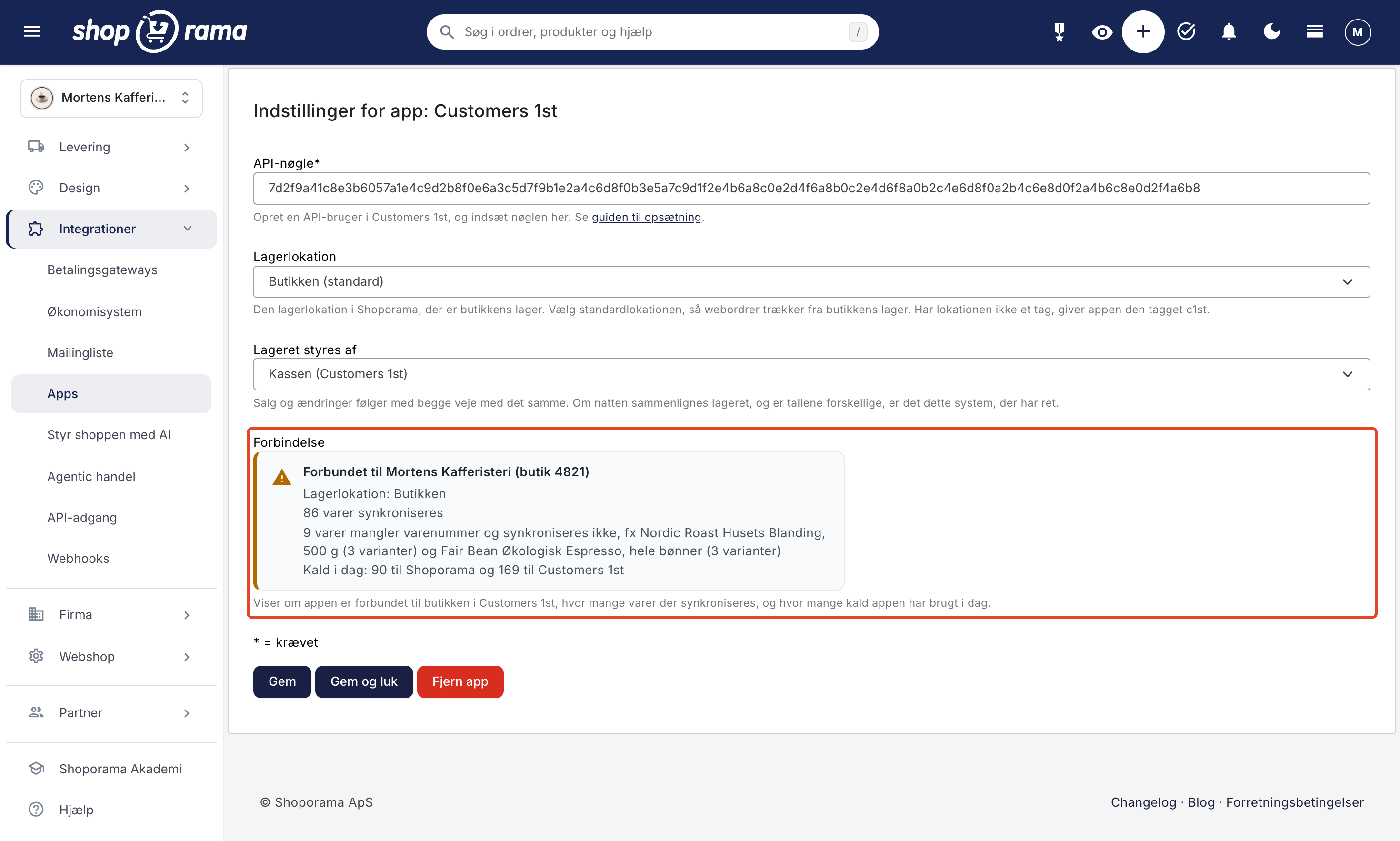
- Displays status. The “Connection” status box shows the store and warehouse location, how many items are being synchronized, and how many items are missing an SKU.
- It’s free. Its calls to Shoporama do not count toward the API calls included in your subscription, so they do not cost extra.
The app does not do the following
- It does not transfer orders. Sales from the register do not become orders in Shoporama, and online orders do not become sales in Customers 1st.
- It does not sync customers, gift cards, store credit, or loyalty points.
- It does not update the name or price after an item has been created, and descriptions, images, and categories are never included.
- It never deletes products, and if you delete a product in one system, it remains in the other.
- It does not support barcodes, and products without a product number are not included. Customers 1st allows a maximum of 25 characters in the product number for new products.
- It does not link multiple stores to a single online store. Currently, the app links one online store to one store in Customers 1st.
Online orders are fulfilled from the default location, so select the store’s location as the default location if the online store sells from the store’s inventory. Learn more about inventory locations.
If the Shoporama integration in Customers 1st is also enabled, disable it in Customers 1st before installing the app; otherwise, inventory will be deducted twice.
Here’s how to set it up: Set up the Customers 1st integration. If you’d like to learn more about what a web store with Customers 1st offers, read Web Store with Customers 1st.