Checkout flow and shipping calculation
Guide for developers to implement shipping in the checkout flow of a Shoporama theme.
Shoporama beregner automatisk, hvilke fragtmetoder der er tilgængelige for kunden baseret på leveringslandet. Denne guide forklarer det anbefalede checkout-flow og hvordan fragtberegningen fungerer.
Det anbefalede checkout-flow
Vi anbefaler følgende rækkefølge i dit checkout-flow:
- /basket — Kurvoversigt
- /address — Adresseoplysninger inkl. landvalg
- /shipping — Valg af fragtmetode (og evt. pakkeshop)
- /approve — Godkendelse af ordren
- /payment — Betaling
Hvorfor rækkefølgen er vigtig
Shoporama bruger leveringslandet til at bestemme, hvilke fragtmetoder der er tilgængelige. Derfor skal kunden først vælge land (på /address), før fragtmetoderne kan beregnes (på /shipping).
Bemærk
Sender du kun til Danmark, kan du i princippet placere fragtvalget, hvor du vil. Men det anbefalede flow fungerer bedst for de fleste shops.
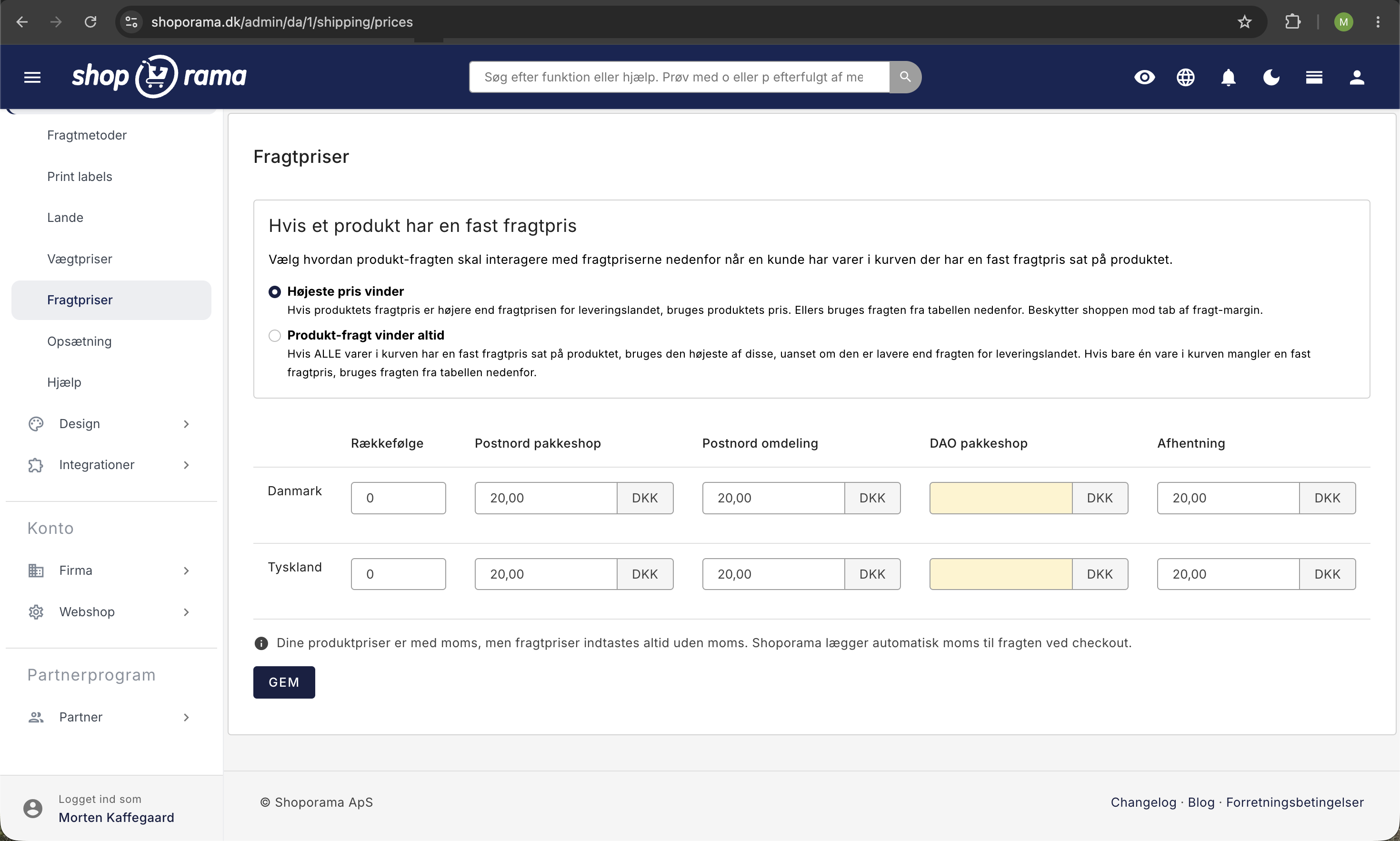
Fragt og pakkeshop-valg
På /shipping-siden kan der være to valg:
- Fragtmetode — fx "GLS til pakkeshop", "PostNord hjem til døren" osv.
- Pakkeshop — hvis kunden vælger en pakkeshop-fragtmetode, skal de også vælge specifik pakkeshop
Mange tema-udviklere vælger at skjule pakkeshop-listen, indtil kunden har valgt en fragtmetode med pakkeshops (GLS eller PostNord). Når kunden vælger en pakkeshop-metode, vises listen med nærliggende pakkeshops.
Alternativt flow: Fragt på address-siden
Nogle udviklere vælger at vise fragtvalget allerede på /address-siden. Det kan fungere, men vær opmærksom på:
- Hvis kunden ændrer land, skal fragtmetoderne opdateres (via page refresh eller JavaScript)
- Ikke alle fragtmetoder er tilgængelige til alle lande
- Det kræver ekstra JavaScript-logik at håndtere dynamisk opdatering
Tip
Hold dig til det anbefalede flow med separate sider for adresse og fragt — det er den sikreste løsning og fungerer korrekt med alle fragtmoduler.
Har du brug for hjælp med dit checkout-flow? Kontakt os på support@shoporama.dk.
Related articles
DHL Parcel Shop
Guide to setting up DHL parcel shop as a shipping method in Shoporama. Let customers choose the nearest DHL ServicePoint at checkout.
Which templates are used for which emails?
Complete overview of all email templates in Shoporama - order confirmations, abandoned baskets, return labels, product reviews and much more.
Customize your checkout
Guide to customizing the checkout flow in your Shoporama online store, including payment methods, shipping, customer fields and gift cards.
Related features
Start an online store: complete guide to opening your own store
How to start an online shop in 2026: platform, payment, shipping, domain and price. Step-by-step guide. Try Shoporama free for 30 days without a...
Shipping options
Set up shipping with PostNord, GLS, DAO, DHL and Shipmondo. Parcel shops in checkout, tracking, free shipping and weight-based shipping calculation.