Troubleshooting E-conomic integration
Guide to troubleshooting the e-conomic app in Shoporama. Fix sync issues, failed transfers and incorrect posting.
The e-conomic app automatically transfers orders from Shoporama to your e-conomic accounting system. This guide will help you resolve the most common issues.
First, check the order labels
Every order processed by the app is automatically assigned a label indicating its status:
- e-conomic-ok — Order transferred without issues
- e-conomic-pending — Order is awaiting transfer
- e-conomic-failed — Transfer failed. Click on the order to view the error message
You can filter the order list by label to quickly see all orders with issues.
Orders are not being transferred
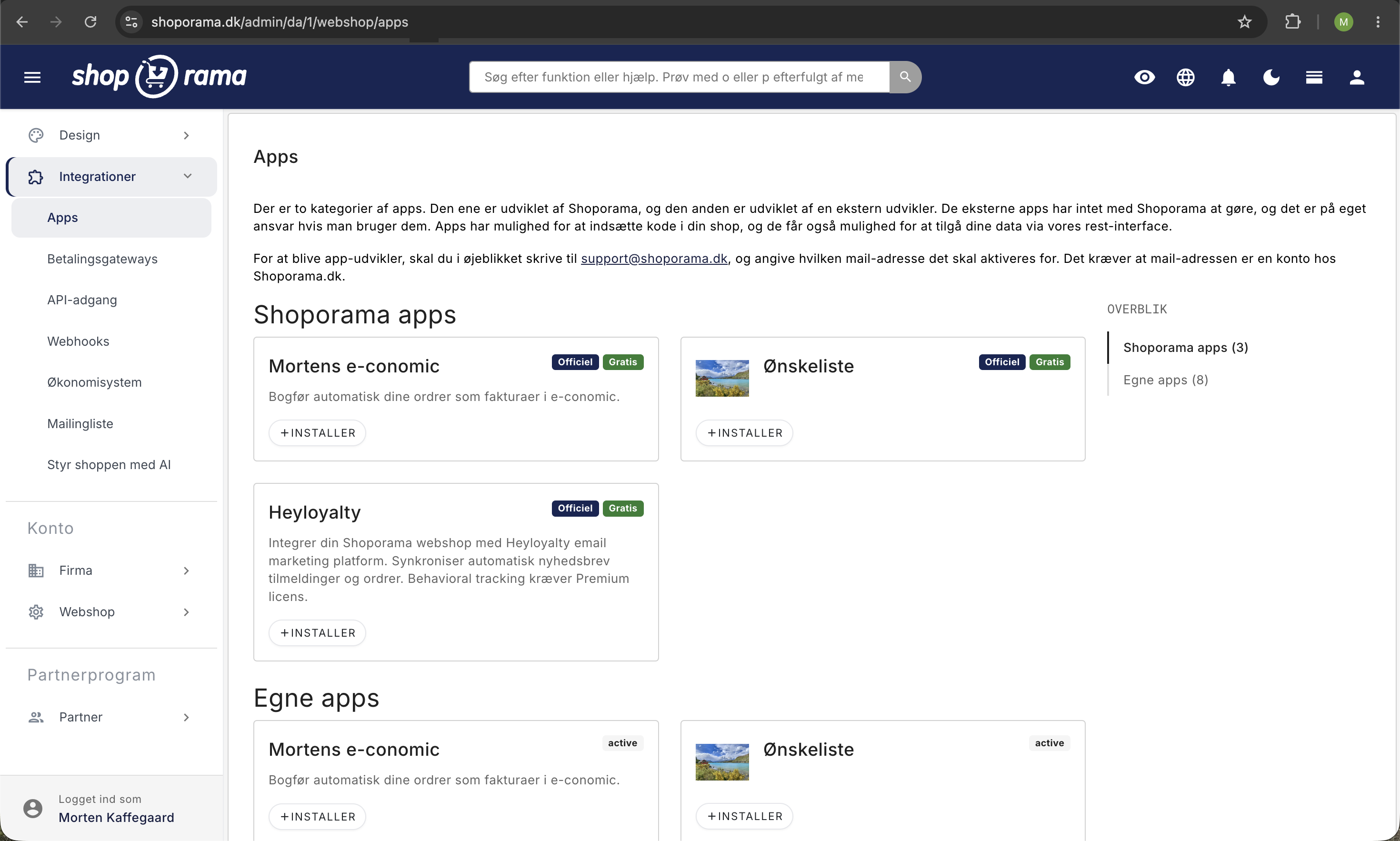
- Check that the app is installed — Go to Apps in the Shoporama admin and confirm that the e-conomic app is installed and active
- Check the API key — If the key is invalid or expired, all transfers will fail. Generate a new key in e-conomic and update the app in Shoporama
- Check the trigger time — The order is not transferred until the trigger time is reached (creation, payment, or shipment, depending on your settings)
- Manually resend — Remove the “e-conomic-failed” label and add “e-conomic-pending” to trigger a new transfer
Incorrect amounts in e-conomic
- VAT zones and VAT rates — Shoporama automatically sets the correct VAT zone in e-conomic based on the customer’s country of delivery and whether the customer is a private individual (B2C) or a business (B2B with CVR/EAN). If the figures don’t match, check that your VAT zones in e-conomic are set up to handle Danish sales, EU sales, and exports. Read more in B2B Sales in Shoporama
- Rounding — Minor discrepancies of a few øre may be due to rounding differences between the systems
- Currency — Verify that the currency in e-conomic matches the order currency, or adjust the exchange rate in the app settings
- Country of Origin — Verify that the country of origin in the app settings is set correctly. This determines the VAT zone calculation
Transfer errors
If a specific order cannot be transferred, it may be due to:
- Missing customer information — A missing name, address, or email address can prevent a customer record from being created
- Invalid product group — The product group you selected in the app settings must exist in e-conomic
- Missing payment terms — If payment terms are not set for the order type (card or EAN/invoice), the invoice may fail
- Missing layout — If the selected invoice layout does not exist in e-conomic, the transfer will fail
- Rate limit from e-conomic — For very large batches, e-conomic may temporarily limit incoming calls. Wait a few minutes and try again
What about credit memos?
The new e-conomic app does not automatically transfer credit memos. When you credit an order in Shoporama, you must create the corresponding credit memo in e-conomic yourself. Read more in the article on credit memos and refunds.
Inventory is not updated
The new e-conomic app does not synchronize inventory between Shoporama and e-conomic. Inventory is managed exclusively in Shoporama. If you previously used inventory synchronization via the old SOAP integration, you must now maintain inventory only in Shoporama.
See also the articles “Set Up the e-conomic Integration,” “How the e-conomic Integration Works,” and “Common Errors in the e-conomic Integration ” for more information.
Related articles
Billy's Billing integration
Guide to setting up Billy's Billing in Shoporama. Automatically transfer orders to your accounts, synchronize products and post payments.
Handle returns
Guide to Shoporama's returns center - handle returns, create credit notes, and manage customer return requests.
Create a credit note
Guide to creating a credit note in Shoporama when you receive returns or need to refund an order.