What does “AI-powered online store” mean?
Artificial intelligence has gone from being a buzzword to an everyday tool. But in most systems, you have to find, pay for, and integrate external AI services into your store yourself. In Shoporama, AI is built in from the start, so the help is right where you need it: when you’re writing a product description, creating a newsletter, or managing day-to-day operations.
"Online Store with AI" covers three specific features in Shoporama. You can use one of them or all of them, and what they have in common is that you write in Danish, and you always have the final say. The AI suggests and executes, but you approve, and you publish. You can read a brief explanation of the concept in our glossary under “AI in the online store.”
Three Ways AI Helps You in Shoporama
1. Chat with your entire store
Connect your store to Claude, an AI assistant from Anthropic, and type in Danish what you want done. Over 100 actions are available, covering virtually everything you can do yourself in the admin panel: products, orders, campaigns, pages, blog, design, statistics, SEO, and operations. For example, type “create a 15% discount code called SOMMER26 that expires on June 30,” and the rest will be handled in the store. Setup takes about five minutes, and access is secured with OAuth, an audit log, and the ability to revoke access at any time.
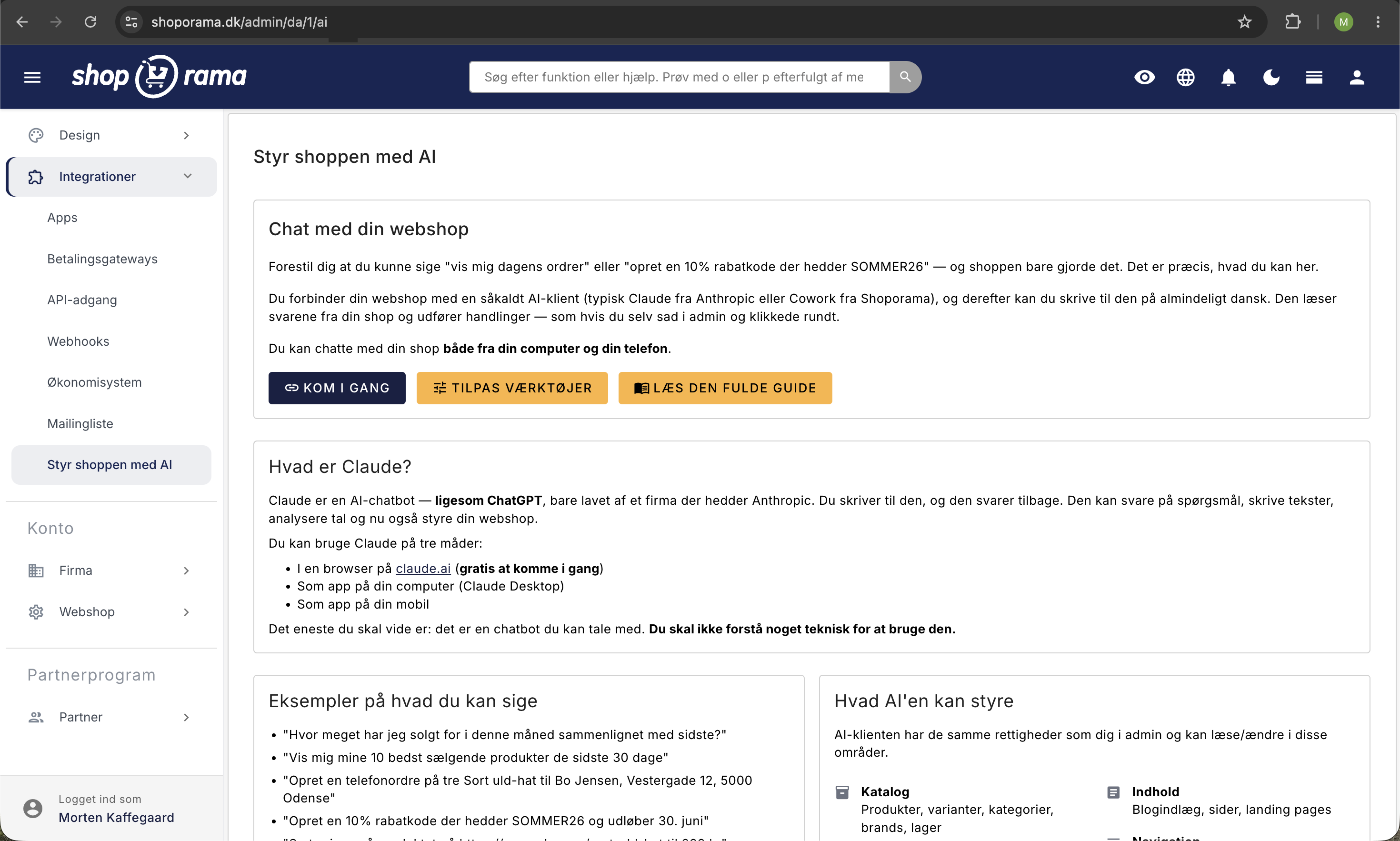
Read all about chatting with your store →
2. AI Copywriter in the Text Editor
The built-in AI copywriter helps you right in the editor. It writes and improves product descriptions, blog posts, and meta text for SEO; it creates image descriptions and alt text; and it can generate entirely new images. The feature uses OpenAI, and you’ll find it right where you edit text—no need to switch pages or tools.
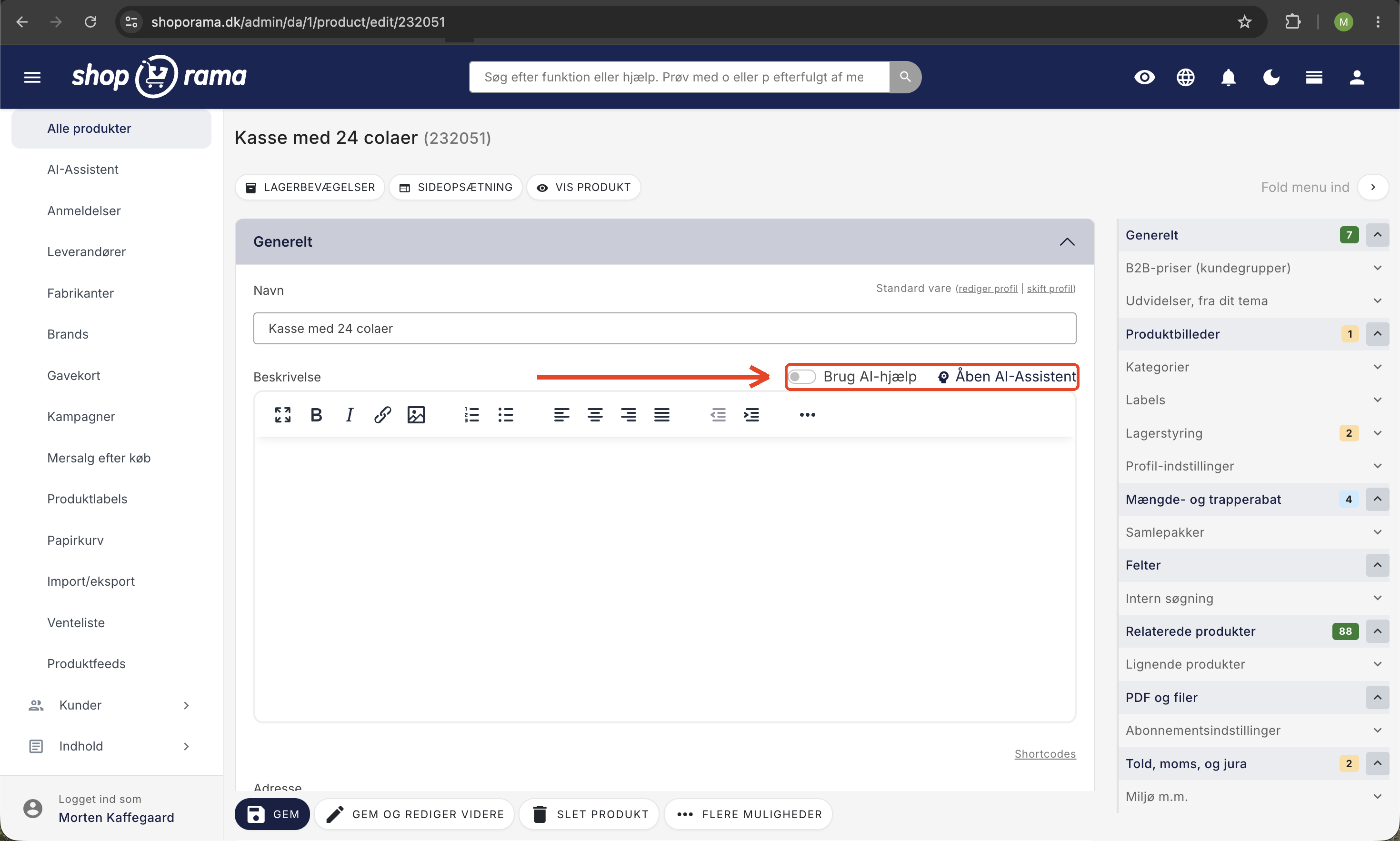
How to use the AI Text Writer →
3. Create newsletters with AI
Describe in Danish what your newsletter should be about, and the AI will gather the right modules and products to create a finished draft. It’s a great shortcut from a blank screen to a ready-to-go draft. The AI can never send the newsletter on its own. You review the draft, make any corrections, and click “Send” when you’re ready.
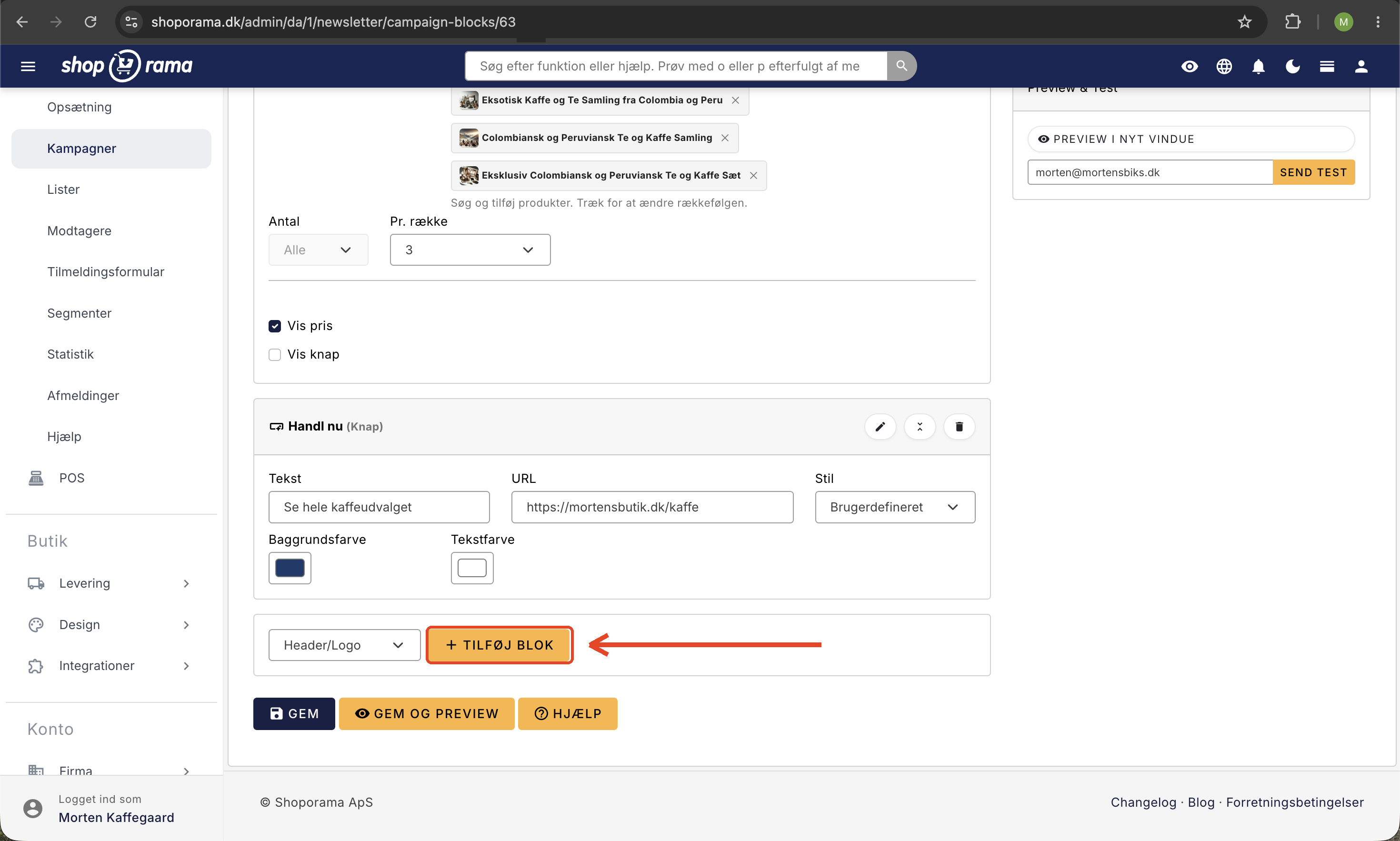
How to Build Newsletters with AI →
What exactly can you use AI for?
Here are some of the tasks store owners most often handle with AI in Shoporama. The list isn’t exhaustive, but it gives you an idea of just how broad its scope is.
| Task | Example |
|---|---|
| Product descriptions | "Write a sales-driven description for this wool sweater" "Create a shorter version for the category page" |
| Images and alt text | "Write alt text for this image" "Generate a product image on a white background" |
| Newsletters | "Create a newsletter about our summer sale featuring four selected products" |
| Campaigns and discount codes | "Create a 15% discount code, SOMMER26, that expires on June 30" "Create a promotion: Buy three, pay for two in the Coffee category" |
| Operations and Products | "Set the price of the black wool hat to 399 kr" "Find all products without images" |
| SEO and Statistics | "Which keywords returned 0 results last month?" "How much have I sold this month compared to last month?" |
AI that takes action, not just responds
The difference between Shoporama and a regular chatbot is that the AI doesn’t just make suggestions—it takes action. When you ask for a discount code, the discount code is created in your store. When you ask for a blog post, it’s written and ready to be published. And when multiple tasks are related, the AI handles them in a single, seamless conversation instead of sending you back and forth between screens.
You can also combine tasks: “Find the 10 best-selling products from last month, create a campaign offering 15% off them, and write a blog post presenting the campaign.” This is where the AI really saves time in a busy workday.
Is it safe? Data, GDPR, and control
“Should I really give an AI access to my online store?” is a fair question. Here’s the framework:
- The AI has the same rights as you. It can’t do anything you can’t do yourself in the admin panel—no more, no less.
- You choose which store it’s allowed to work in. If you have multiple stores, the AI only gets access to the one you approve.
- Everything is logged. Every action is recorded in an audit log that you can view yourself, showing what was done, when, and which API call was used. The log is stored for 90 days.
- Secure connection. Chat access uses OAuth 2.0, the same type of protocol used by banks and major services. No keys are stored in plain text.
- You can revoke access at any time. One click in the admin panel, and the old connection no longer works.
- Your data and GDPR. When a task involves customer data, the necessary information is sent to the AI as part of the conversation. Anthropic and OpenAI do not, as a rule, train on the chat. Treat them as data processors, and make sure this is covered in your data processing agreement and privacy policy.
How much does it cost?
The AI is built into Shoporama and included in the subscription. There is no additional license fee, no per-user charge, and no usage-based billing on our part. If you plan to use the chat feature extensively, Claude offers a free tier at Anthropic that you can start with, and any upgrades are billed directly by Anthropic. See Shoporama’s pricing for the platform itself.
How to Get Started
The AI copywriter and newsletter AI are ready to use right from the start; you’ll find them in the editor and in the newsletter module. If you want to chat with your entire store, set up the connection under Integrations › Manage the Store with AI in the admin panel, copy your unique URL into Claude, and you’ll be up and running in about five minutes. You’ll find the full guide on the Web Store with Claude page.
Ready to give it a try?
Start your free 30-day trial—no credit card required and no strings attached. AI is built in from day one, so you can take a task you’ve been putting off and let the AI handle it while you see how much time it saves you.
Frequently Asked Questions
What’s the difference between the three AI features in Shoporama?
Chat with Your Shop can manage your entire store: create products, run campaigns, update the homepage, and pull up statistics. The AI copywriter in the editor writes text and image descriptions and can generate images. The Newsletter AI compiles a draft newsletter based on your description. You can use them separately or together.
Could the AI accidentally delete or damage something in my store?
The AI only does what you ask it to do, and it has the same permissions as you—no more, no less. Everything it does is recorded in an audit log that you can view yourself, and you can revoke its access with a single click. For major changes, such as bulk updates or deletions, we recommend asking the AI to confirm first and taking a backup, just as you would before any major manual intervention.
Do I need to know how to code to use AI in Shoporama?
No. You simply write in plain Danish, just as you would when asking an employee to do something. You don’t need to know how to code, understand APIs, or be familiar with technical terms. The chat feature can be set up in about five minutes by copying a URL from your admin panel into Claude.
Is my customers’ data sent to the AI, and how does this comply with GDPR?
When you ask the AI for something involving customer data—for example, “show today’s orders”—the relevant information is sent to the AI as part of the conversation, just like with any other AI chat. Anthropic and OpenAI do not, as a rule, use the chat to train their models. You should consider them data processors, ensure this is covered in your data processing agreement and privacy policy, and review their current privacy terms, as conditions may change.
How much do the AI features cost?
AI is built into Shoporama and included in the subscription with no additional license or per-user fee. If you plan to use the chat feature extensively, Claude offers a free tier at Anthropic that you can start with, and any paid plan is billed directly through Anthropic. You can try the entire Shoporama platform for free for 30 days without a credit card.
Which AI models does Shoporama use?
Chat with Your Shop is powered by Claude from Anthropic via the open standard MCP. The AI text generator in the editor uses OpenAI: gpt-4o for text, gpt-4-vision-preview for image descriptions and alt text, and gpt-image-1 to generate images. You don’t need to worry about the models in your day-to-day use—it all happens automatically.
Can I use ChatGPT or Cursor instead of Claude?
The connection uses the open standard MCP (Model Context Protocol), so other MCP clients such as Claude Desktop, Cursor, Cline, Goose, and Cowork can also be connected. ChatGPT partially supports MCP via Custom Connectors. Right now, Claude is the easiest to set up and the one that best understands Danish, so we recommend starting there.
Can customers tell that the content was written by an AI?
No. The AI is just a tool in your admin panel. Customers see completely normal product descriptions, blog posts, newsletters, and homepages—just as if you had written every word yourself. You review and publish all content yourself, so you have full control over what customers see.
Can the AI perform multiple tasks in a single workflow?
Yes. Through the chat, you can combine tasks into a single message, for example: “Find the 10 best-selling products from last month, create a campaign offering 15% off them, and write a blog post about it.” The AI can perform over 100 different actions across products, orders, campaigns, content, statistics, and SEO, so the entire process is handled all at once instead of step by step.
Does the AI send out newsletters to my customers on its own?
No. The newsletter AI only compiles a draft based on your description. It never sends anything on its own. You review the draft, make corrections, select the recipient list, and you’re always the one who hits “send.”
Also check out our guides on “Webshop with Claude,” “The AI Assistant in the Text Editor,” and “Newsletters with AI,” or the glossary entry on “AI in Webshops.”